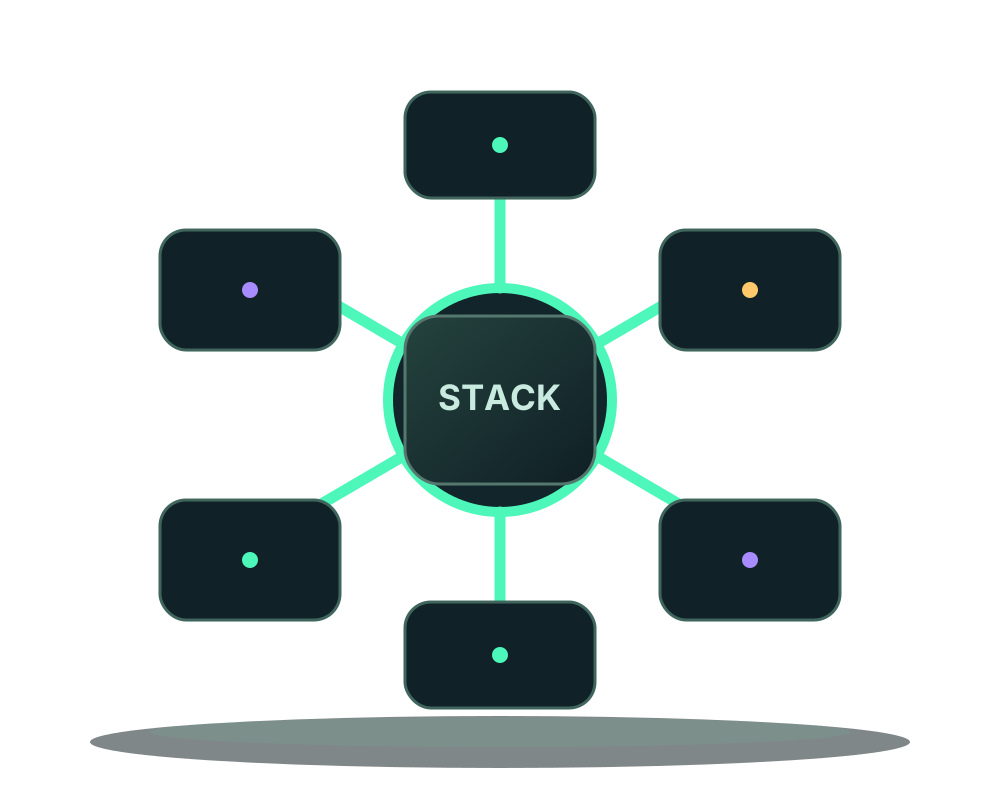
Whether Offshore or Surface, we have it all, a lot of Server
options for various types of use!


































Main sales at Impreza Host,
get the solution that works for you




How-tos for offshore, no-KYC infrastructure: pay in crypto, stay anonymous, and run it all from your AI agent.
Prepare a one-use Impreza secret-entry link, enter a supported app variable in the authenticated portal, then redeploy and verify without sending the value to AI.
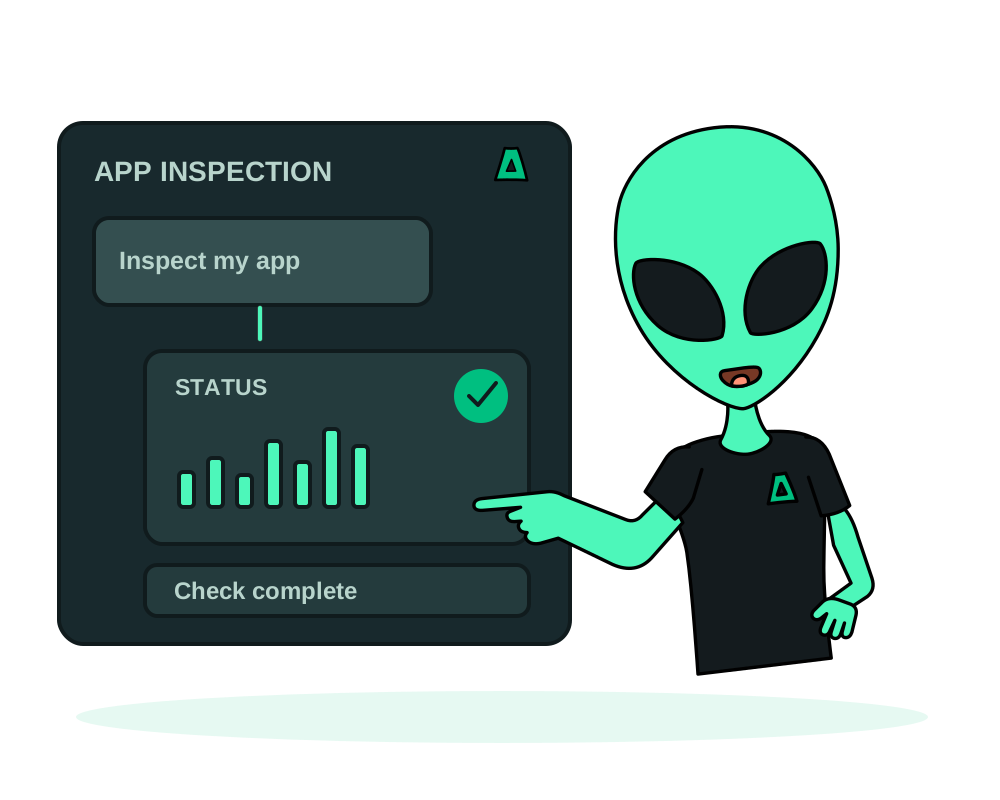
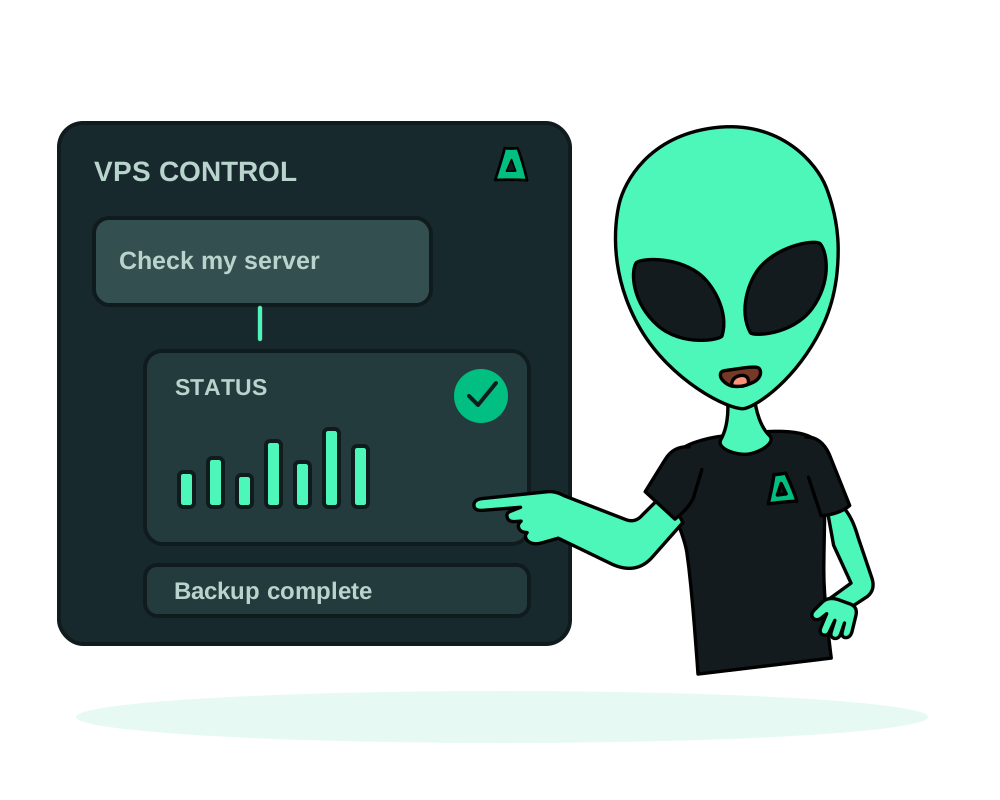
Check an eligible Impreza VPS, review the Agent installer, explicitly approve installation through MCP and verify its online status before deploying apps.
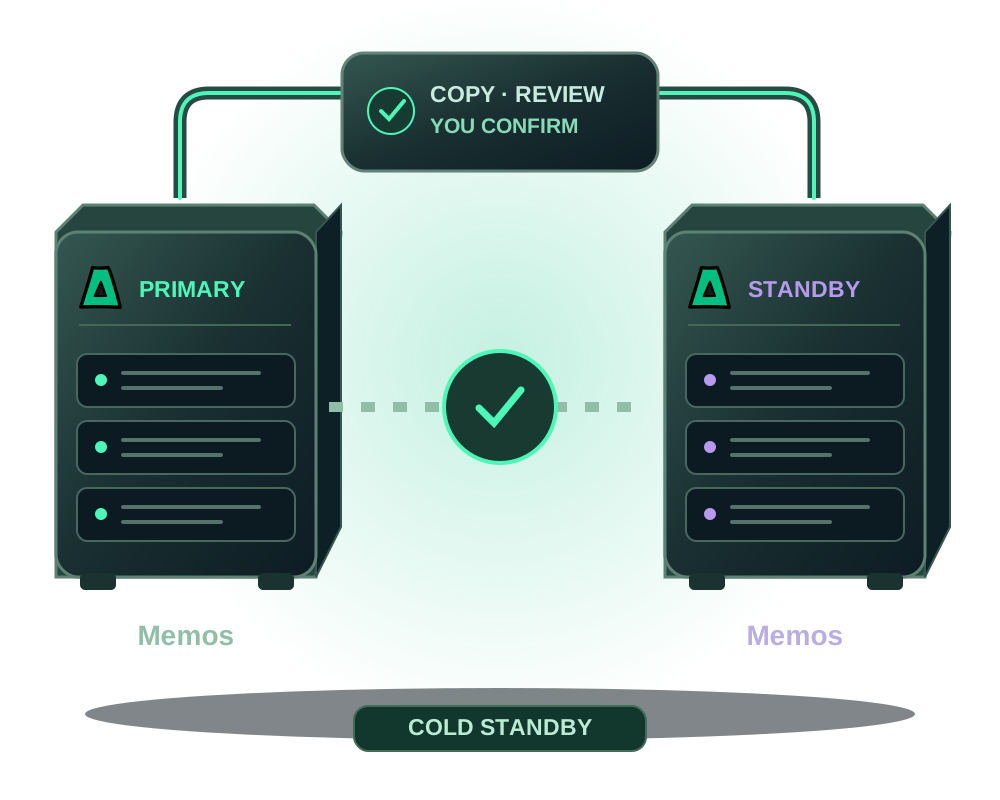
Prepare a reviewed Memos cold standby in another country. Verify its restored backup, confirm the cutover and check the managed hostname before retiring the old VPS.
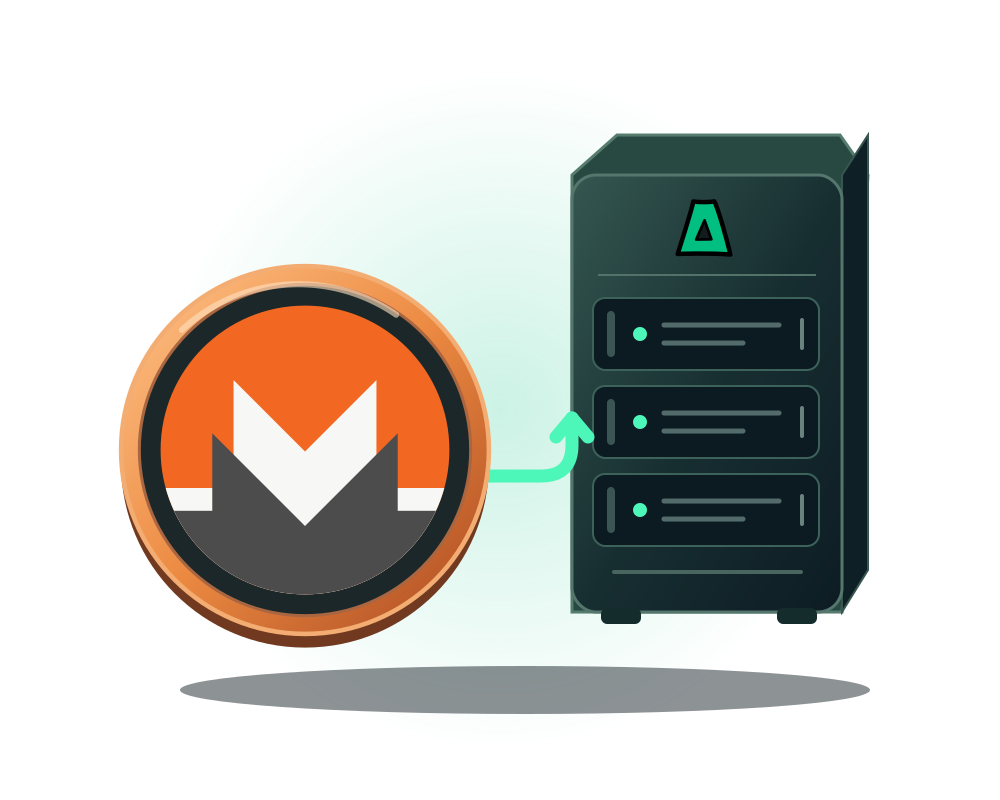
Fund an Impreza account with Monero and order a VPS from that balance. Every step, what each one actually hides, and what it does not.
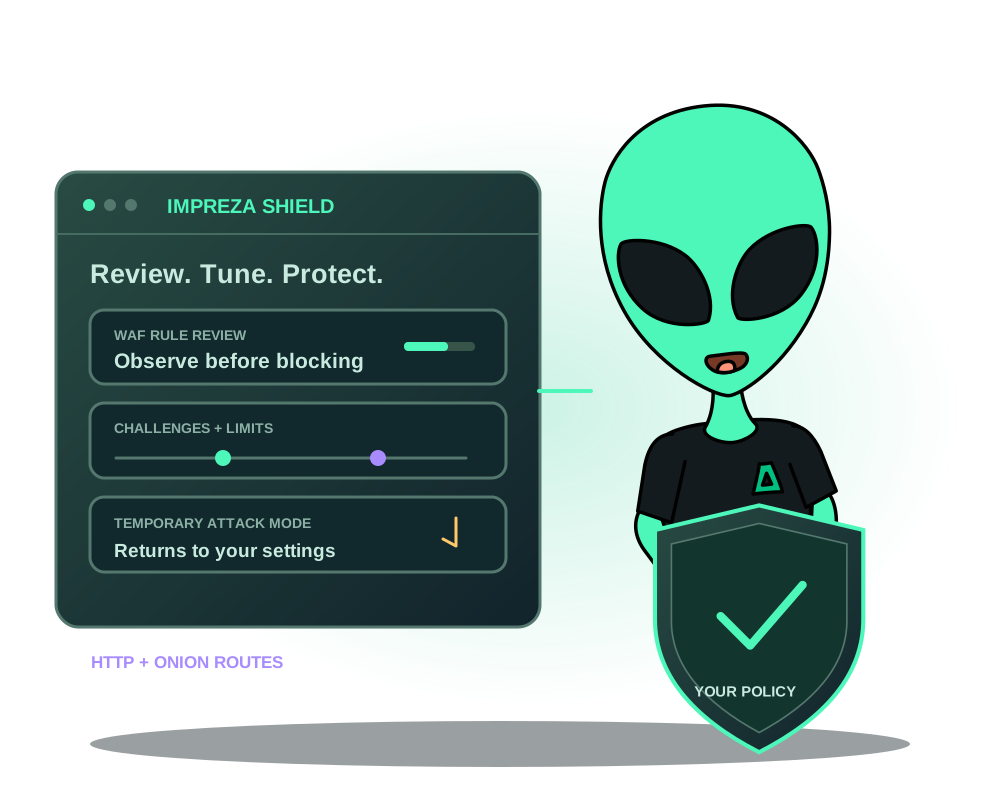
Configure Impreza Shield for a web app: review WAF detections, adjust request limits and proof-of-work, and use temporary attack mode on supported routes.
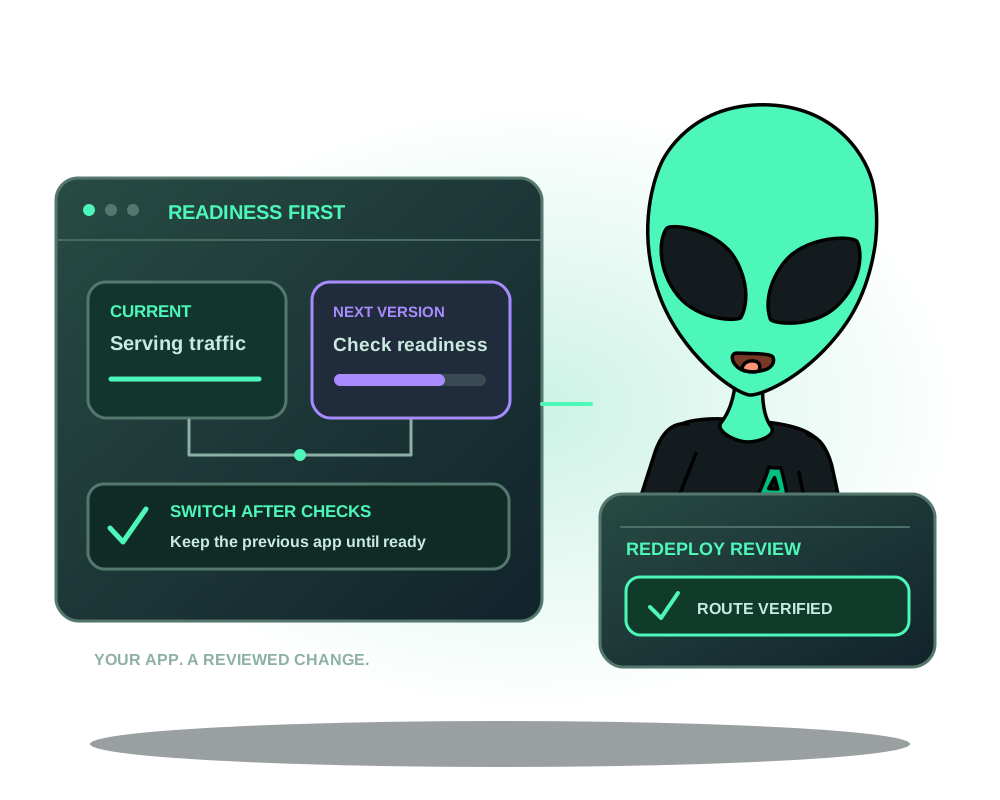
Keep the current app serving while a new version starts and passes readiness checks. Review compatible apps, route switching and failed redeploy outcomes.
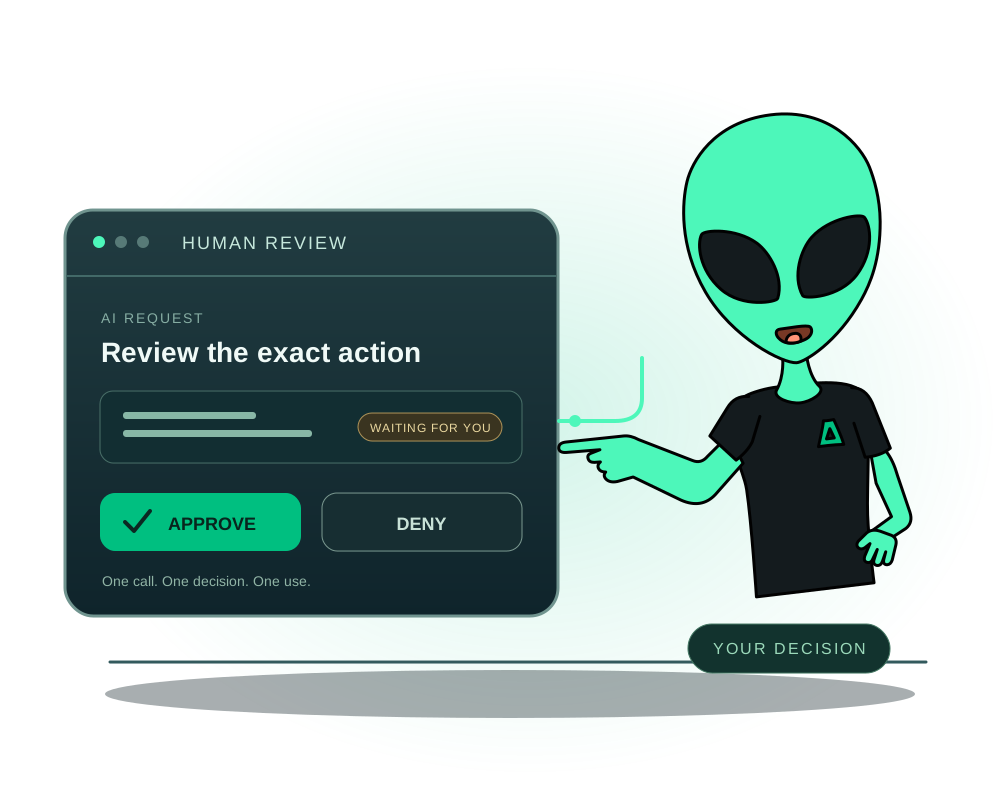
Require human approval before selected AI actions in Impreza. Set credential policies, review requests in the portal and keep spending and access limits.
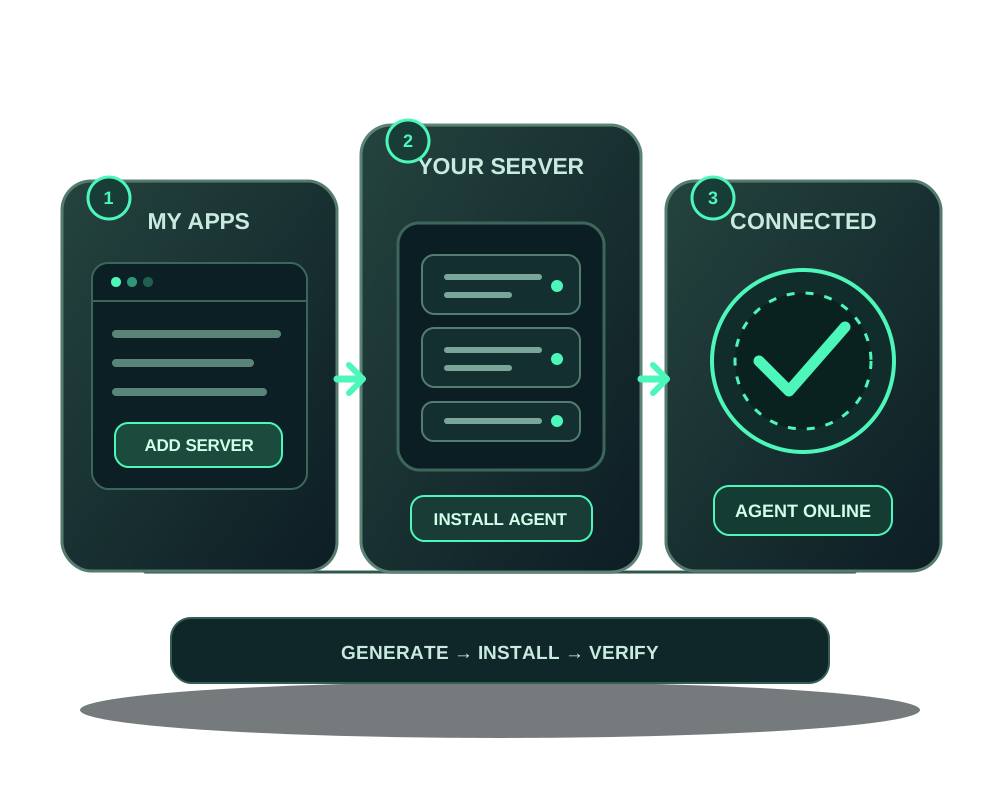
Add a compatible server from another provider to Impreza My Apps, install the Agent and verify it before deploying apps or connecting an AI assistant through MCP.
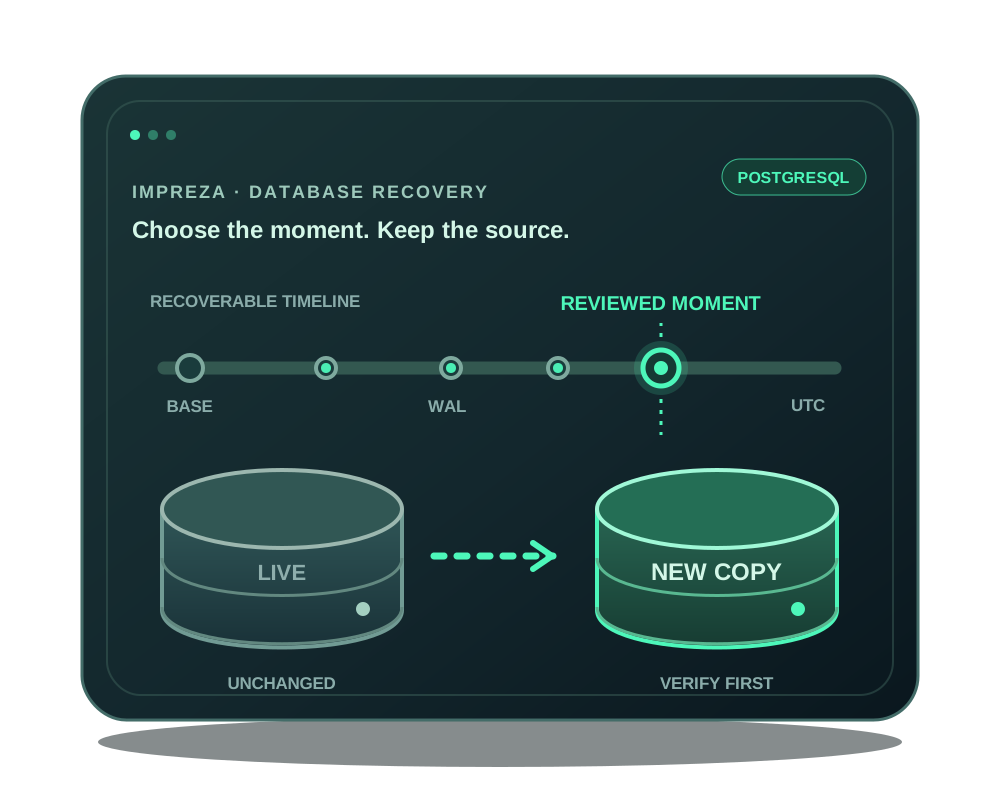
Use Impreza PostgreSQL point-in-time recovery to review a recoverable moment, test WAL replay and restore to a new database without replacing the live one.
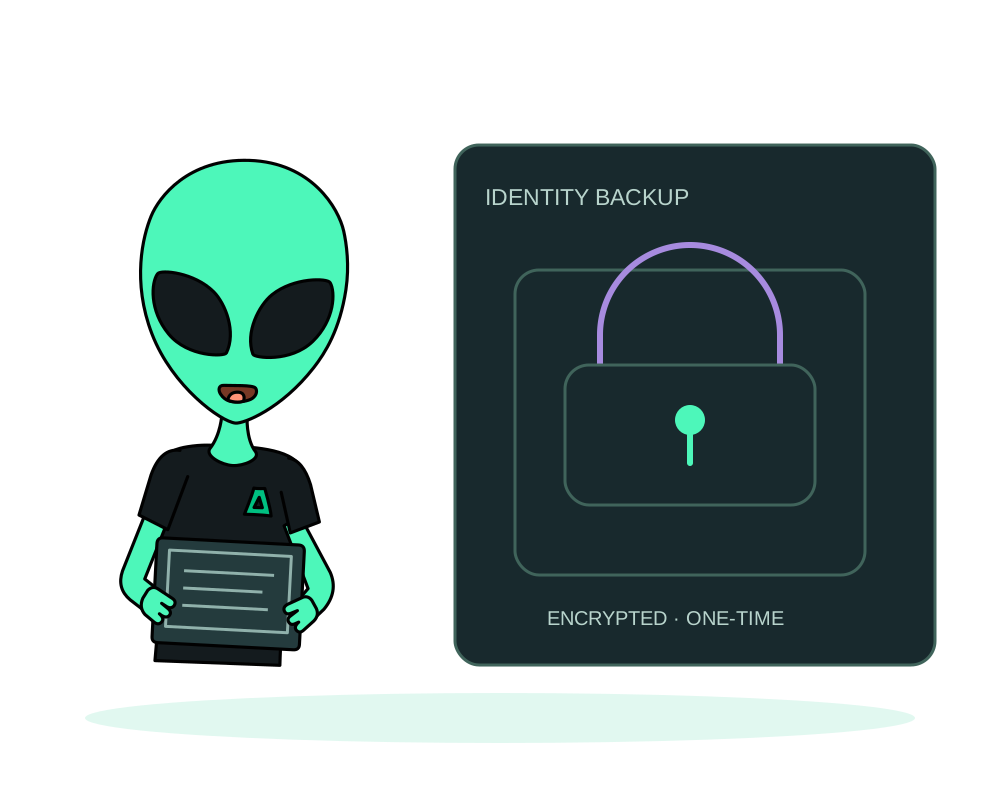
Protect an Impreza onion identity with encrypted export. Store recipient keys, understand one-time retrieval and plan recovery separately from app data.
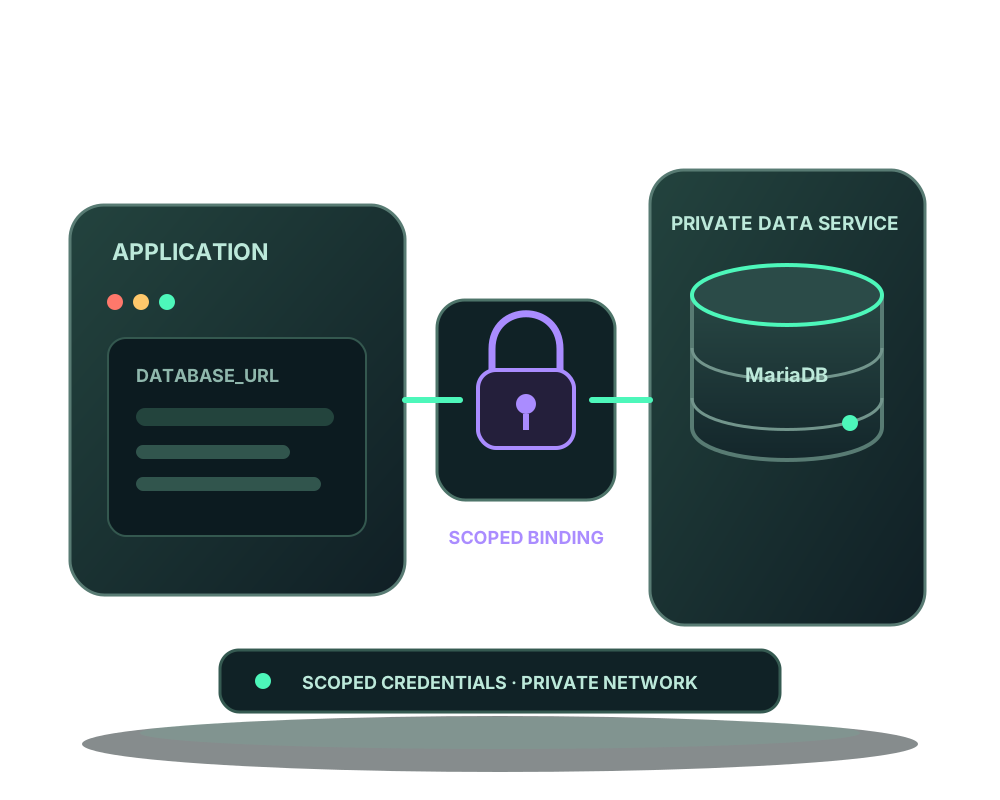
Give an eligible app a dedicated MariaDB database and login. Review private connectivity, credential changes and verified recovery without sharing passwords.
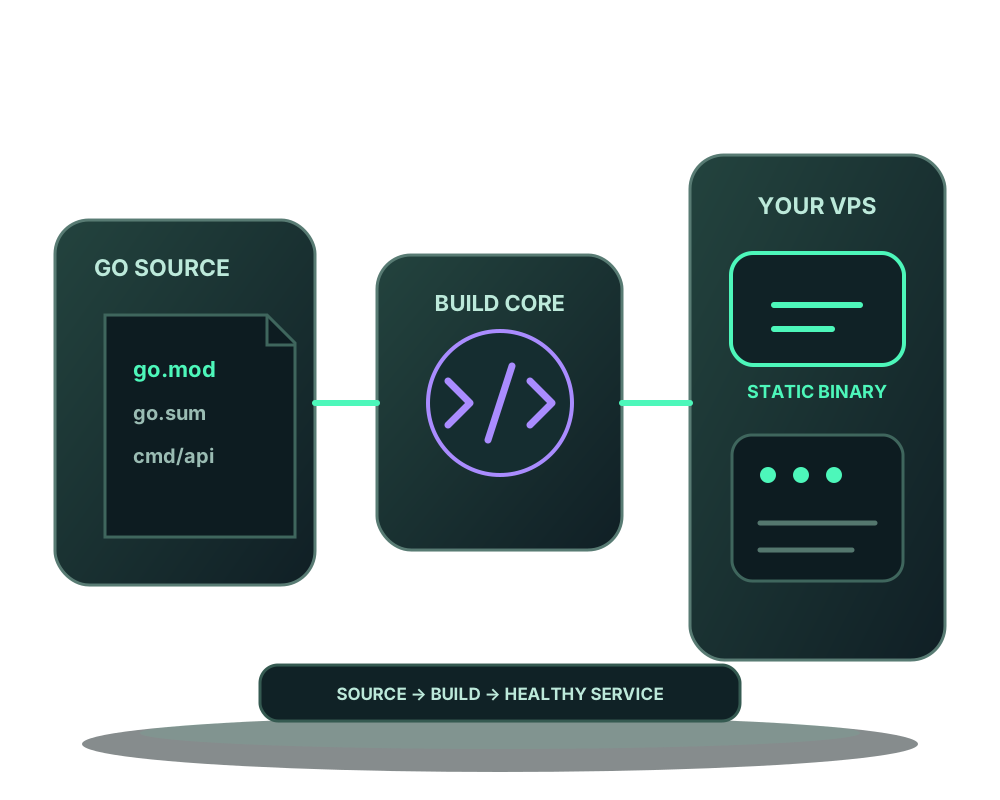
Build a compatible Go app with Impreza’s generated recipe on your VPS. Review module files, runtime port and health checks before routing users to it.
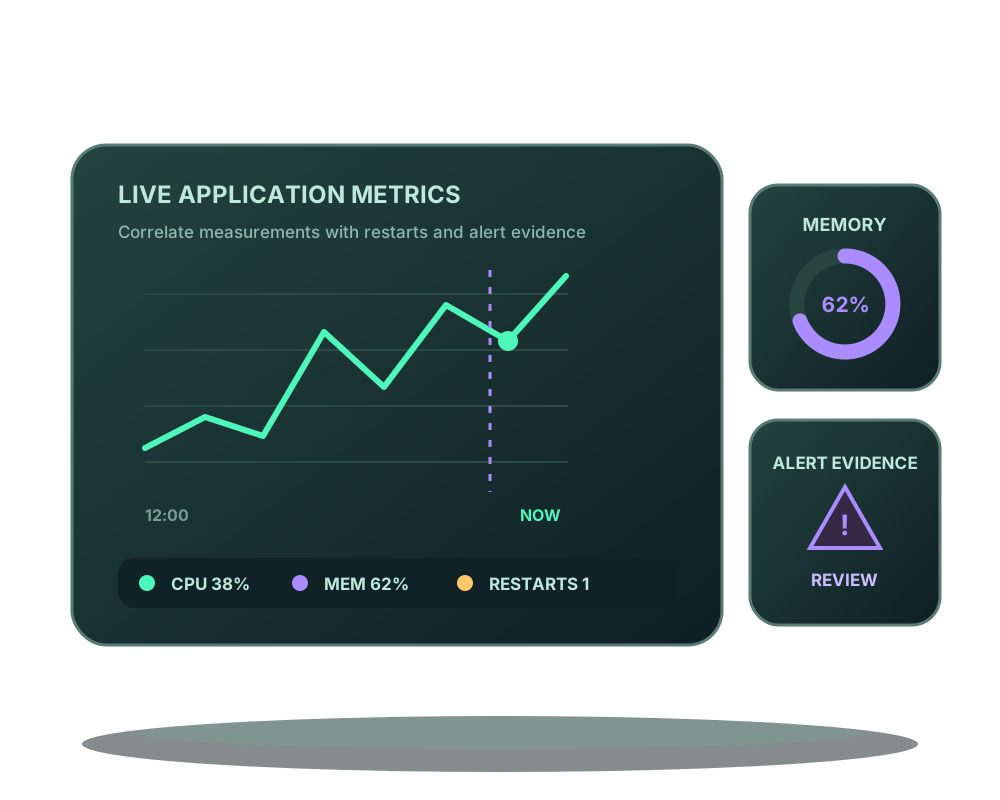
Review app metrics and alert evidence, including stale standby copies and failed drills on eligible failover pairs. Configure rules before acting.
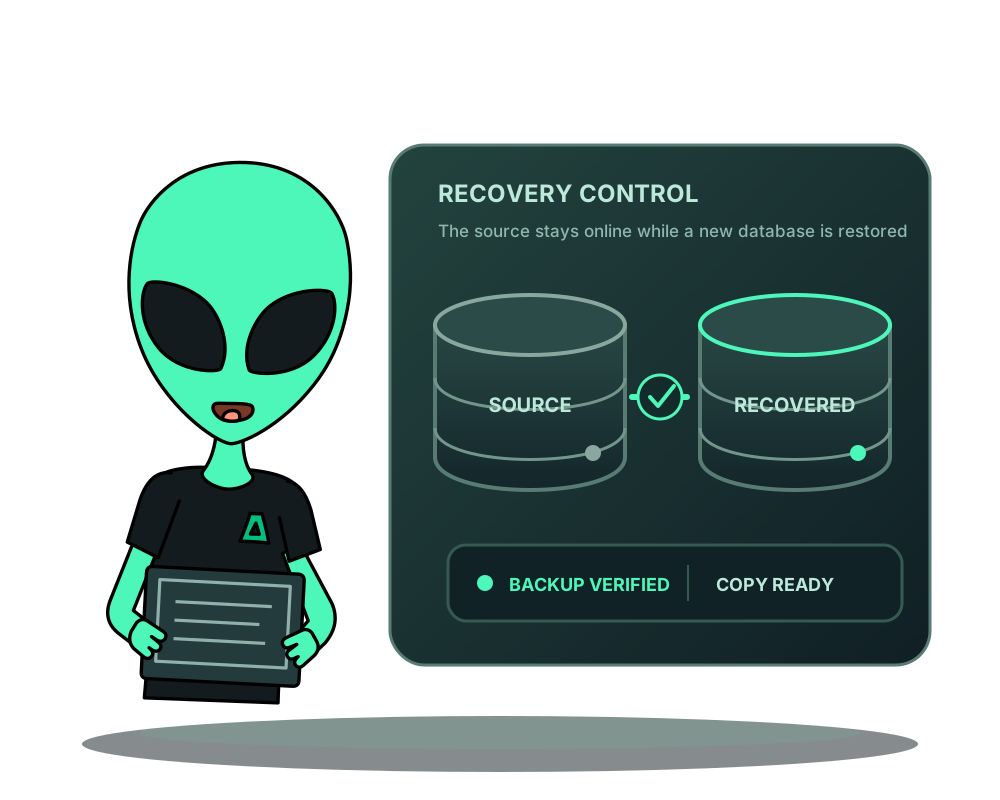
Restore a verified PostgreSQL or MariaDB backup into a new database. Review the target, check recovered data and plan an application cutover separately.
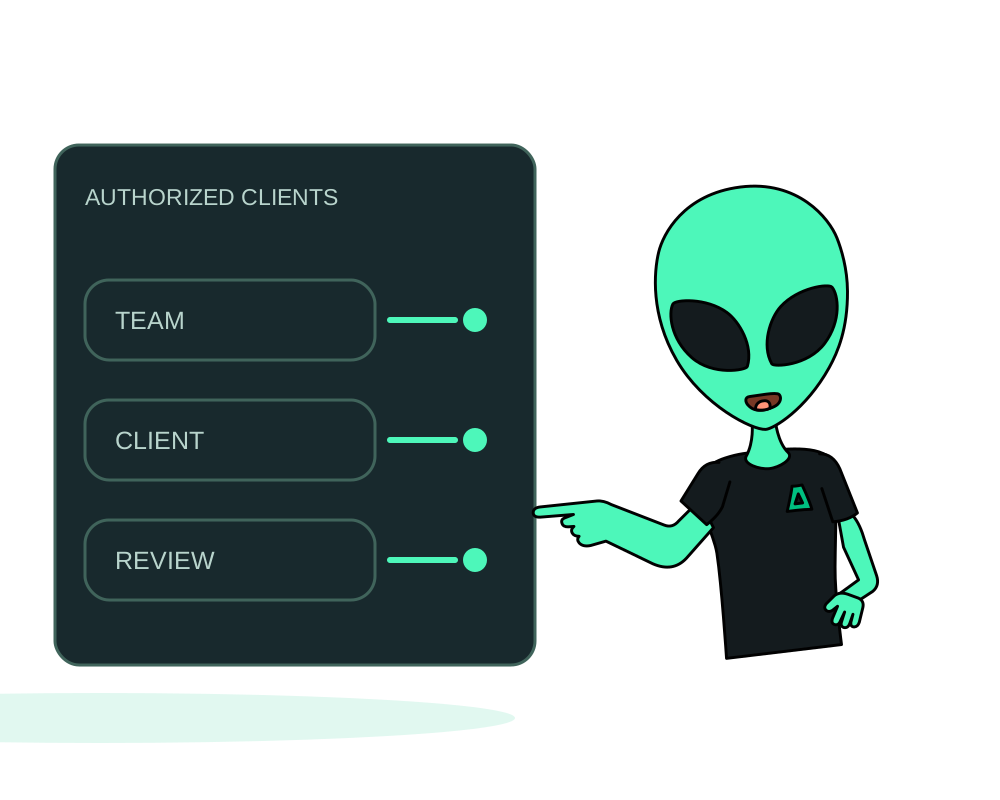
Control who can open an Impreza onion app with Tor client keys. Add access, test authorized and unauthorized clients, and review revocation consequences.
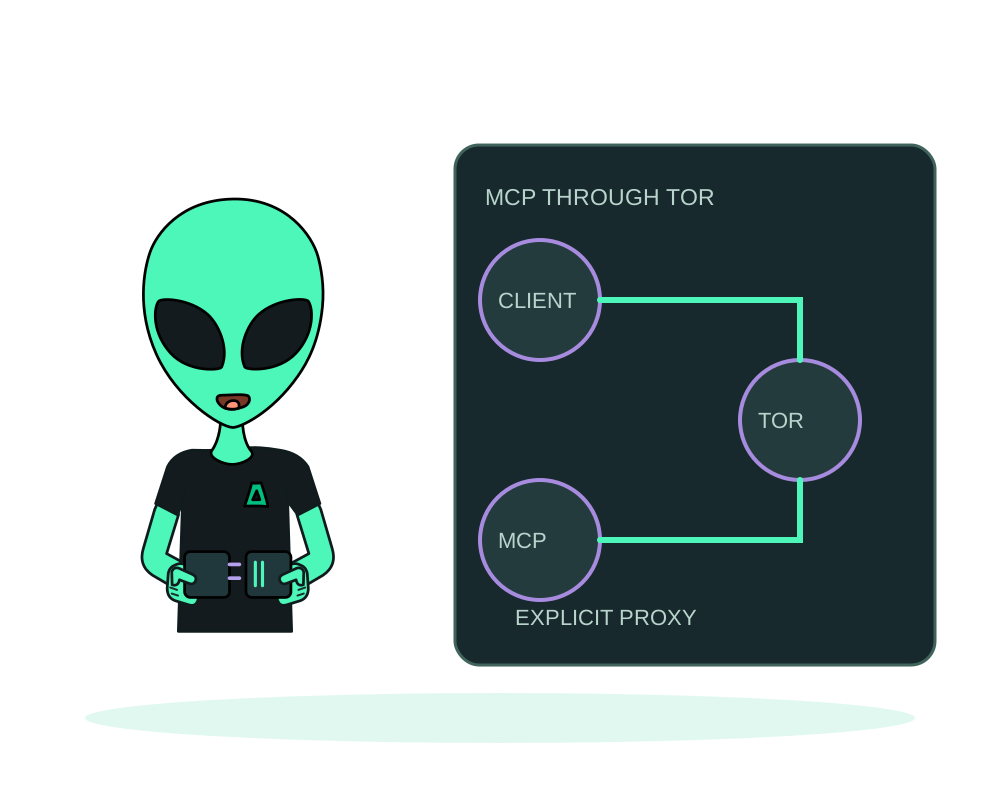
Connect a compatible AI client to Impreza MCP through Tor. Configure transport, validate OAuth metadata and verify the connection without clearnet fallback.
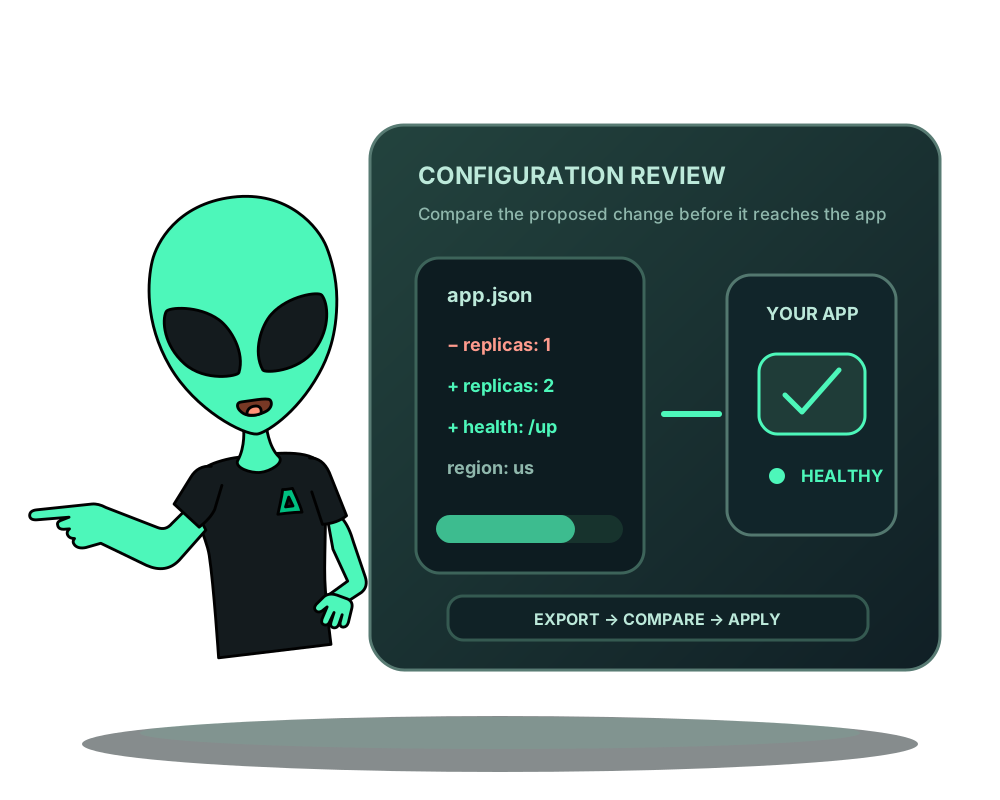
Export app configuration, review changes and apply an approved plan to an existing Impreza app. Keep credentials private and verify the resulting deployment.
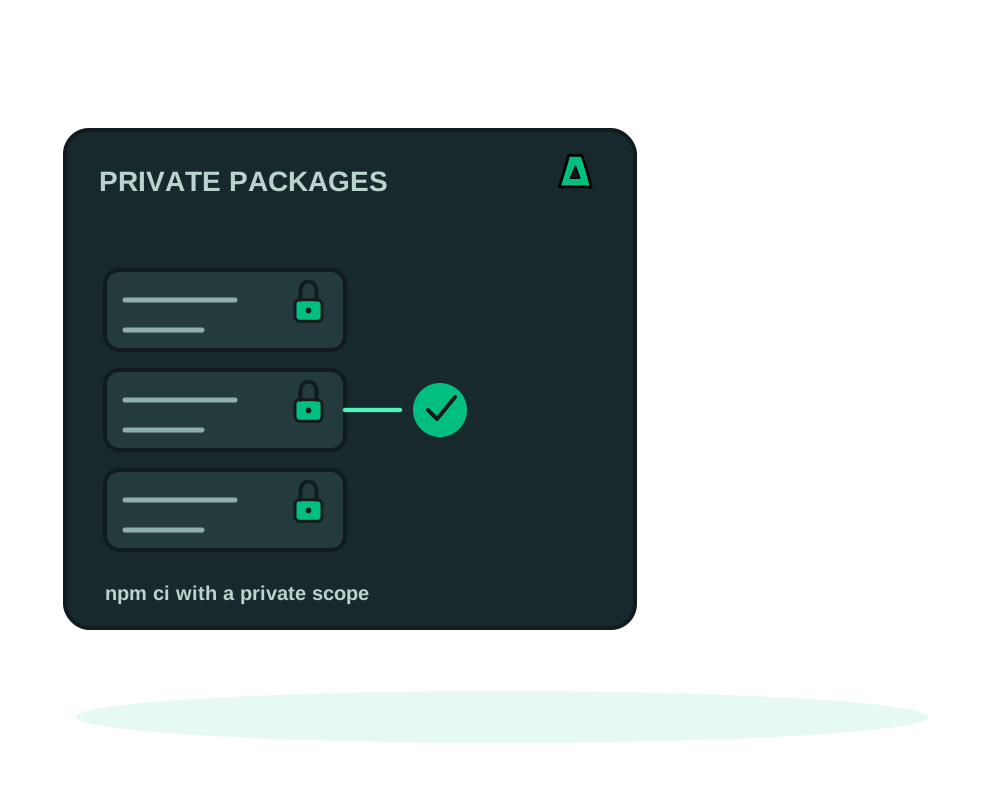
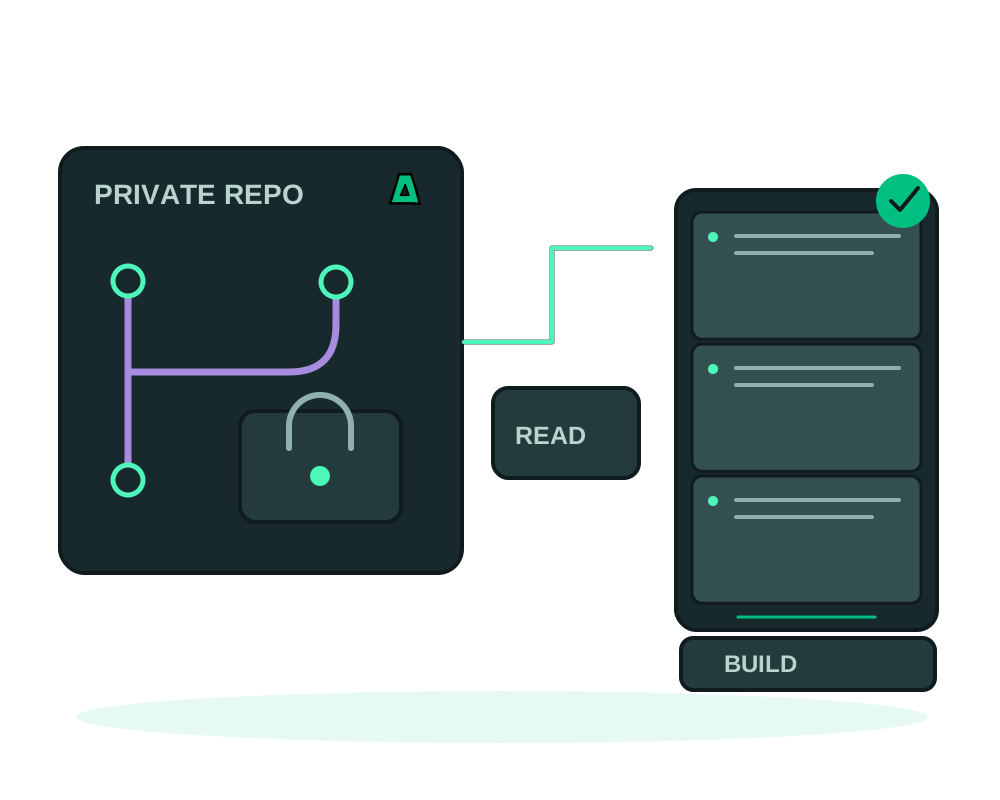
Install from a private registry without committing a token. Build secrets are encrypted, reach only the assigned agent and never become runtime variables.
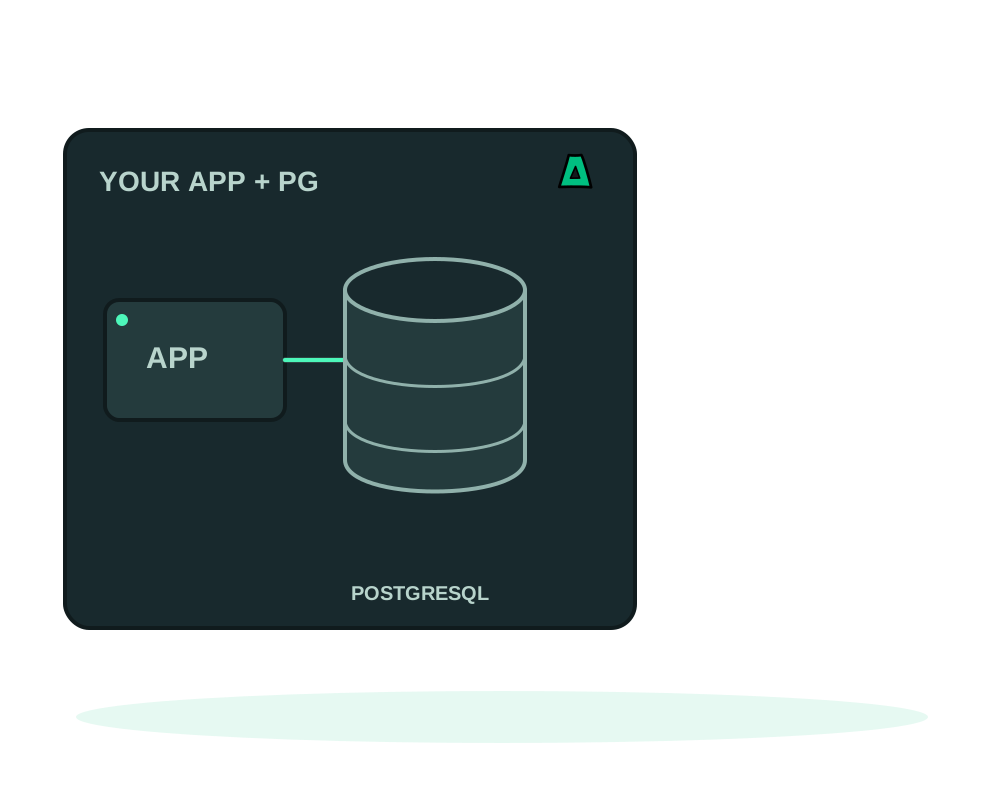
Connect an eligible app to PostgreSQL with a dedicated login. Review credential rotation, retained data and verified backup recovery on your own server.
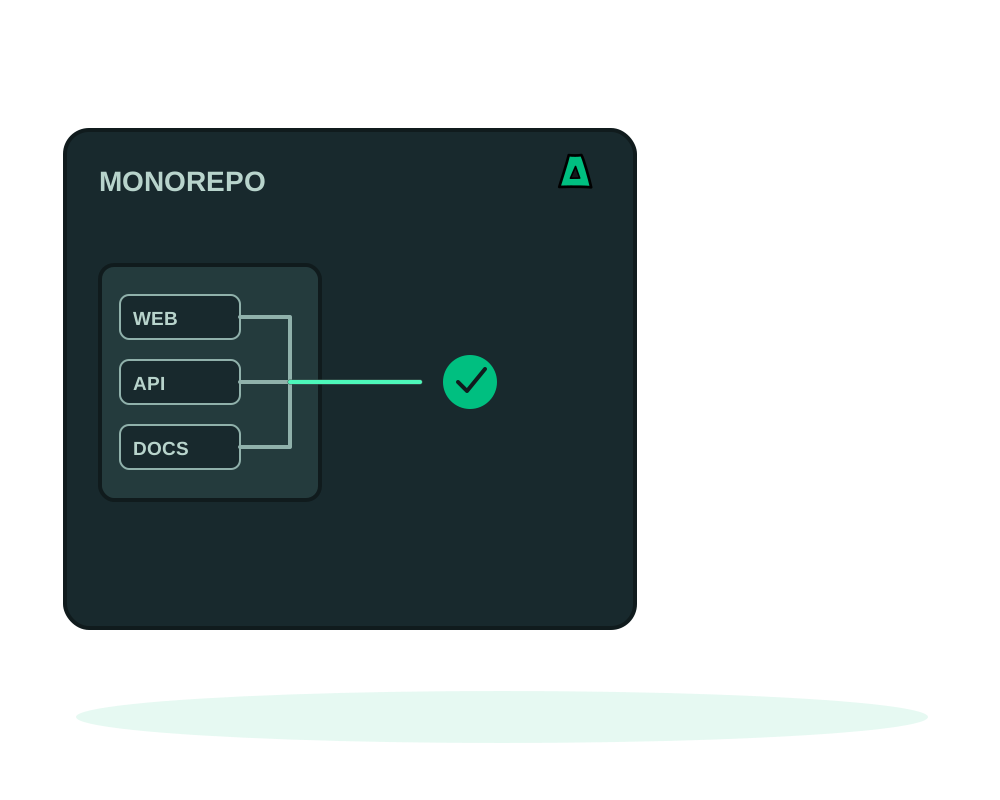
Deploy a single npm workspace from a shared repository, keeping the root lockfile and building shared packages first. Plus where pnpm and Yarn stop.
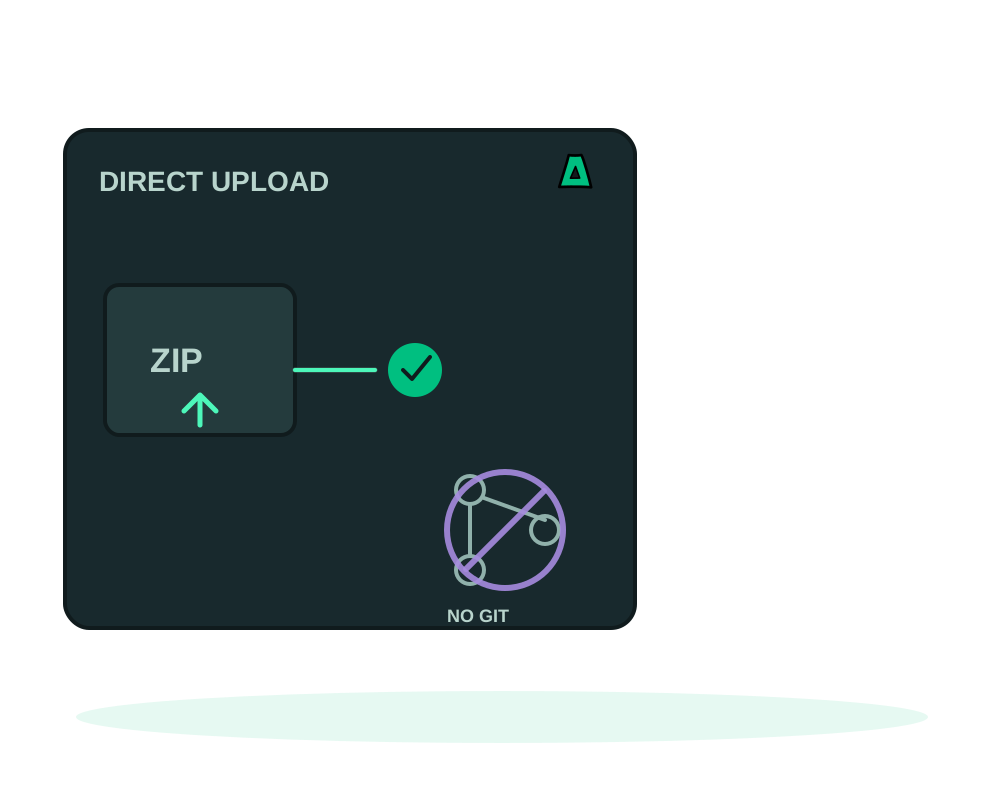
Upload your project as an archive and deploy it to an offshore VPS. Each version has its own identity and checksum, and no third party holds your code.
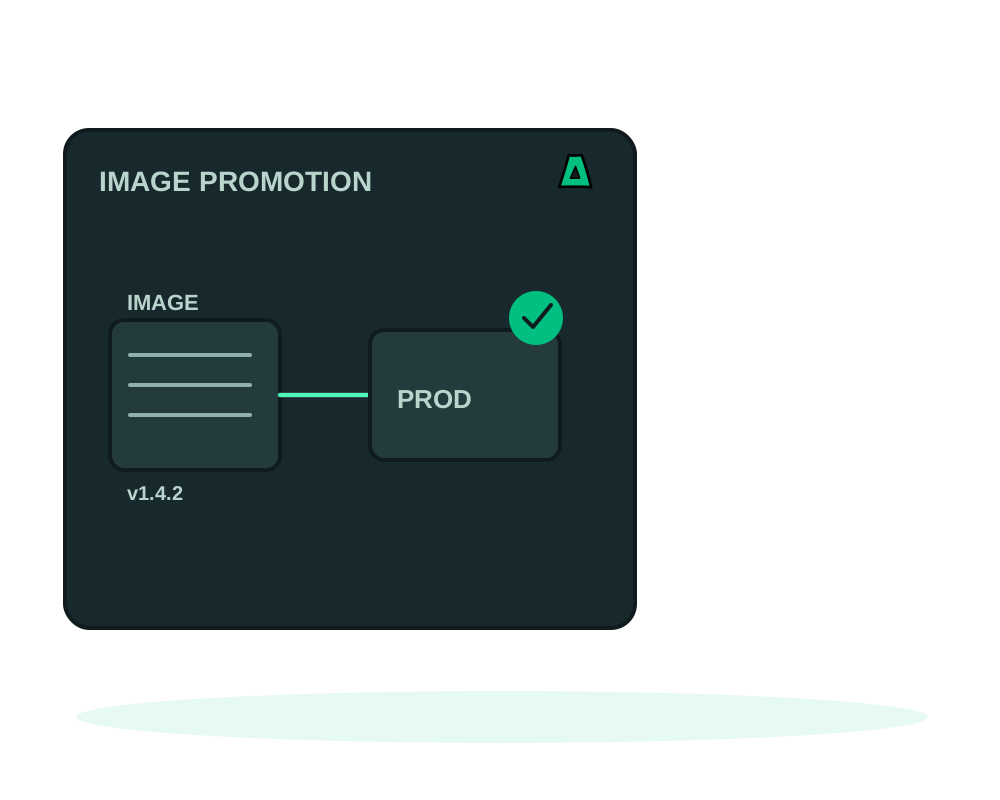
Ship the exact image you tested: review an immutable digest from one app and apply it to another, keeping the destination variables, domain and volumes.
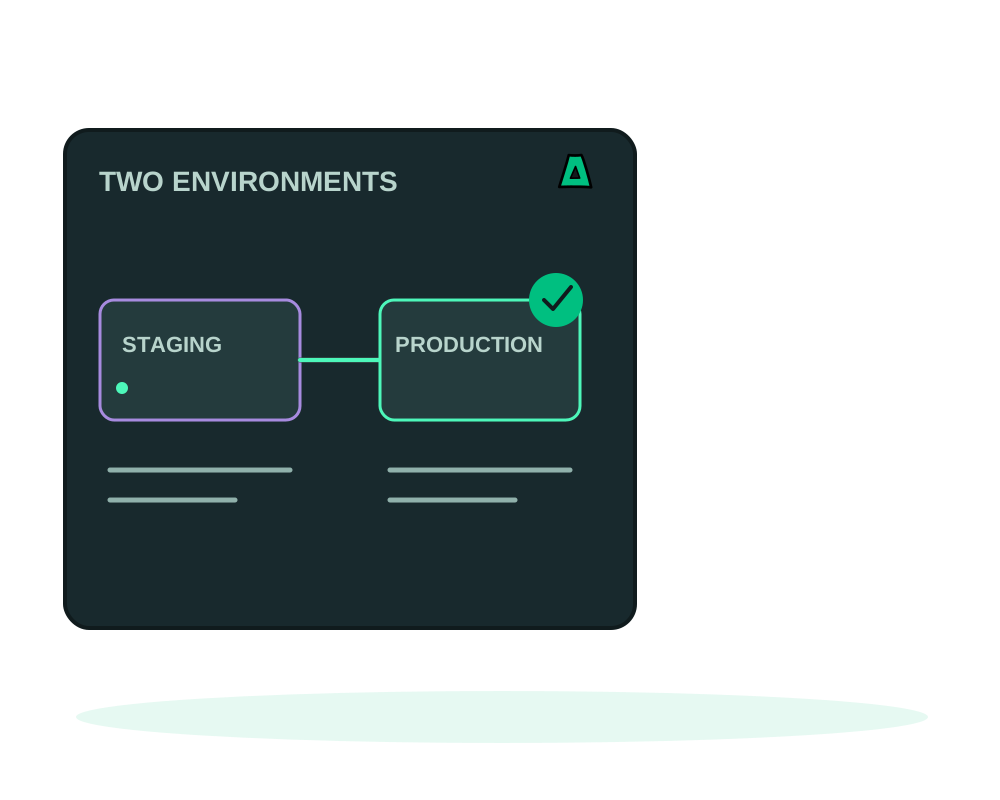
Organize apps into staging and production, share scoped variables, review configuration changes and deploy services in order.
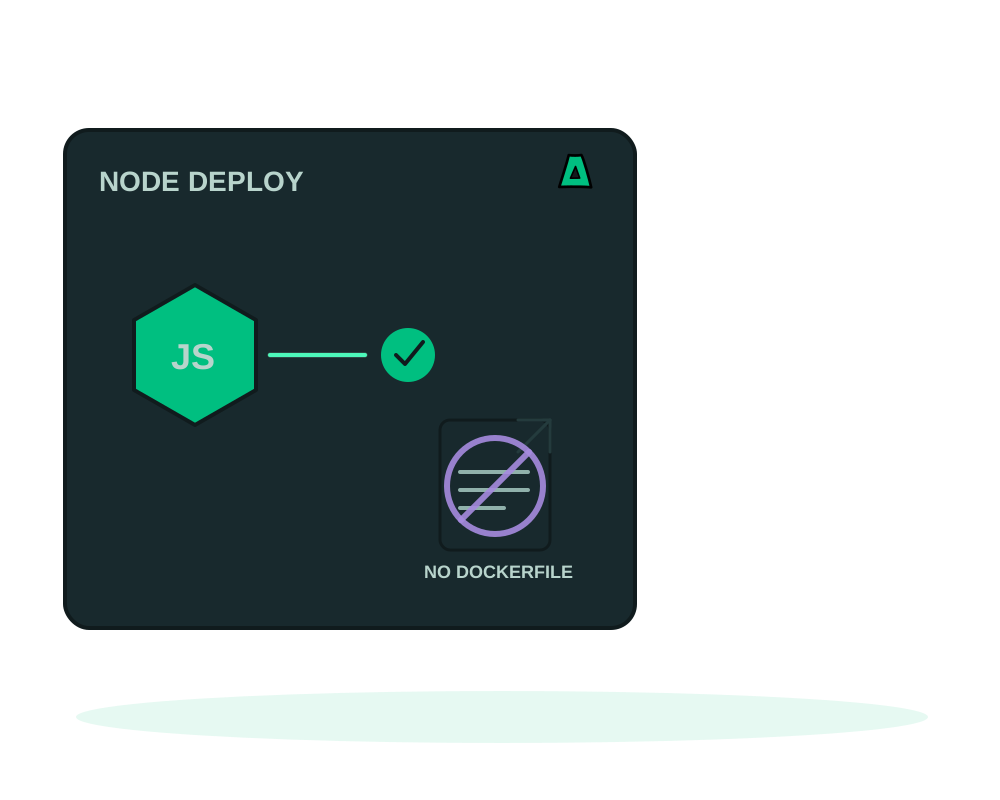
Ship a Node server to an offshore VPS from package.json and its lockfile. Impreza builds Node 24, runs it as a non root user and checks your health path.
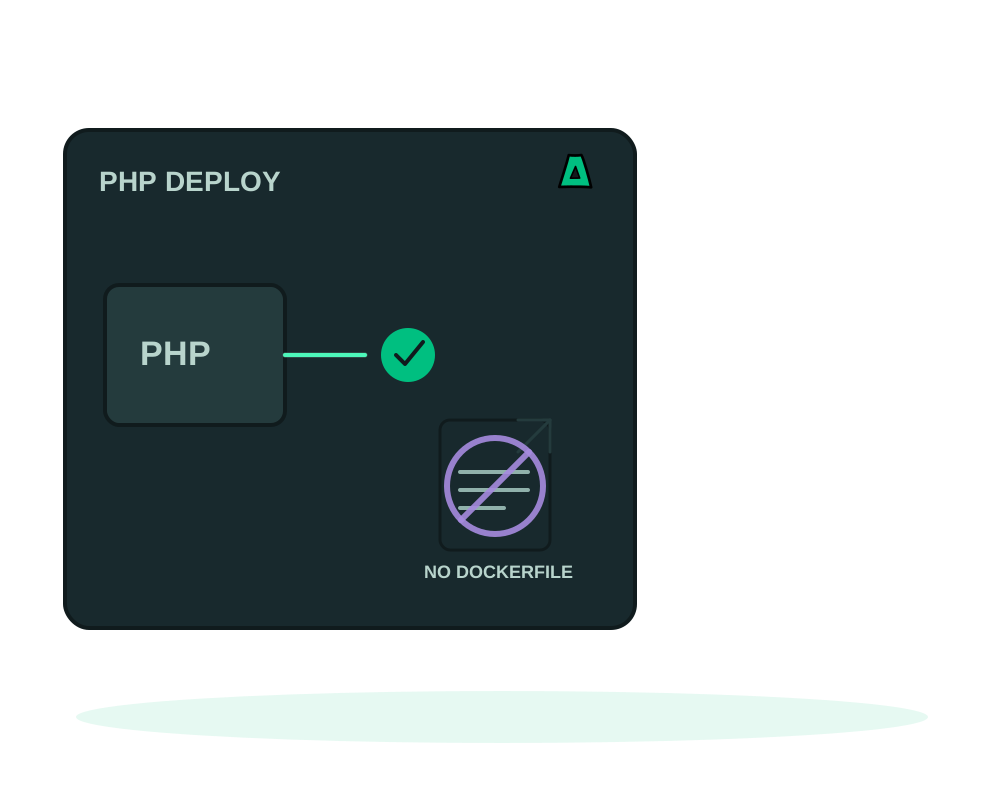
Deploy a Composer project to an offshore VPS with no Dockerfile. Impreza builds PHP 8.4 and Apache from your lockfile and serves your public folder.
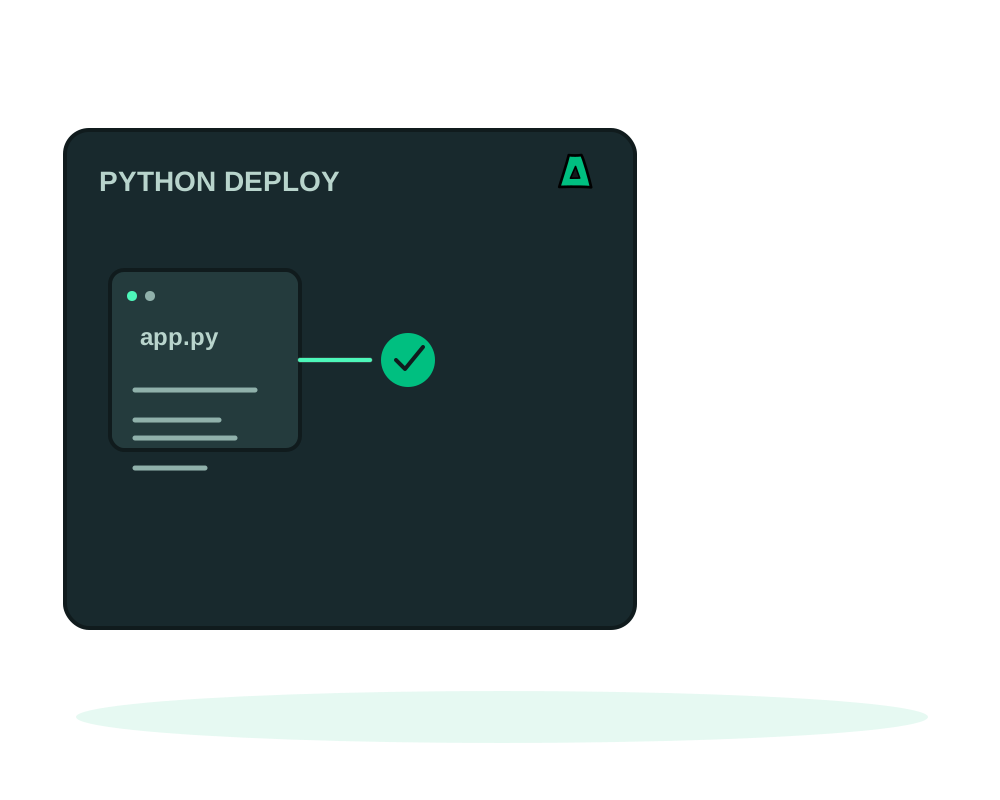
Run FastAPI, Flask or Django on an offshore VPS from requirements.txt or a locked uv project. Impreza builds Python 3.13 and runs it as a non root user.
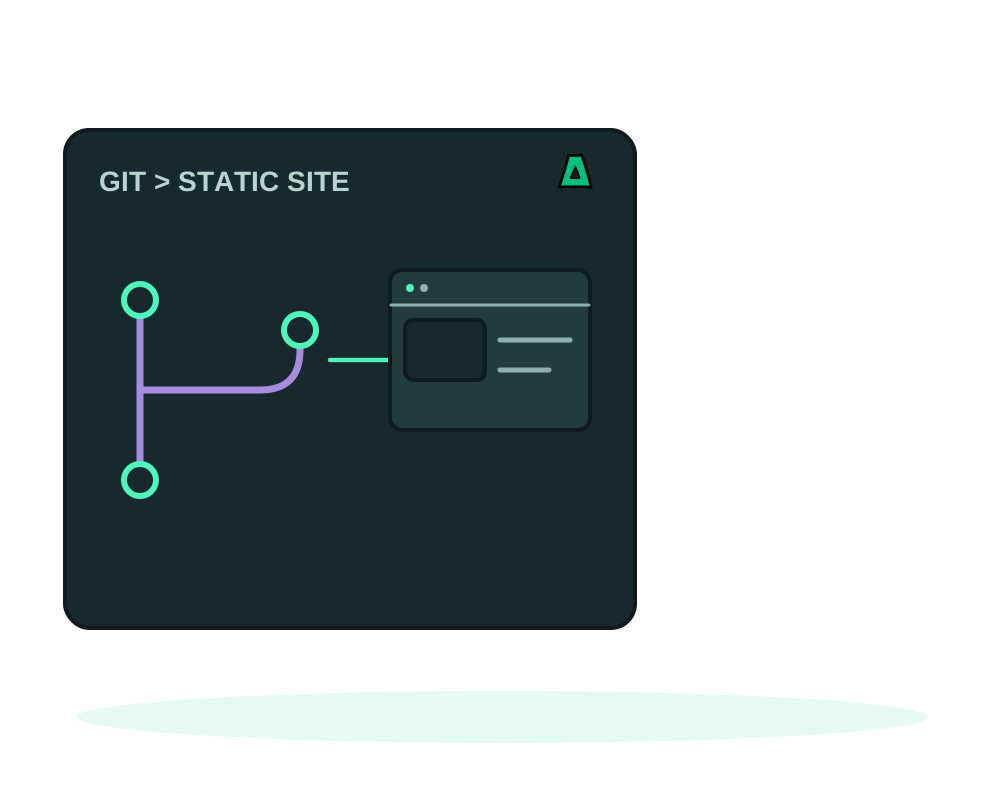
Deploy an npm-built site or ready-made HTML files on your VPS. Choose SPA routing, check startup health and verify pages before sending visitors to the site.
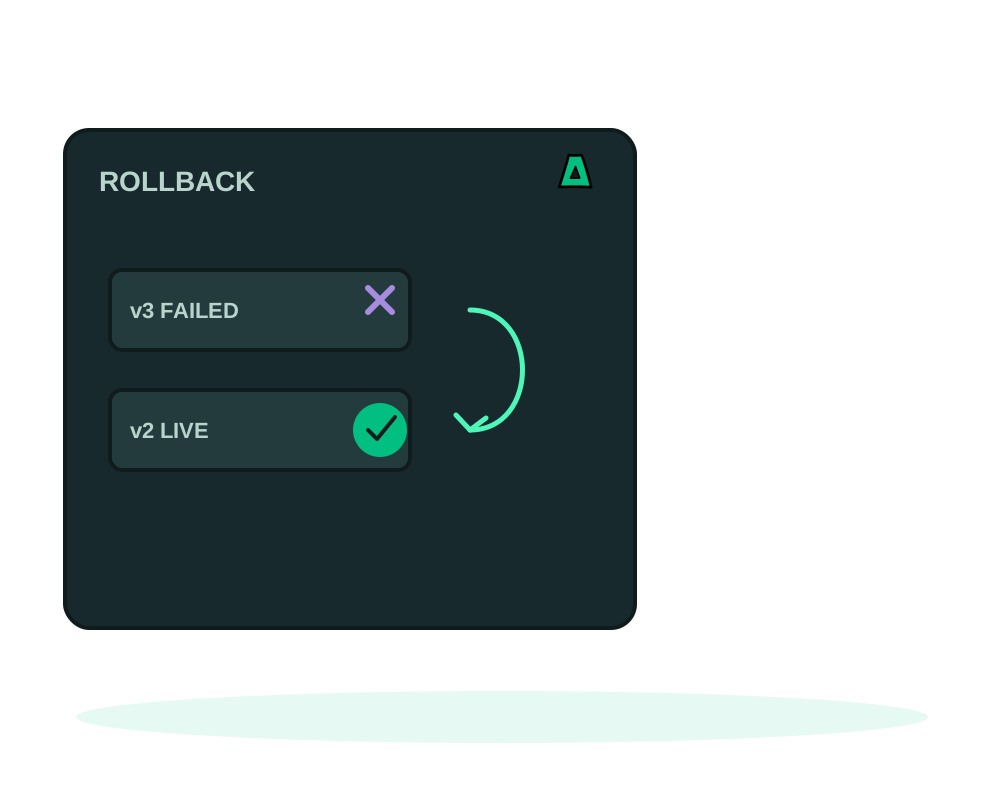
Read deployment progress, cancel while it is still safe, require a healthy start and roll back to a retained release. What each control does, and its limits.
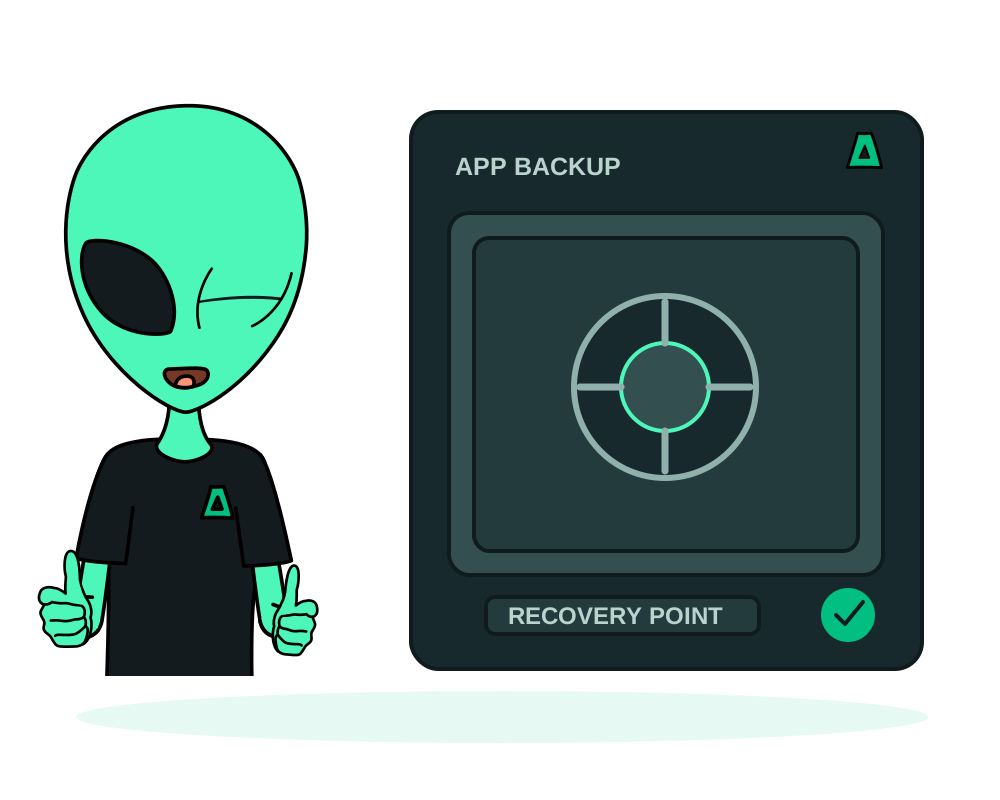
Back up supported app data to Impreza S3, check results and schedules, and prepare a tested restore. Understand database, storage and recovery limits.
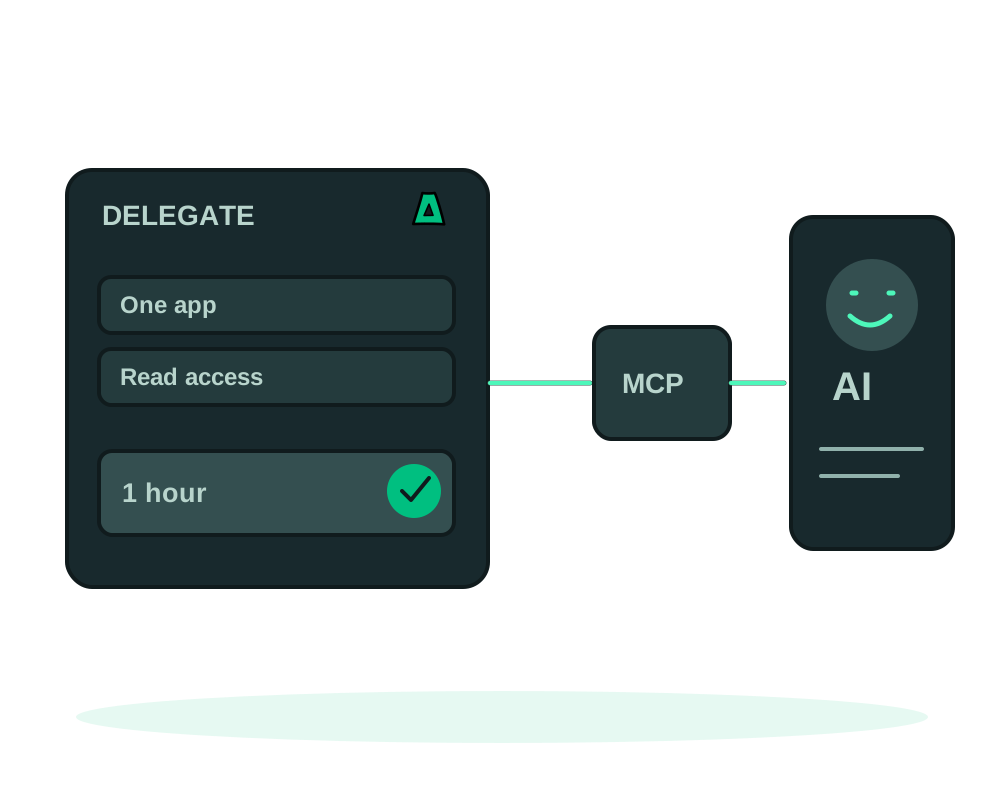
Give an AI agent limited Impreza app access with scoped credentials, expiry, spending limits and creation quotas. Review activity and revoke access when the task ends.
Inspect app files, review logs and run supported WordPress, Nextcloud or Gitea commands through Impreza MCP. Check results before making further changes.
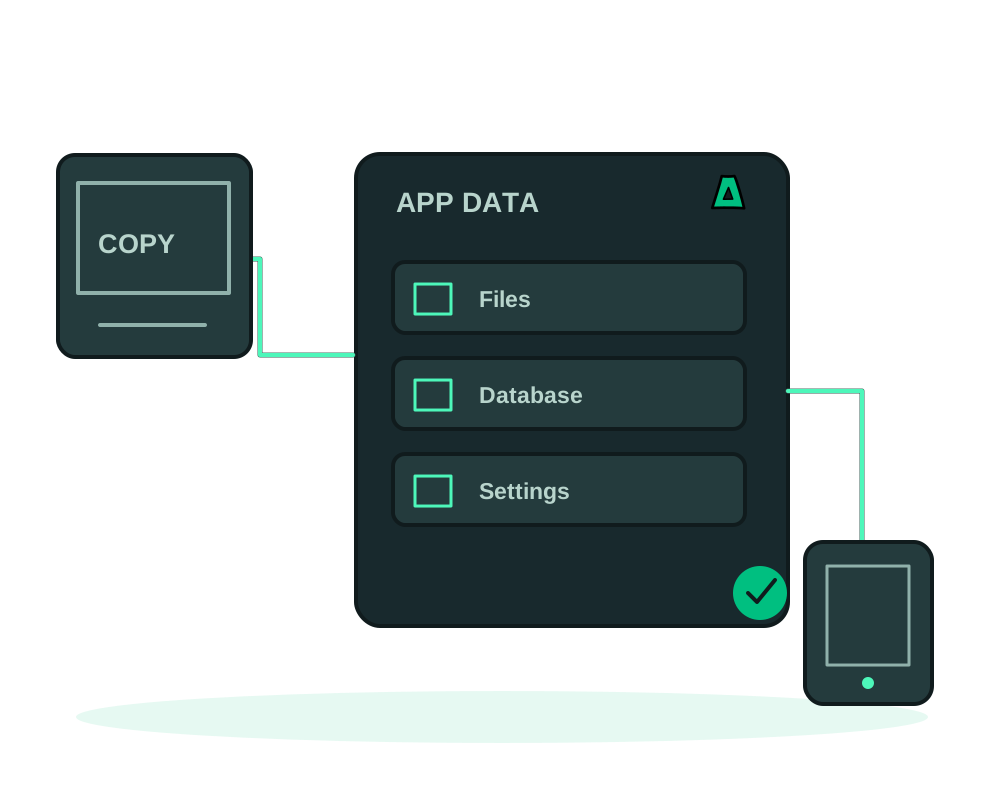
Move a compatible Impreza app using a completed backup. Prepare the destination, validate data and access, then plan traffic changes and recovery.
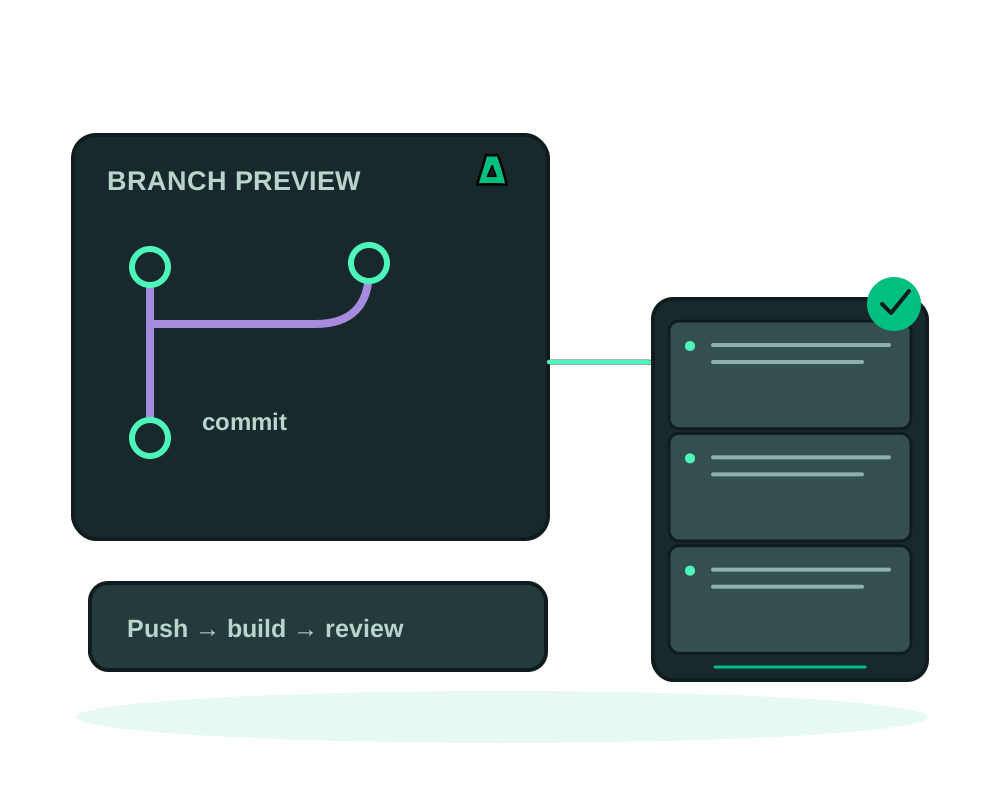
Preview Git branches on temporary onion URLs. Use supported private repositories, select safe variables and check expiry, access and cleanup.
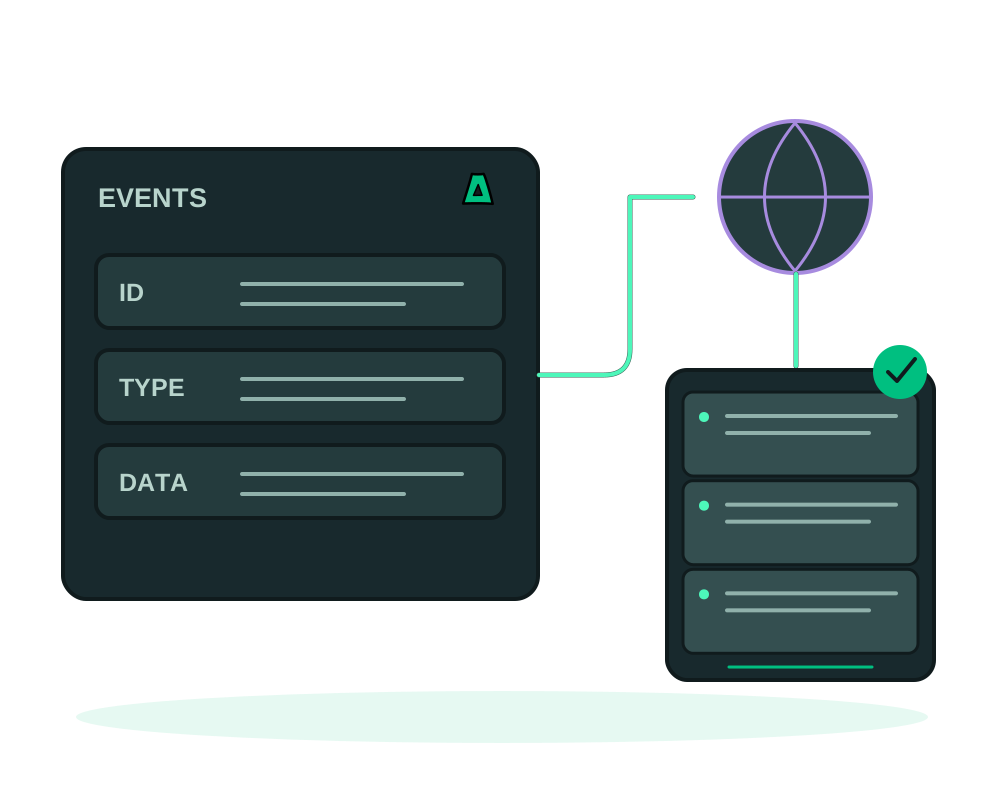
Receive Impreza events at an HTTPS or onion endpoint. Verify signatures, handle retries and check delivery history before acting on platform notifications.
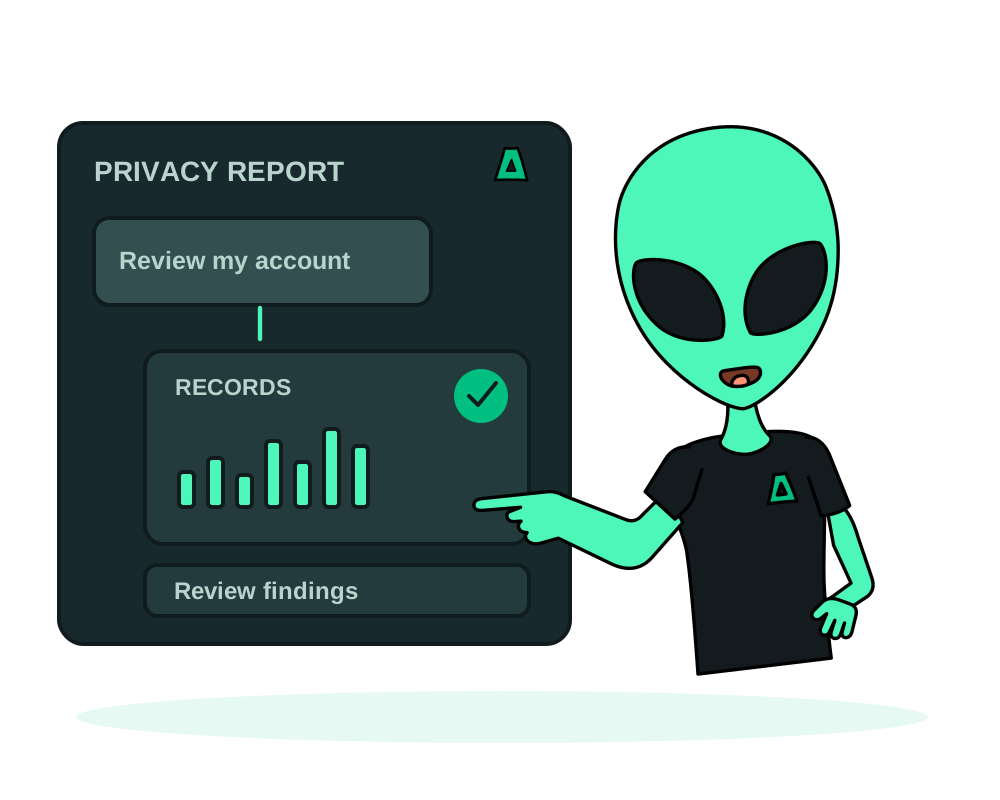
Inspect the categories, counts and retention indicators in your Impreza account privacy report. Understand its coverage and follow up on unexpected findings.
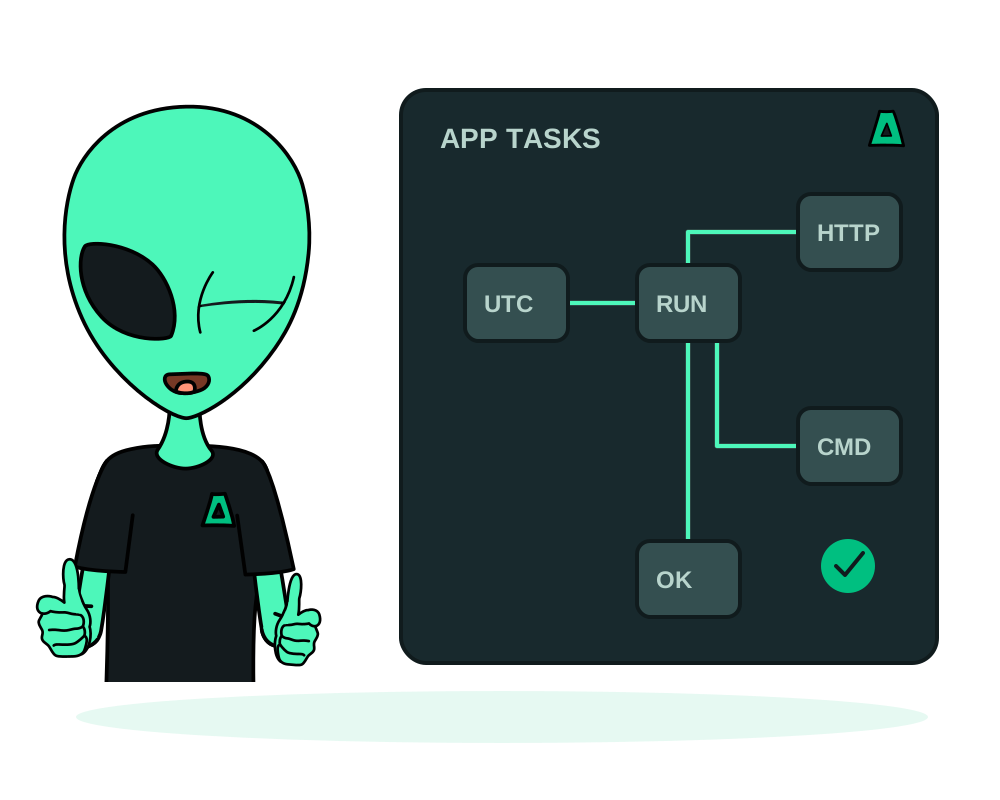
Schedule HTTP or command tasks for Impreza apps. Choose a cadence, test a run, inspect its output and pause schedules without losing history.
Run a multi-service app on an offshore VPS from your own docker-compose file: the one naming rule the reverse proxy needs, how to keep the database private, and where limits and secrets go.
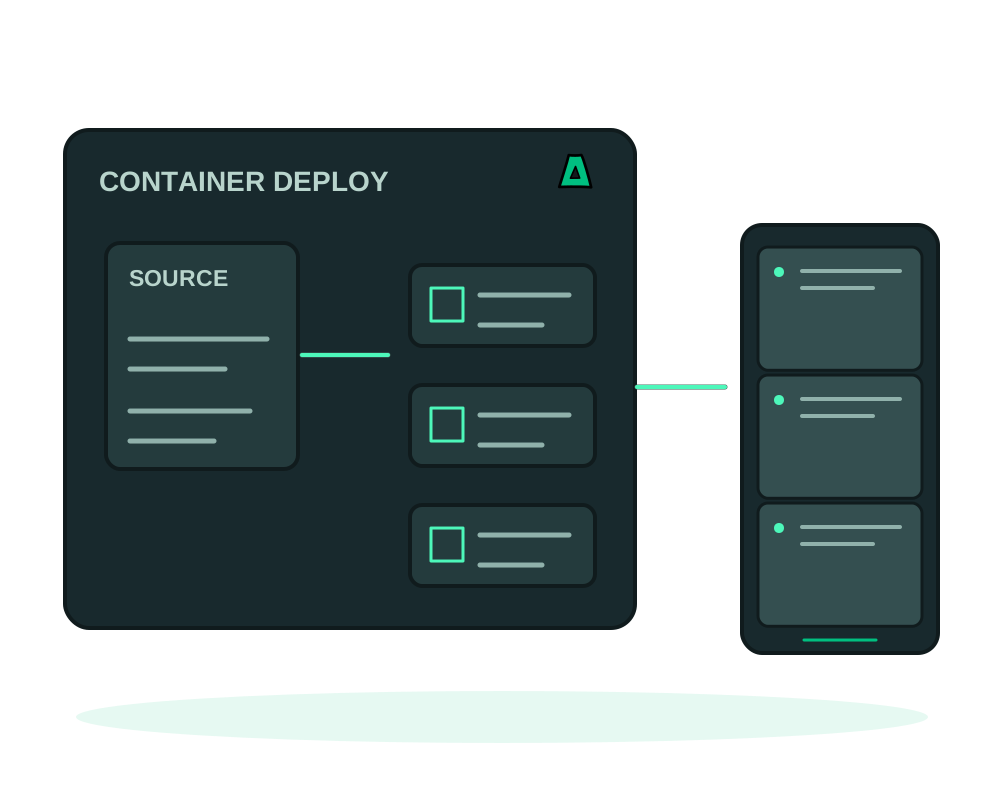
Deploy from private Git providers or an onion-only forge, review selected source findings, and build applications on your offshore VPS.
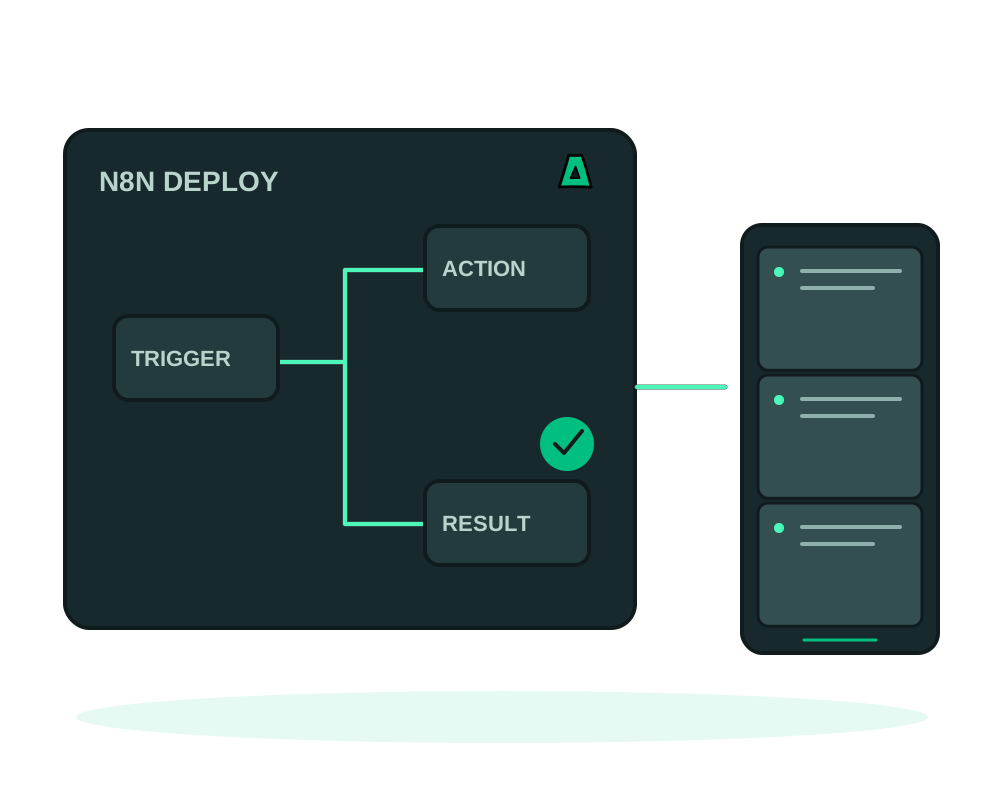
Self-host n8n on an offshore, no-KYC VPS with the owner account created at install time, working webhooks and HTTPS. Pair it with Evolution API for WhatsApp automations.
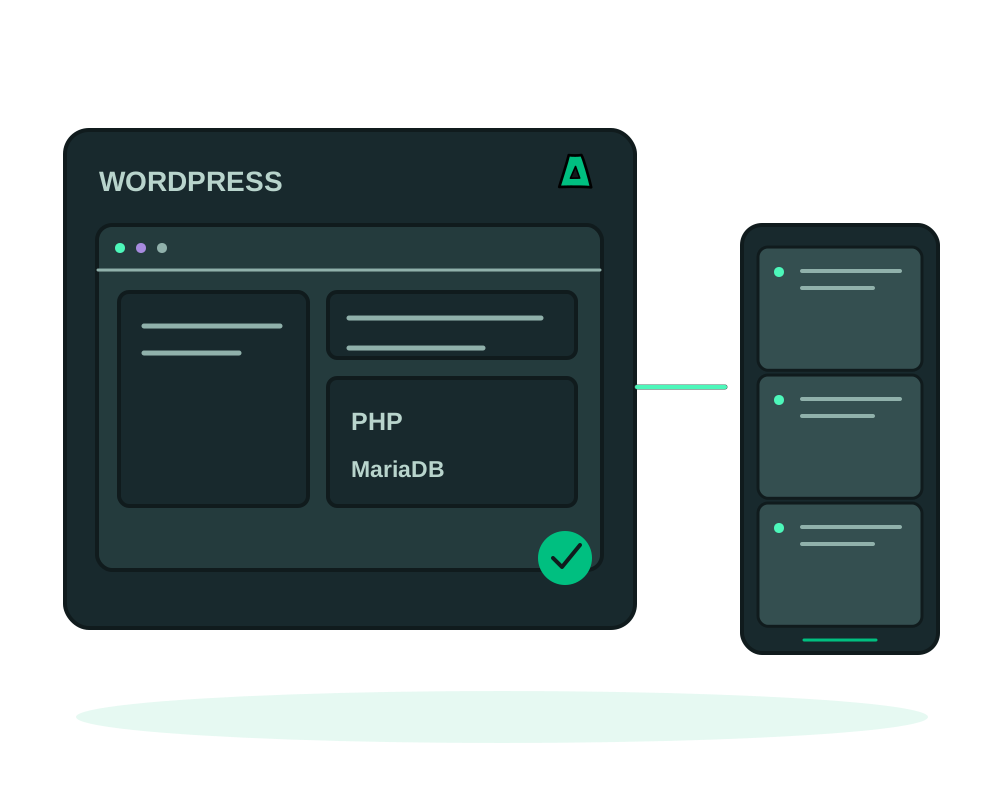
Deploy WordPress with MariaDB and HTTPS on your VPS. Configure access, plan app backups to Impreza S3 and prepare a tested restore before upgrades.
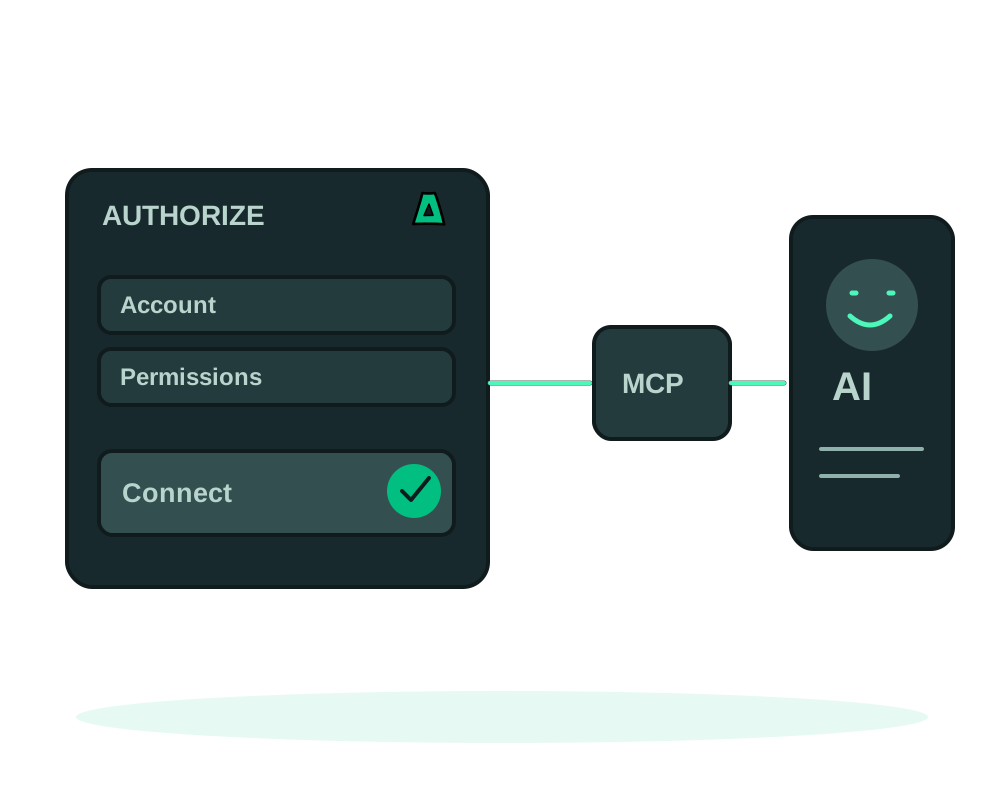
The simplest way to give your AI assistant deploy power on Impreza: add the remote MCP connector and authorize. No install, no API key, scoped and revocable.
Deploy a Docker app on an offshore VPS with Impreza Agent. Check image requirements, HTTPS routing, persistent volumes, app maintenance and backup coverage.
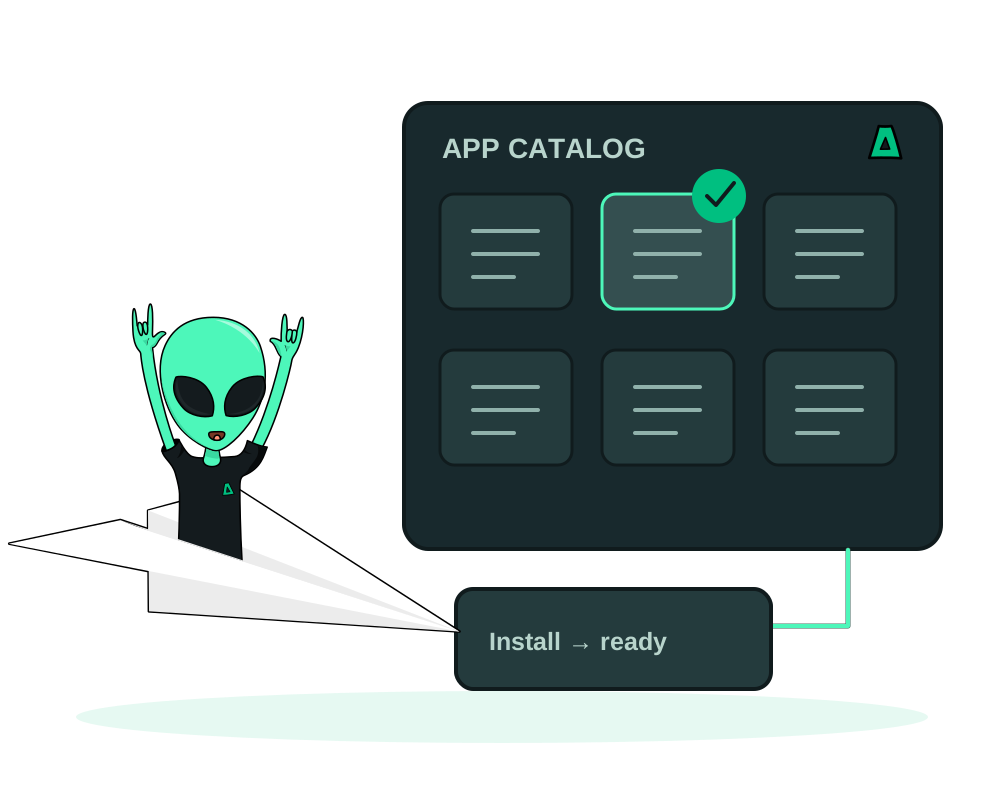
Deploy catalog apps on a VPS with the Impreza Agent. Check resources, configure access and plan app backups, restores and maintenance after installation.
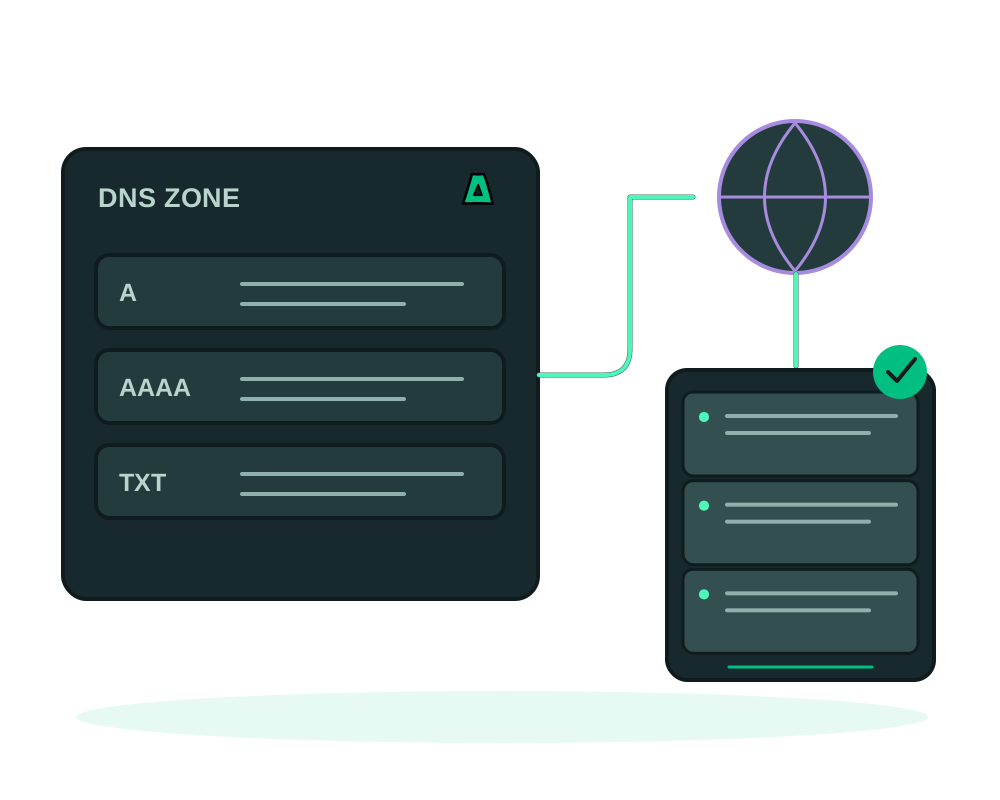
List, add, edit and delete DNS records, and repoint nameservers, straight from your AI chat with the Impreza MCP. No control panel, no waiting.
Inspect VPS status and capacity recommendations with an authorized AI assistant. Review the proposed resources and price before confirming a supported resize.
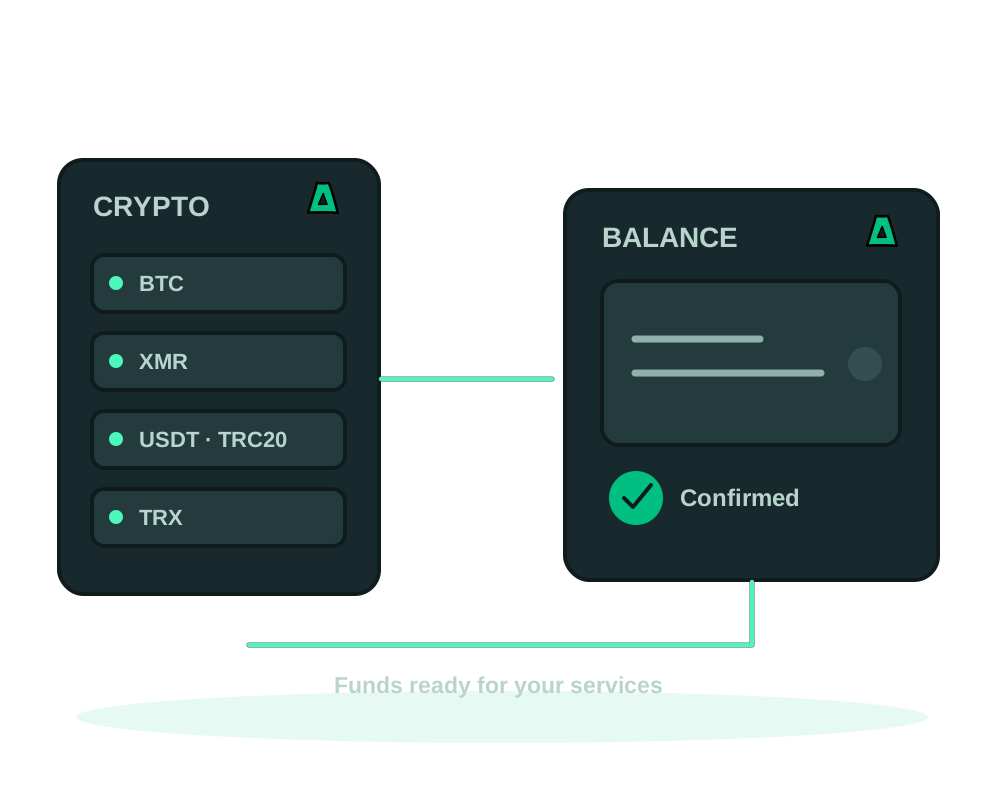
Top up your Impreza hosting balance with crypto. Check payment instructions, invoice status and available credit before paying for a service.
Connect a Git webhook to redeploy your watched branch on an Impreza server. Check deployment results and configure branch previews separately.
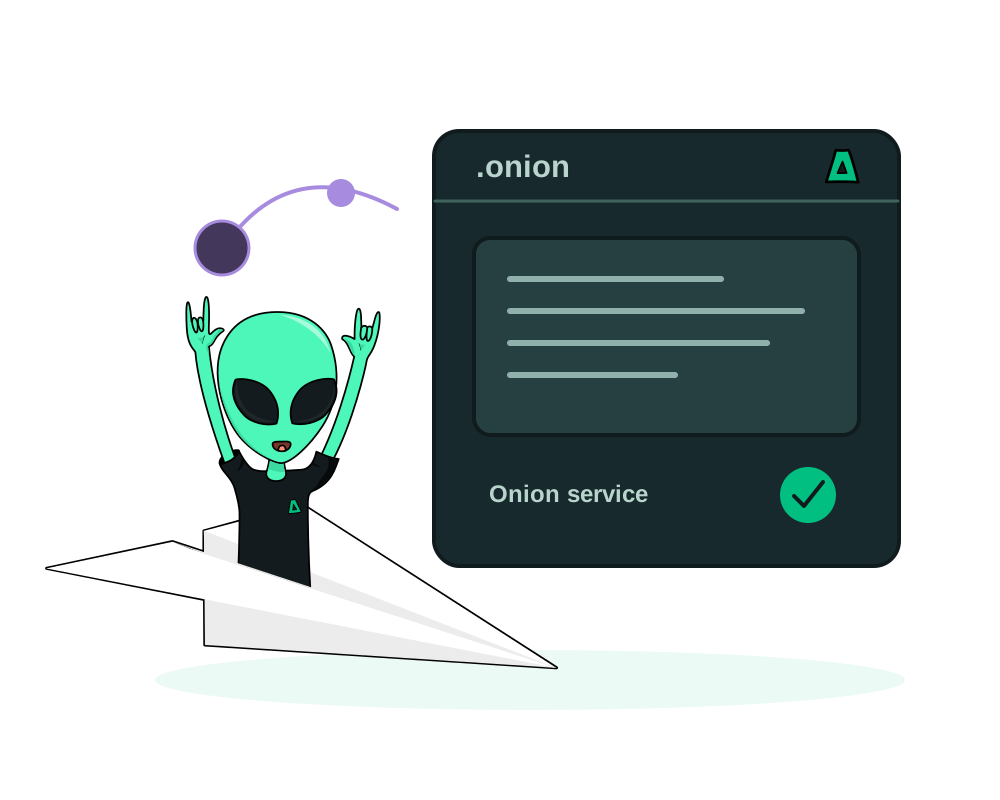
Publish an onion app with native Tor and MCP integration. Compare agent and aaPanel workflows, control client access and protect your onion identity.
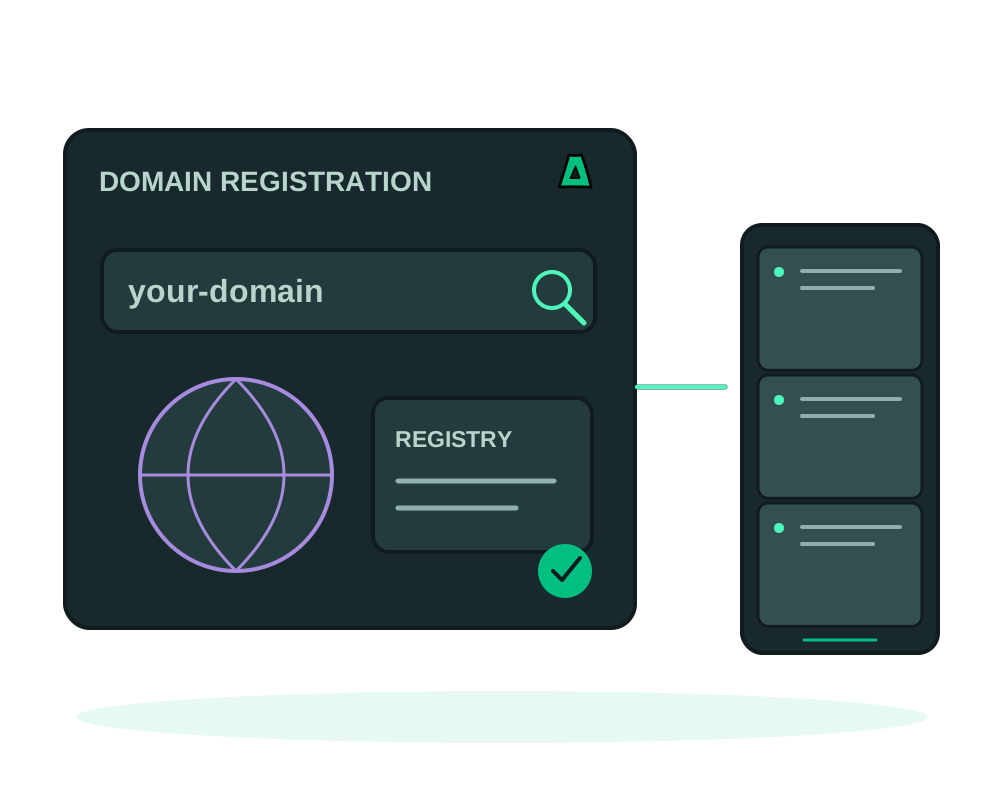
Register a domain with no KYC and no email required, pay in crypto, and hide your details with WHOIS privacy. Here is how, and what some extensions still require.
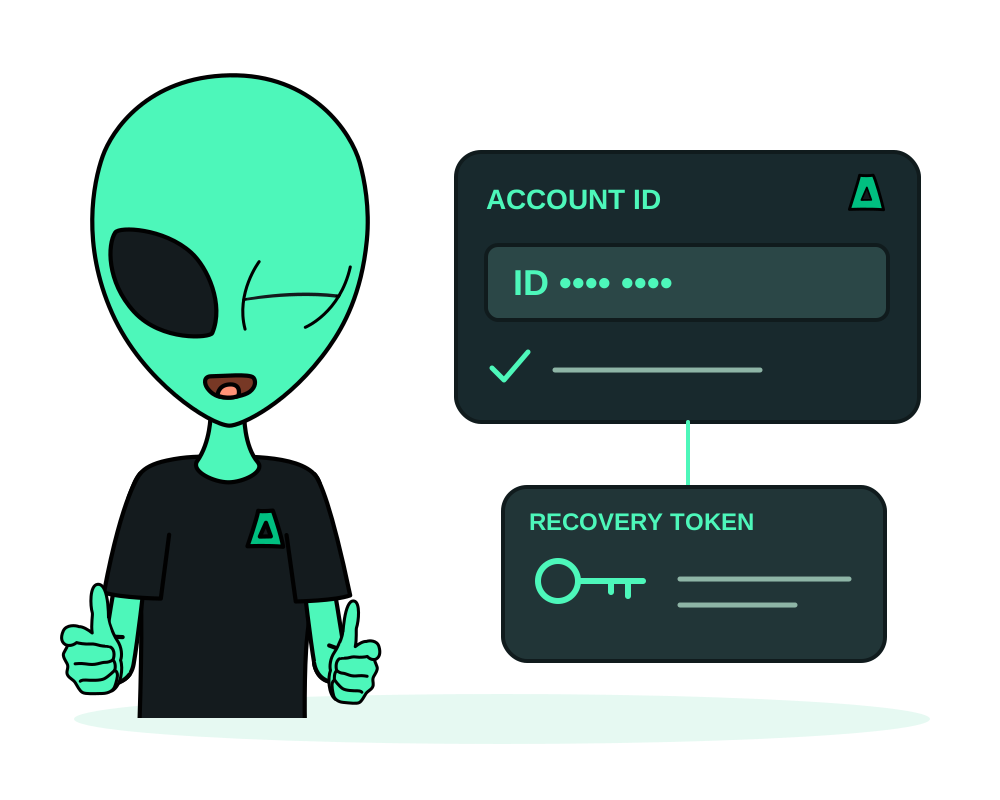
Create an Impreza hosting account without providing an email. Save your Account ID and one-time recovery code, and understand recovery and account records.
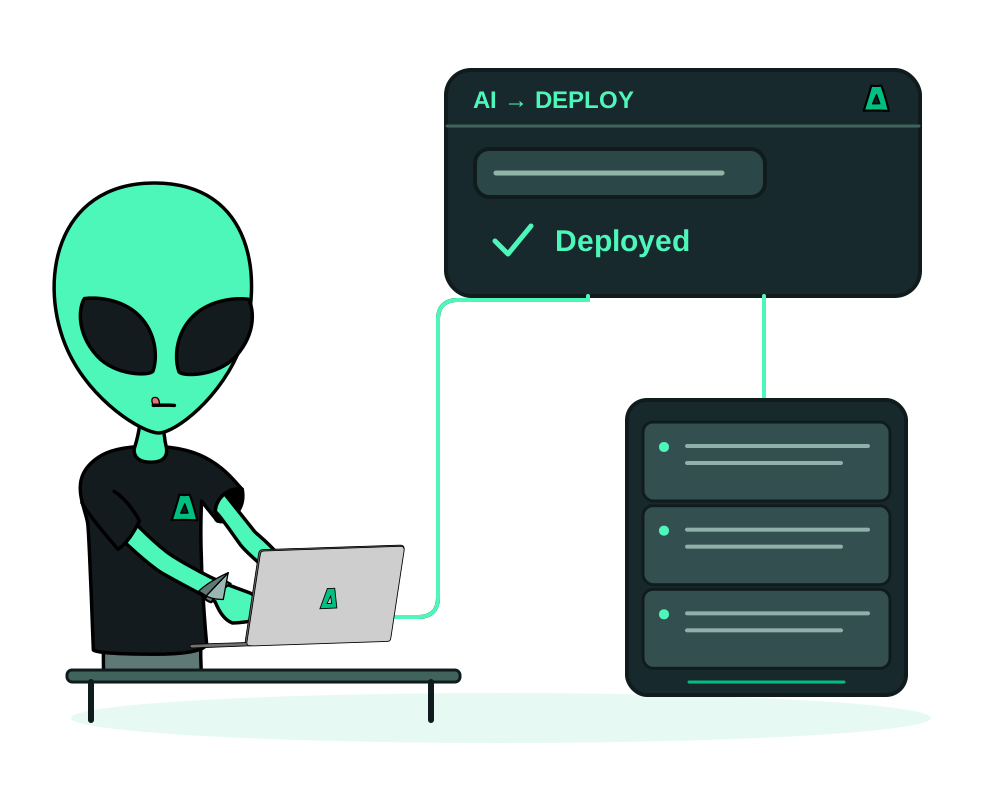
Use Impreza MCP to create a no-email account, fund your balance, configure and quote a VPS, then deploy an app after the Agent is online.
My Apps + Impreza MCP
Deploy and manage supported apps from My Apps or a connected AI assistant. Choose an Impreza VPS, or connect a compatible server you already administer.
New infrastructure
From US$9 /month
1 vCPU · 1 GB RAM · 20 GB SSD
Monthly billing
Entry size shown. Your app may need more capacity. Backup storage and other separately billed services are extra.
Configure your VPSKeep your current host
First server free
One external-server connection
No Impreza VPS or account balance required
The connection slot is free. Your existing hosting bill, domains and backup storage are not included.
Connect your serverApp management requires the Impreza Agent to be installed and online. You choose the permissions delegated to a compatible AI assistant. Review the selected configuration and final total before purchasing.