















































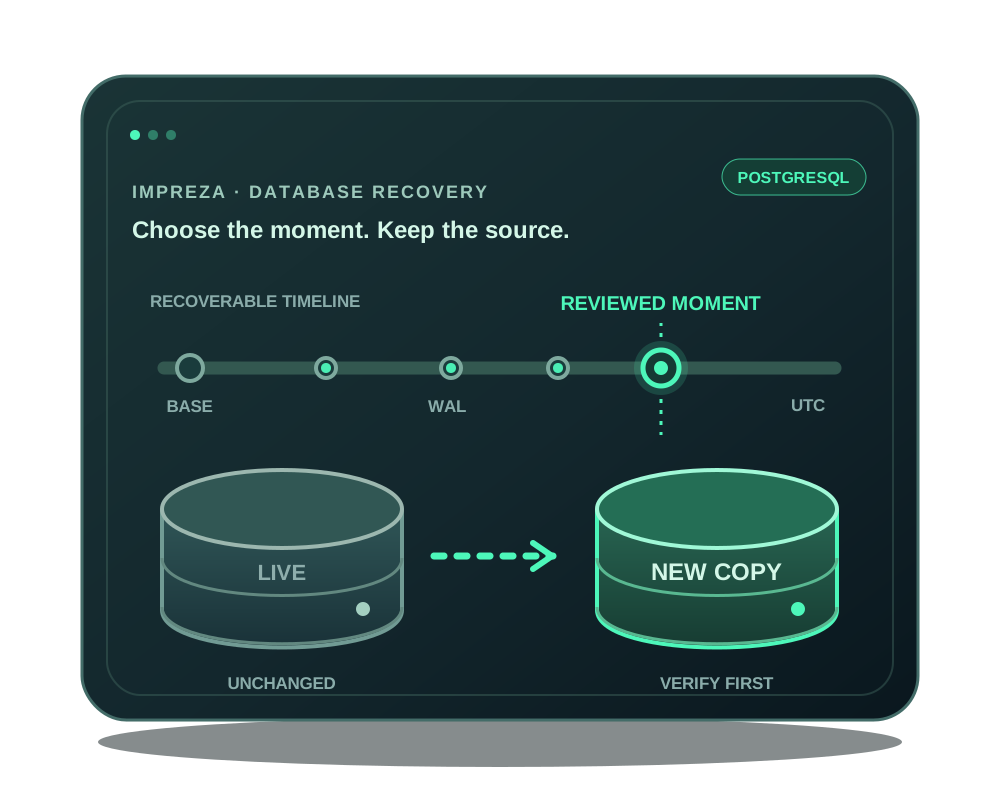
A completed database dump gives you one recovery point. When you need a recoverable moment between periodic backups, an eligible Impreza-managed PostgreSQL connection can use a base backup and shipped write-ahead log (WAL) segments. The platform replays them to a reviewed point in time and restores the result into a new database. Your live database and the app’s current connection remain unchanged.
This guide covers that PostgreSQL workflow. For a verified PostgreSQL or MariaDB dump without WAL replay, use restore a managed database instead.
Check eligibility and storage
Start with a managed PostgreSQL binding, the account’s own Impreza S3 backup storage and an Impreza Agent at version 0.6.21 or later. Confirm the provider and binding are healthy and that storage has capacity before enabling recovery. The feature is available in the portal, REST API and hosted Impreza MCP connector. The published local impreza-mcp package includes the PITR tools from version 0.45.0 onward.
An authorized assistant needs read access to inspect recovery state. Changing the PITR configuration or restoring a database requires deploy permission and an unrestricted account credential because physical recovery covers the PostgreSQL provider, not just one app table. Use a deliberate authorization for those operations.
For a current PostgreSQL catalog deployment with TLS required, unencrypted connections are refused, including physical replication. Review the provider’s TLS mode and the PITR result instead of weakening connection rules to clear an error. Existing database deployments are not automatically reconfigured by a catalog update. This requirement protects the connection; it does not make a failed WAL drain complete or advance the recoverable boundary.
Enable point-in-time recovery
Open the PostgreSQL app’s Backups & recovery section or use impreza_configure_pitr through the hosted connector or local MCP 0.45.0+. Review the configuration and the account bucket. The platform creates a replication slot, stores periodic base backups and ships complete WAL segments to that bucket.
The WAL drain interval can be set from 5 to 60 minutes and defaults to 15. That setting is not a promise of zero data loss or a fixed recovery-point objective. The latest recoverable moment advances only when a complete segment covering it has been stored. Check the actual recoverable boundary before relying on a particular timestamp; a failed or empty drain does not advance it.
Review a moment before restoring
Choose a UTC timestamp within the reported recoverable range. Prepare a restore review in the portal or with impreza_prepare_pitr_restore. Read the selected base backup, WAL range, managed binding, destination and proposed new database name. If the available boundary does not cover the incident you are investigating, do not infer that the missing minutes can be replayed.
Confirm only the reviewed plan and its exact digest. Applying the restore starts an asynchronous job. Follow its state until it is verified or failed; acceptance alone is not recovered data. WAL replay runs in an isolated scratch environment without network access, then the result is restored into a new database for inspection.
Inspect the copy and plan the application switch
Check representative records, schema compatibility and application queries against the recovered database. The platform does not overwrite the serving database, change the app’s credentials or redirect traffic. Decide separately when to pause writes, change the app connection and test the result. Database recovery and application cutover are distinct decisions; related uploaded files may have a different recovery point.
You can also request a PITR drill to replay the newest shipped state in a scratch environment and measure whether it works. A drill does not modify the live database. Record its result and the latest recoverable timestamp as part of your recovery plan.
If automatic work repeatedly fails, inspect the cause and repair storage, agent or provider health before resuming. Preserve the last usable recovery point while investigating. The technical PITR reference owns the current limits and operation details; app backup planning explains the separate file and dump workflows.