















































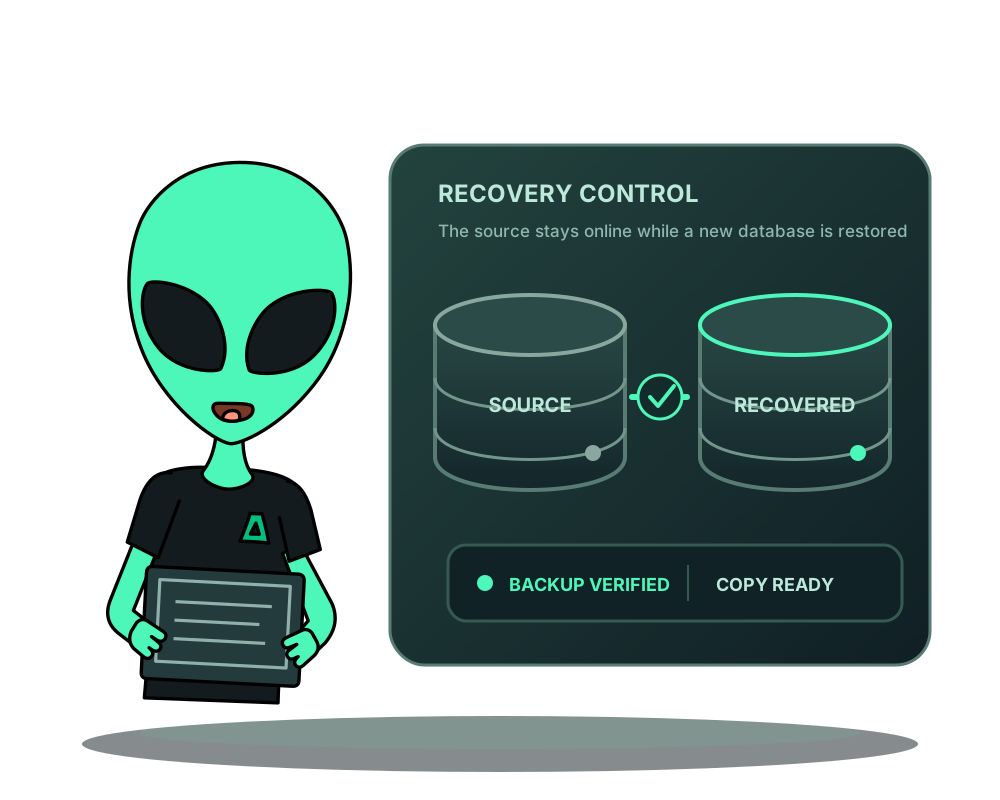
A recovery test should establish what you can restore before an incident. Impreza’s assisted database restore takes an eligible verified managed dump and creates a new database for inspection. It does not overwrite the serving database or switch the application to the recovered copy.
Check the recovery point and capabilities
Use a completed backup containing a verified PostgreSQL or MariaDB service-binding dump. A generic volume archive is not interchangeable with this format. The target must be an eligible connection owned by your account, using the same database engine. The source backup, storage and target applications must remain accessible to your account.
Use agent 0.6.18+ and the restore capability for the target engine. Local PostgreSQL recovery tools require MCP 0.39.0+; use 0.40.0+ for current MariaDB guidance. Update existing agents explicitly. Pending credential rotation or cleanup can prevent a review, so finish those operations first.
For PostgreSQL, the documented expanded dump limit is 512 MiB. MariaDB supports InnoDB tables only; views, triggers, routines, events and other table engines are refused. Do not generalize these workflows to native MySQL or another database engine.
Choose the right backup format
A standalone PostgreSQL, MySQL, MariaDB or MongoDB catalog app can now have a verified logical app backup. That is a different format and recovery path: restoring it replaces the target app’s database data and stops that app for the exchange. It does not make the new-database binding workflow on this page available to MySQL or MongoDB.
For eligibility, older file backups and per-engine consistency limits, read standalone database app backups. Choose the recovery path that matches the source backup before confirming a write.
Prepare a review without changing the serving database
On the completed backup’s portal card, choose Restore database to a new database. Through MCP, call impreza_prepare_database_restore with the backup ID and, when needed, an eligible target binding ID. Omit the target to use the original connection.
Inspect the source, target provider, new database name, expiry and digest. An eligible target can be on another server; this does not move the application itself. Read the saved plan with impreza_get_database_restore using the returned restore plan ID.
Preparing a review does not complete a restore. Reviews expire after 15 minutes. If the app, provider or ownership changes, prepare a fresh review instead of editing the old payload.
Confirm and follow the job
After reviewing, use impreza_apply_database_restore with the plan ID, exact review digest and explicit confirmation. Repeating an accepted application of the same review returns its receipt; it does not mean you should create another restore to recover a lost response.
Follow the resulting job. The workflow verifies downloaded chunks and the reviewed dump, restores into the new database and checks its table count. Temporary logins are restricted to that new database and removed after successful completion. An accepted request is not a finished recovery.
Inspect the recovered database
Use the provider administrator to review the retained new database. Check expected tables, representative records, schema compatibility and the data your app needs. Verification of a dump and table count does not prove every application-level invariant.
No application credential is repointed or automatically granted the recovered database. Plan any cutover separately, including permissions, connection settings, new writes and a recovery path if the switch fails. This completed-dump restore does not use WAL or select a moment between dumps. Eligible managed PostgreSQL connections have a separate point-in-time recovery workflow; it also restores into a new database and leaves application cutover to you. MariaDB does not use that PostgreSQL workflow.
Database data and filesystem volumes are not one atomic application snapshot. If your app stores related uploads on disk, reconcile their recovery points before allowing writes on the restored environment.
Keep evidence when recovery is incomplete
A failed cleanup or host crash can leave temporary data or an account needing administrator reconciliation. Retain the plan, command IDs and redacted error details. Do not delete unknown objects or reset ownership markers to bypass a refusal.
Return to app backup planning for schedules and downloads, or review the PostgreSQL and MariaDB connection requirements. Exact contracts are in the recovery reference.