















































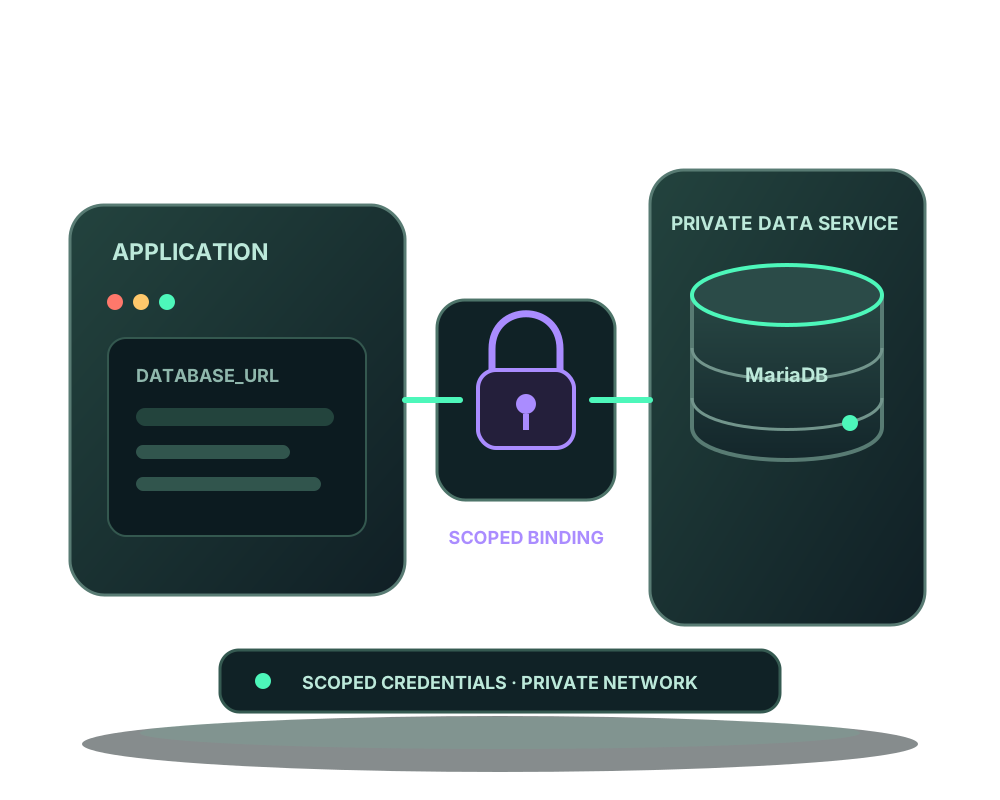
A managed connection gives one application a dedicated MariaDB database and login. The platform stores the credential encrypted and delivers DATABASE_URL to the authorized agent for that deployment. You do not need to paste a database password into a chat or copy the provider administrator credential to the app.
Choose an eligible pair of applications
Use a generated image-mode custom application and a running MariaDB catalog provider on the same server. Link both to the same project environment: the consumer needs a web or worker role and the provider the database role. The consumer must be running or failed, with neither app waiting on a runtime operation.
MariaDB connections require agent 0.6.17+ and the matching engine capabilities. Update the agent explicitly. This does not add support for a native MySQL provider, a source-built app, a provider on another server, an existing DATABASE_URL or a custom network layout.
MariaDB permissions use dedicated logins with grants limited to the managed database. Do not apply PostgreSQL owner-role instructions to this engine. The provider determines the engine; a client cannot override it in a review.
Review the connection
In My Apps, open Advanced and Database connection on the image application’s card. Select the eligible MariaDB provider and choose Review database connection. Confirm the app, provider, environment, managed variable, dedicated database and expiry before applying.
The same prepare, read and apply workflow is available through MCP and the REST API. Preparation creates no database and queues no deployment. API credentials need deploy scope to prepare and apply, and read scope to inspect the review. Portal changes require the service-management permission.
Apply, then verify from the application
Apply the saved review with its exact digest and explicit confirmation. Reusing the accepted review returns its receipt rather than creating a second deployment. Follow the resulting job; applying can replace the application and interrupt traffic.
The agent checks the provider and private network, provisions the dedicated database and login and verifies authentication before replacing the consumer. The connection adds no host port and does not change any ports the provider already publishes. Review those existing ports separately.
Check the deployment outcome, then perform a representative database operation from your app. A saved connection reference or historical receipt is not a continuous connectivity check.
Keep the managed variable managed
While the binding exists, ordinary variable edits cannot overwrite DATABASE_URL. Route changes preserve the managed connection. The app and server administrator can still read runtime data under their control; this is not a promise that secrets are invisible to your own software.
Rotation and removal are reviewed operations with engine-specific capabilities. Rotation requires a healthy application replacement. Removal retires the dedicated login after the replacement without the attachment is verified, while retaining database data. Follow any pending cleanup rather than treating acceptance as completion. Use the current reference for retries and health requirements.
Add verified backups and rehearse recovery
Agent 0.6.18+ adds the MariaDB backup and restore capabilities. A supported dump must restore successfully into a temporary verification database before backup success. Snapshots support InnoDB tables only; views, triggers, routines, events and other engines are refused. Avoid schema changes during backup.
Assisted restore creates a new database for inspection and does not switch your application to it. Follow managed database recovery and app backups to plan that separate step. Read the MariaDB reference for current capabilities and limits.