















































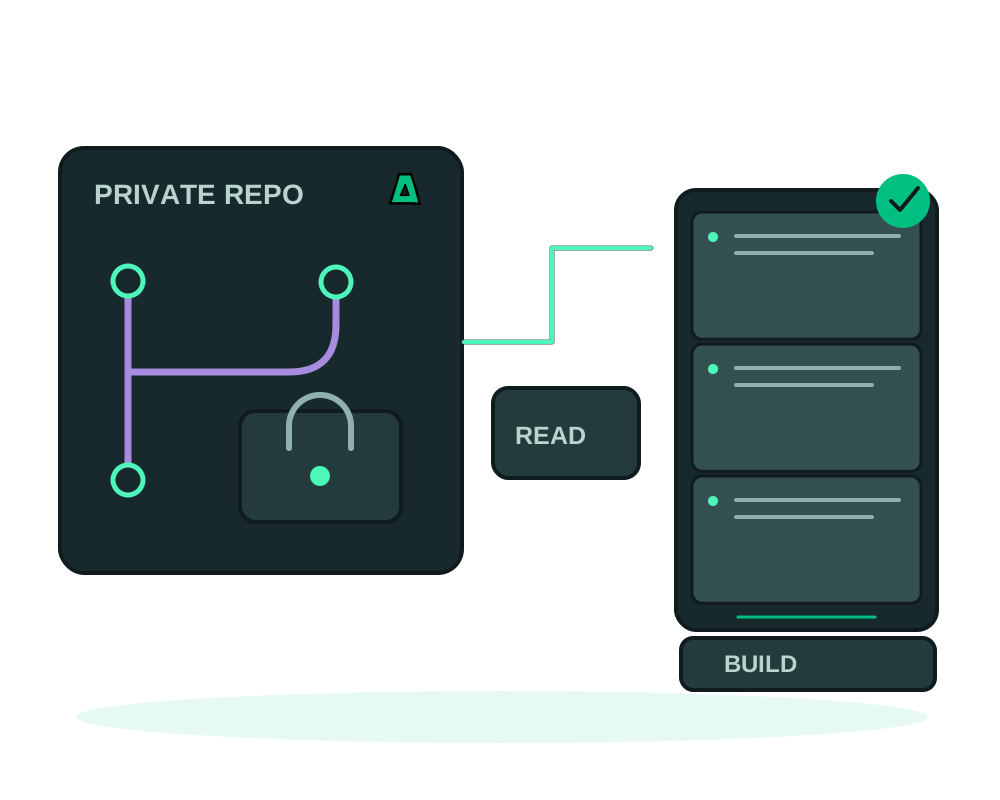
Deploy code from a private repository by granting the platform limited read access. The Impreza Agent clones the source and builds the Dockerfile on your VPS. Review the Dockerfile, build context, dependencies and logs: the privacy of the repository alone does not guarantee that a build or running app cannot transmit data. This guide covers access to the source, the first build and ongoing operation.
What you get
- A build on your VPS from a supported private Git source
- Read-only repository access through an SSH deploy key or a scoped token, instead of an account password
- Separate credentials for repository access and application runtime configuration
- In-place redeploys with the existing route, plus an optional webhook for the tracked branch
Before you start
Your repository needs a Dockerfile (at the root, or anywhere you point to) and your app must listen on one port. You need a VPS with the Impreza agent online; an offshore VPS with the agent preselected at checkout is enough.
Deploy it
Choose how the agent will read the repo
Deploy key is the recommended path and works with any host that supports SSH deploy keys. You give the SSH URL, such as [email protected]:you/app.git, and Impreza generates a key pair for that deployment. Token keeps the https URL and takes a repository-scoped read token: a GitHub fine-grained token with Contents: Read, or a GitLab access token. Bitbucket users should use the deploy key.
Create the deployment
From My Apps in Advanced view, the CLI, or your AI agent, create a custom deployment in Dockerfile mode with the git URL, the branch or tag to track (default main), the Dockerfile path if it is not at the root, and the port your app listens on. Add environment variables and, if the app writes files, the paths to persist as volumes.
Add the public key to the repository
With the deploy key method, the create response includes a public key. Add it to the repository as a read-only deploy key (GitHub, GitLab, Gitea) or access key (Bitbucket). If the first build already ran and failed on the clone, add the key and redeploy in place; the URL does not change.
Watch the build
Follow the build status and logs until it succeeds or fails; duration depends on the source, dependencies and available server resources. Once running, open the configured URL and check the app itself. For a failed build, inspect clone permissions, the Dockerfile step that failed, image access and resource availability. Keep credentials and sensitive output out of shared logs.
Ship every push
Once it runs, connect the repository’s push webhook so each commit to the tracked branch rebuilds and redeploys automatically. See how to auto-deploy on every git push.
If you use a token instead of a deploy key, restrict it to the intended repository and the permissions required to read the source. Review its expiry and revoke or replace it when no longer needed. Do not paste repository secrets into general prompts, commit them to Git or embed them in images. Runtime variables and build output need their own access controls.
To ship a new build, redeploy the existing deployment in place. It re-clones the tracked ref and rebuilds while retaining the configured domain and URL. This does not guarantee uninterrupted service: startup time, schema changes and application behavior affect availability. Review app backups and restore before stateful updates; Git history is not a backup of database contents or uploaded files.
Check CPU, memory and free disk for the build as well as the running app; do not assume runtime limits reserve all the resources a build needs. Supported deployments can add an onion endpoint, but public routes and published ports need separate review. See Tor publishing before relying on a particular access model.
Deploy from a Git forge available only through Tor
You can deploy from a self-hosted Git forge whose web and Git service are available only as a Tor onion service. The Impreza Agent connects to the source through Tor on the server, so the forge does not need a public internet address. For private repositories, use a supported HTTP(S) access token with read-only scope where the forge provides it.
Onion Git sources use HTTP or HTTPS. SSH-based Git access to an onion source is not supported. This connection applies to fetching the repository; it does not route every build dependency, container image download, application request, or other server traffic through Tor.
Review source findings before a build
For supported source deployments, the Impreza Agent can report selected known dependency advisories and selected credential patterns before the image is built. Dependency checks read supported lock files such as package-lock.json, composer.lock, and go.sum. Findings identify relevant files and packages without returning source contents or credential values.
This is a focused source review, not a complete security audit. Coverage depends on the files and advisory data available; a finding is a review signal and does not automatically block a build. It does not scan the finished container image or certify an application as secure.
Private source and branch previews are different
Eligible branch previews can use supported private Git credentials already available to the parent deployment. Private source access and preview visitor access are separate settings: an onion address alone does not restrict who can connect.
For reviewer-only access, explicitly create the preview with Tor client authorization and add the intended reviewer clients. Access control is installed before the onion service is first published. Automatic previews created by a Git push remain reachable by Tor users because the webhook flow cannot distribute a newly generated reviewer key. Create a restricted preview explicitly when reviewer-only access is required. A preview uses either Tor client authorization or password protection, not both at the same time.
Preview environments also require a review of inherited variables and external dependencies. A separate deployment can still contact a production database or API if it receives the same configuration.
After the first build
Use app inspection and maintenance for supported checks. If an assistant needs only selected app operations, review delegated app access; that credential is distinct from the repository deploy key. When moving servers, plan app migration around stored data and external integrations, not only the Git checkout.
Start now
Get an offshore VPS with the agent preselected, read the deploy reference at docs.imprezahost.com, or start from a public image or a compose file with deploy a Docker app to an offshore VPS.