















































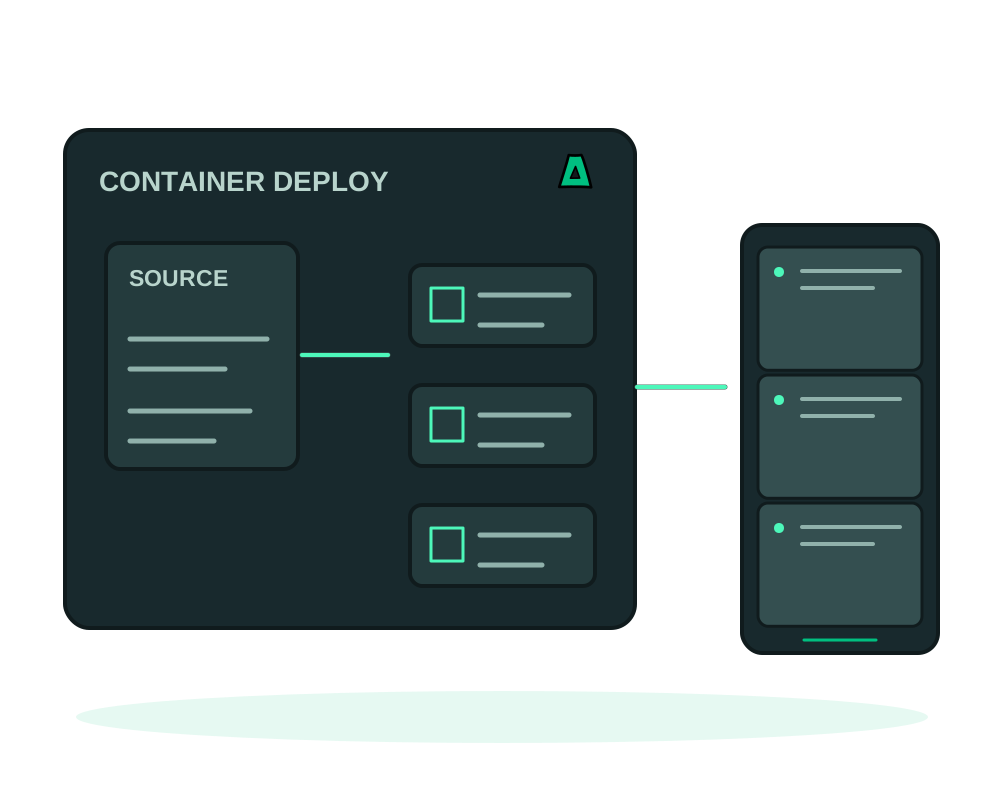
Impreza can deploy a compatible container image, Dockerfile project or Compose stack on your own supported VPS. The Impreza Agent must be installed and online. HTTP apps need a valid route and hostname for managed HTTPS; other workloads need their own network configuration. Start with the source, resource requirements and data paths.
Three ways to ship
- A public image. Choose an accessible image compatible with the server architecture, resources and runtime requirements
- A Dockerfile in git. Build straight from your repo, public or private
- A compose manifest. Bring a multi-service stack as one app
Deploy it
Get a VPS
Order an offshore VPS with the Impreza Agent and wait until it is online. Check CPU, memory and disk capacity for the app, image layers, build workspace and backup or restore work. No-KYC signup and crypto payments are available.
Choose your source
For a published image, give the image reference. To build from source, give the git URL and branch, plus a Dockerfile path if it is not at the repo root. For a multi-service stack, hand over the compose manifest instead.
Set the runtime details
Name the deployment, set the port your container listens on, and give it a hostname so HTTPS is issued automatically. Adjust the CPU and memory limits if the defaults are tight, and pass configuration as environment variables.
Persist your data
Map the paths that hold state, such as database files and uploads, to the correct persistent volumes. Data left only in a container’s writable layer can be lost when the container is replaced. For a Compose stack, declare the volumes in your manifest. A persistent volume is not a backup: deletion, application errors or host failure can still affect it.
Never bake API keys, database passwords or tokens into a Dockerfile or commit them to the repo: anyone who pulls the image or clones the repo gets them, and they persist in the layer history. Pass them as environment variables at deploy time instead. For a private repo, use a deploy key or a fine-grained, repo-scoped, read-only token, never your personal access token with full account scope.
Supported app deployments can add a Tor v3 .onion endpoint. Review public routes, published ports and application dependencies separately; adding Tor does not automatically remove other access paths. See how to publish a Tor .onion site for the app flow and its distinction from Tor Manager.
Expose the single port your app serves. Admin panels, database ports and metrics endpoints should stay unreachable from the internet, reachable only from inside the deployment or over your own private path.
Keep it running
After deployment, check the app URL, logs and actual behavior. Use app inspection and maintenance for supported operations; native maintenance commands depend on the app, and are not available for every custom image. If you configure a Git webhook, verify the result of each triggered build: see auto-deploy on git push.
Check a new version before moving traffic
With Agent 0.6.27 or later, eligible custom web apps can opt in to a redeploy that keeps the previous version serving while the new one starts and passes readiness checks. This is for one web service through a managed domain or onion, without a fixed host port or writable volumes; catalog apps and multi-service stacks do not qualify. Follow redeploying after readiness checks to inspect eligibility and plan the change. It is not a guarantee of uninterrupted connections.
For the route’s protection, follow Impreza Shield. Configure challenges and request limits with the app’s actual clients in mind; browser proof-of-work is not suitable for every API integration.
Prepare recovery before changing the app
Review app backups to your account’s Impreza S3 storage. Check coverage of the deployment data directory and detected named volumes; custom bind mounts, external databases and remote storage need separate review. A file copy while a database is running does not prove database consistency. Keep the deployment record and test the app-specific recovery procedure.
Moving hosts also requires a tested cutover: follow migration between compatible servers and check configuration, data, routes and external integrations before switching traffic.
Start now
Spin up an offshore VPS, or let your AI assistant do the whole flow from chat with the Impreza MCP.