















































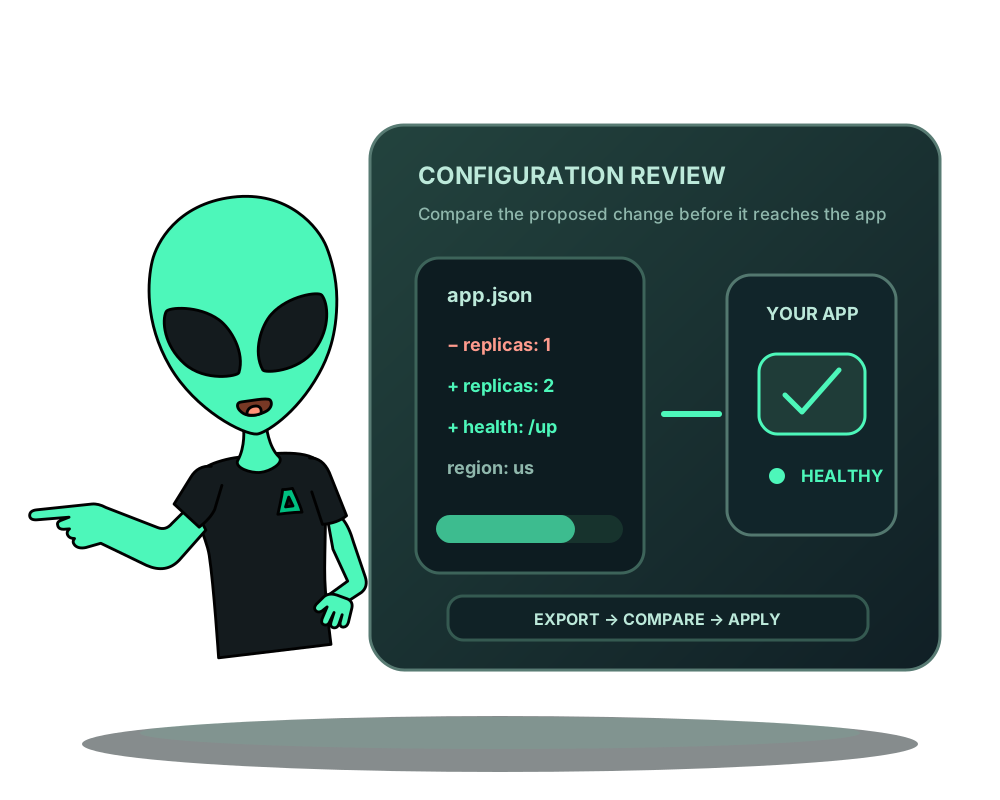
A deployment should have a configuration you can explain and review. Impreza can export an existing custom application’s settings as an impreza.app.v1 document. Save a reviewed copy alongside your project, compare changes and apply them through the portal, MCP or Python CLI.
This workflow updates an existing application. It does not create a second app, move a domain, change a database connection or migrate data to another server.
Start with the right application
Identify the deployment and confirm that it belongs to your account. Use My Apps and its Advanced controls, the hosted MCP connector or local MCP 0.39.0+. Configuration operations require unrestricted account credentials; API inspection needs read permission and preparing or applying a change needs deploy permission. Portal permissions still apply.
If another operation is active, finish it and inspect the result before planning a configuration change. A saved review does not override a later ownership or authorization change.
Export and inspect before committing
Use impreza_export_app_config with the deployment ID. The document records source, configuration, resource limits and references such as the current domain and database connection. The presence of a reference does not make it an editable field in this workflow.
Sensitive variables use references to values stored by the platform. Review the entire export before putting it in Git: this classification is not a general secret scanner for arbitrary text or customer source code. Keep repository permissions appropriate for the configuration it contains.
For an assistant, begin with a read-only request:
Export the configuration for my selected app. Explain the settings and identify anything I should review before saving it in the repository. Do not apply changes.
Edit a small change and prepare a review
Keep the original export for comparison and edit only the intended supported settings. Call impreza_prepare_config_apply with the same deployment ID and the edited JSON serialized as the document string. Preparation produces a review, not a completed deployment.
Inspect the proposed differences, target and expiry. Save the returned configuration plan ID and digest. Use impreza_get_config_plan to read the saved plan again. Reviews expire after 15 minutes; if the review expires or the intended change differs, prepare a new one.
Confirm the reviewed plan and follow the result
After approval, use impreza_apply_config_plan with that plan ID, its exact review digest and explicit confirmation. Applying queues work and may interrupt the application. Follow the command until it finishes and test the affected behavior.
Repeating an accepted plan returns its existing receipt; it does not start a second job. A document with no effective changes queues nothing. Missing secret references fail closed instead of creating empty credentials. Keep the plan ID when a response is lost so you can inspect what was accepted.
Use the same process from your terminal
With impreza-cli and impreza-sdk 0.6.0+, configure your authenticated context and export a file:
impreza config export dpl_REPLACE_ME --out app.json
impreza config apply dpl_REPLACE_ME --file app.json
Replace the placeholder with your own deployment ID. The apply command prepares the change and asks you to inspect it before confirming. Use a regular UTF-8 file no larger than 64 KiB. Keep the returned plan ID to inspect the receipt; do not treat a successful submission as a healthy deployment.
Keep configuration and data recovery separate
Reapplying configuration does not undo database writes. Use app backups for covered data, migration for compatible server moves, and metrics and alerts to observe the app after a change. The configuration reference owns the current schema and API contract.