















































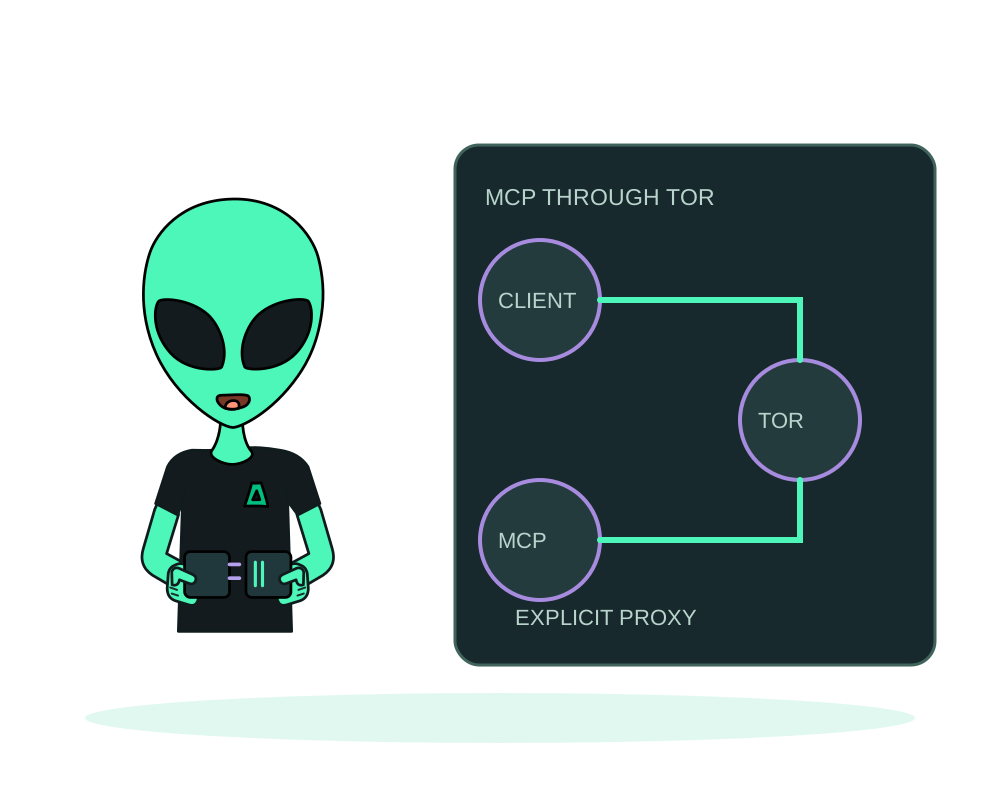
Publishing an app on Tor and connecting your assistant to Impreza over Tor are separate tasks. This guide covers the second: the transport used by your MCP client to reach Impreza. Your assistant still uses the permissions you grant, and its AI provider can still receive prompts and tool results.
Impreza onion addresses
Use these addresses in Tor Browser or a client configured to use Tor. Keep each scheme and path exactly as shown; the portal uses HTTPS, while the API, hosted MCP and documentation addresses below use HTTP over Tor.
Customer portal
https://portal.imprezareshna326gqgmbdzwmnad2wnjmeowh45bs2buxarh5qummjad.onion/clientarea.phpSign in and manage your account in Tor Browser.
REST API base URL
http://api.imprezareshna326gqgmbdzwmnad2wnjmeowh45bs2buxarh5qummjad.onionSet this base URL in a compatible API client.
Hosted MCP endpoint
http://mcp.imprezareshna326gqgmbdzwmnad2wnjmeowh45bs2buxarh5qummjad.onion/mcpAdd this endpoint to a Tor-capable remote MCP client.
Documentation
http://docs.imprezareshna326gqgmbdzwmnad2wnjmeowh45bs2buxarh5qummjad.onion/Read setup and reference material in Tor Browser.
The API and MCP addresses are client configuration values, not ordinary sign-in pages. These are Impreza’s service addresses, not the address generated for your deployed app. Copy the current app address from its deployment details.
Choose the client connection
Hosted MCP with OAuth works only when the client explicitly supports the onion endpoint and a Tor proxy. Discovery at the onion MCP endpoint advertises onion addresses for the protected resource and the authorization server, so compatible clients can keep sign-in on Tor. Follow the endpoint’s metadata instead of mixing clearnet and onion settings. Opening an authorization page in Tor Browser does not automatically route the client’s token exchange or later MCP requests through Tor.
Local MCP provides another path for compatible coding tools, including local-folder workflows. Use the REST API base URL listed above with the current Tor transport instructions. Do not substitute an arbitrary onion URL or assume every remote MCP client supports this setup.
Keep the links returned by the platform on Tor
When you use the validated onion mirror, supported panel and private-entry links returned by the platform use the onion portal. Opening the API or MCP host’s root in a browser also leads to the onion portal. These browser destinations do not replace the API base or the hosted MCP endpoint above: keep the /mcp path in your remote connector.
Before opening an account link, check its host and scheme. A clearnet link can still appear in other content or come from your AI client; the platform cannot make that client route every request through Tor. Keep your proxy configured and use the official onion addresses for the tasks they serve.
The new create an account while connecting OAuth option is offered on the HTTPS clearnet portal, not on the onion authorization page. If you choose an onion connection, use the supported account and sign-in flow rather than treating a clearnet detour as a Tor-only session. See the account-creation conditions.
Follow the portal’s onion navigation deliberately
The portal’s Onion-Location now preserves the original page path, including custom sales pages. On the onion portal, admitted portal and service origins in rendered links are rewritten to their onion alternatives. This improves navigation after you choose the Tor entry point; it does not configure your AI client’s proxy.
The institutional site, community and social links can still lead to clearnet destinations. Check each destination rather than assuming every portal link is onion-only. Keep using the official addresses above and the client’s explicit Tor transport.
Disk encryption uses a separate unlock connection
Customer-held disk encryption and Tor publishing address different risks. The current Ubuntu 24.04 encrypted-disk workflow requires direct SSH to the server’s IPv4 address before the root disk is mounted. That connection reveals the connecting address to the server and network path; it is not an onion unlock feature. Follow the unlock requirements and keep the passphrase out of the AI conversation.
Configure local transport explicitly
For local MCP connected to an onion API URL, set IMPREZA_PROXY to an explicit socks5://host:port proxy. Tor commonly listens on 9050; Tor Browser commonly uses 9150. Confirm the actual listener on your machine rather than choosing a port blindly.
With local impreza-mcp 0.56.1 or later, a new pairing code or credentials from the environment can be sent only to an authorized API origin. For the official onion API, set IMPREZA_BASE_URL to the API address above and IMPREZA_ORIGIN_AUTHORIZED to that same exact origin, including its scheme and host. Do this before impreza-mcp login --code or starting with environment credentials. The hosted /mcp URL is not the local connector’s API base.
A credential saved by impreza-mcp login carries its paired origin and keeps working without the extra variable; changing the API URL does not authorize reuse elsewhere. Never approve an unfamiliar destination just to bypass a refusal. Check the published local MCP configuration for the current settings. Origin authorization and the Tor proxy are separate requirements.
When the proxy is unavailable, the client fails instead of falling back to direct DNS or clearnet. Do not remove the proxy setting to work around an onion connection error. Check the Tor process, endpoint and client configuration first. See the connection reference for current package configuration; no account secrets belong in a shared example.
Keep OAuth issuer and resource distinct
For hosted MCP, discover OAuth metadata through the same onion endpoint you will use. Its authorization server and consent redirect must identify that onion issuer.
The logical OAuth resource remains https://mcp.imprezahost.com/mcp, even though transport uses Tor. Do not rewrite that value to the onion address. Keep issuer, resource, state and PKCE validation enabled. A mismatch should be investigated rather than accepted by disabling checks.
Review consent and complete the return
Check the app name, redirect target and permission checkboxes. Read and Deploy are selected by default; Manage is not. For read-only access, uncheck Deploy even when the incoming authorization link requested only read.
A desktop client may receive the browser callback at a loopback address on your computer. The client must be running and listening on the port in the exact callback URL it supplies for that connection. A browser on a different device cannot reach that local listener. Use the callback supplied by the client.
If Tor Browser blocks the local return, follow the scoped troubleshooting instructions. Avoid global browser-protection changes. Never share a callback URL containing an authorization code.
Verify the completed connection
A callback-received message proves only that the browser reached the client. Wait for token exchange and MCP connection to complete, then perform a read-only operation permitted by your grant. Inspect the client’s transport configuration and redacted diagnostics to confirm the intended endpoint and proxy.
Use an isolated test session when checking failure behavior; an unavailable proxy must produce an error, not a direct connection. A successful tool result alone does not prove which transport carried it.
Manage unwanted grants under Impreza API, Connected Apps. Revocation does not undo completed actions. Continue with OAuth permissions or publish an onion app once the connection is verified.