















































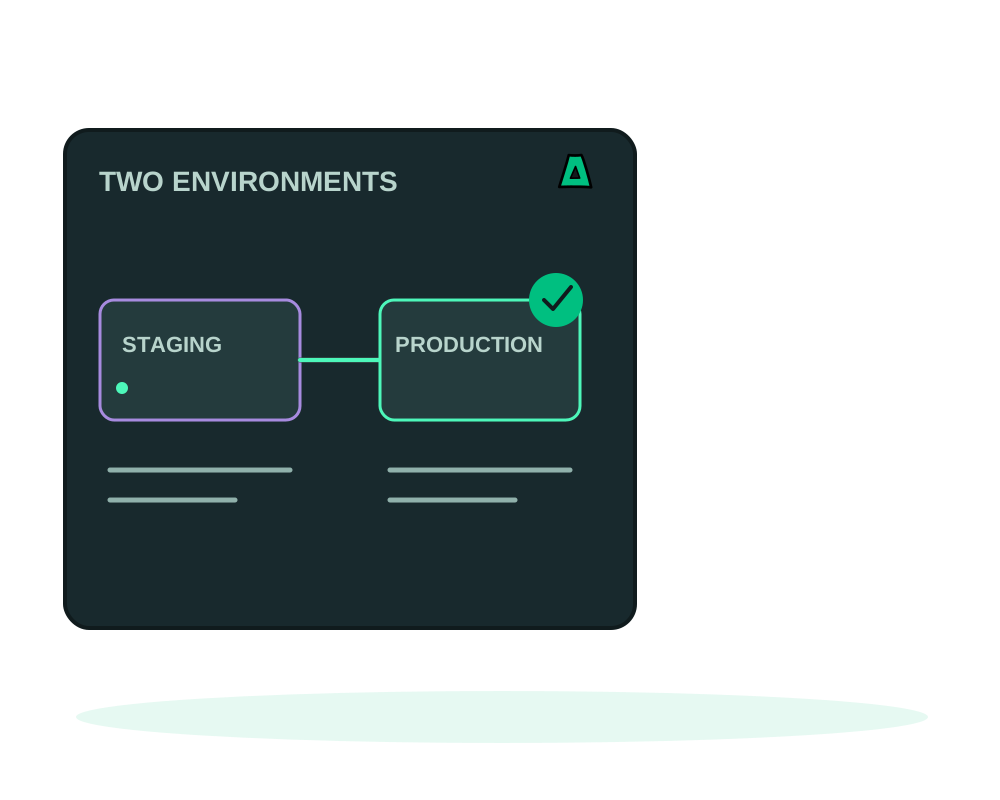
Most people running a staging copy keep the relationship in their head: this deployment is the test one, that deployment is the real one, and the difference between them is whatever they remember changing. Projects and environments make that relationship explicit. You can compare the two, manage variables at project and environment scope, review a configuration promotion and deploy the environment in service order.
Linking an app to an environment only organizes it. Variable groups and promoted configuration take effect on the app’s next deploy; neither operation silently restarts a running container.
What you get
- Projects that group environments such as staging and production
- Components inside each environment, linked to existing applications, with a role: web, worker, database or cache
- Comparison between two environments of the same project, showing variable names only
- Scoped variable groups at project and environment level, resolved alongside app variables on the next deploy
- Reviewed configuration promotion between environments, showing names rather than secret values
- Ordered environment deploy across database, cache, worker and web components, with a healthy-start check by default
- Grouped image promotion between paired components in staging and production, using the image promotion workflow
- A hostname switch between two running apps on the same server
What linking does and does not do
Linking an application to an environment does not deploy it, change its networking, copy its variables or share its credentials. The app keeps its ID, its history and its runtime configuration exactly as they are. Detaching removes only the association; the application and its data stay.
Roles are labels. Choosing database for a component does not validate an engine, provision anything or grant network access. If you want an actual database connection, that is the PostgreSQL binding, and it uses these associations as a prerequisite rather than replacing them.
Set it up
Create the project
In My Apps, switch to Advanced view and open Projects and environments, then create a project for the system you are organizing. Names are lowercase, start with a letter and hold up to 48 characters.
Create the environments
Create staging and production inside it. An account can hold up to 50 projects, each with up to 20 environments and up to 100 linked services per environment.
Link the apps you already run
Select an environment and an existing application, give the component a name and pick its role. Attach only apps that are running or failed, with no pending operation.
Use the same names on both sides
This is the step that pays off later. The staging web app and the production web app must share the same component name and the same role, or the platform cannot pair them for comparison or promotion.
Compare the two environments
Open the comparison view for the pair. It groups variables as equal, different, or present on one side only, and it shows source descriptors and connection state. It never returns values or credential digests.
Set shared variables deliberately
Under Variable groups, load the project or environment group. Project values apply across its environments; environment values override them, and an app’s own values take precedence. Save the complete group after review. Stored secrets appear by name only, and a conflicting edit is refused so you can reload before saving again. These values reach running apps on their next deploy, not when you save the group.
Review configuration promotion
Use Promote configuration to choose a source and target environment in the same project. Review the paired components and the variable-name differences, then apply the exact review after confirming the target. Secret values are not shown. Applying changes the target’s saved configuration; it does not redeploy the apps.
Deploy the environment in order
Use Deploy environment in order when you are ready to roll out the saved configuration. The platform processes database, cache, worker and web components in that order. Healthy start is required by default. Follow the batch status: if a stage fails, previously completed stages remain deployed and there is no automatic rollback.
That is deliberate. You find out that production has a variable staging is missing, or that both define the same name differently, without the platform ever handing a secret back through the portal, the API or a chat with an AI assistant. It answers “what differs”, not “what is it set to”. Local MCP needs 0.38.0 or later for this view.
Moving a hostname between environments
A traffic switch moves one hostname from one running custom app to another on the same server. The destination must currently have no hostname, and previews cannot take part.
Before applying, the target has to be running, any Docker healthcheck it declares has to be healthy, and a local HTTPS route probe has to succeed: connection errors and 5xx responses are rejected. The source keeps running after the switch, so you still have the previous version in place.
Requires agent 0.6.16 or later, and the agent has to announce traffic switching support. Update existing agents explicitly before relying on it.
The probe checks that the route answers locally. It does not certify that your application is correct, and it does not validate public DNS or TLS. A brief interruption during the switch remains possible, so treat it as a planned moment rather than something invisible to visitors.
An application belongs to at most one environment, and a component name is unique inside its environment. A conflicting association is refused rather than silently applied. To move an app, detach it with confirmation first, then attach it where you want it.
What still requires a separate action
Linking a database or cache component does not provision it, create a connection or open network access. A managed connection needs its own reviewed binding workflow. Saving a variable group or applying a configuration promotion does not deploy the apps; start an ordinary or ordered deploy when you are ready. The portal, REST API, hosted Impreza MCP and local impreza-mcp 0.46.0 or later support the variable-group, configuration-promotion and ordered-deploy workflows.
Saved deployment plans are a different feature: they describe reusable deploy inputs, while projects organize applications that already run.
Start now
Get an offshore VPS with the agent preselected, then set up the release path: promote an image to production, connect a PostgreSQL database and recover from a failed deployment.