















































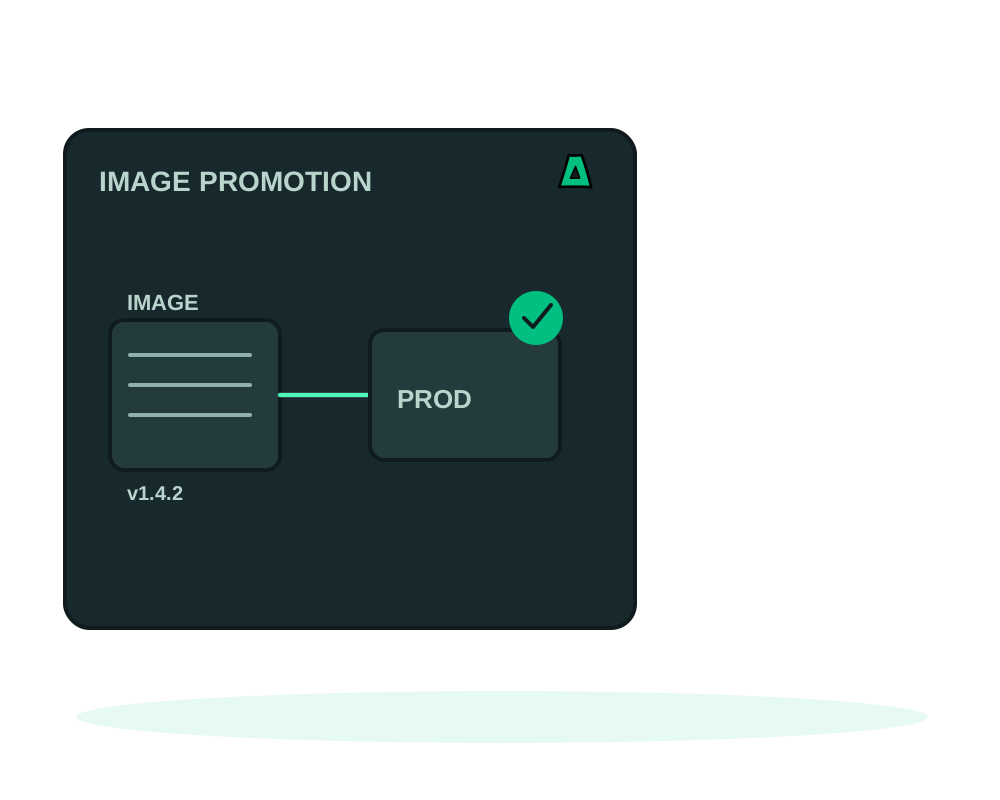
Rebuilding for production is how a release stops being the thing you tested. A dependency resolves differently, a base image moved, a tag now points somewhere else, and the artifact that reaches your users is not the artifact that passed review.
Promotion removes that gap. You select the exact image digest one application is running and apply it to another. Only the image moves.
What you get
- An immutable artifact: the reference must end in
@sha256:followed by the digest, never a mutable tag - The destination keeps its own life: variables, domain, ports, resource limits, startup configuration and volumes are preserved
- A review before anything runs, listing variable names but never their values
- An idempotent apply: repeating the same promotion and digest returns the existing receipt instead of deploying twice
- Nothing copied from the source: no credentials, no variables, no registry logins
Before you can promote
Both applications have to be yours and both have to run in image mode. An app built from source through one of the generated recipes does not promote today, which is worth checking before you plan around it.
The source must be running, must select a digest reference, and must have a successful recorded deploy of that exact reference. This can include its initial installation: the platform can recognize the exact image reference applied to the app service in that successful deployment. A running container alone is not enough. The destination must be running or failed and have a single image service named app.
If either app is linked to a project environment, both must belong to the same project with the same component name and role, in different environments. Apps that are not grouped can still use the standalone flow.
Promote it
Verify the source yourself
The platform checks the latest recorded deployment evidence and requires the applied image reference to match the selected source reference exactly. A missing or failed record, a different reference or a mutable tag cannot substitute for that evidence; a multi-platform image index and one of its platform manifests are not treated as interchangeable references. This remains a historical fact, not a health check. Exercise the staging app before you choose it as the source.
Prepare the review
In My Apps, switch to Advanced view, open Promote an image on the destination card and choose the source. Or call the preparation from MCP or the REST API. This creates a private review. It does not queue a deployment or reserve capacity.
Read what will change
Check the exact image, the destination server, its domain, its limits and the variable names. The review carries a digest of its own, which is what makes the next step exact.
Confirm
Apply with the promotion ID, the reviewed digest and an explicit confirmation. Apply accepts only the digest it showed you, and refuses if the source or destination changed after the review.
Follow the command, not the response
A 202 means the work was accepted into the queue. Follow the returned command in Deployment history, then check the destination’s runtime health and test the app.
When the command is accepted, the destination’s selected image becomes the promoted one. If the pull or the replacement then fails, the version actually serving traffic may still be the earlier release. Selected configuration and current runtime are two separate facts, and the recorded result is the one that tells you which is which.
A review is valid for 15 minutes, and an account keeps at most 20 pending reviews. A stale review, a changed configuration, a mutable source tag, a missing source record or a busy application all produce a conflict rather than a surprise deployment. Prepare again when the state is right.
What promotion is not
It is not blue-green switching. Applying can interrupt traffic. If you want to move a hostname between two running apps instead, that is the traffic switch described in staging and production environments, and even that keeps a brief interruption possible.
It does not change database schemas or revert data writes. Promoting old code onto a database that a migration already rewrote is the classic way to turn a small failure into a large one. Plan the data path with app backups first.
It also does not export locally built images or transfer registry credentials: the destination host has to be able to pull the image itself. And a multi-platform digest can resolve to different architecture-specific images on different hosts, so verify the host you are promoting to.
Promotion sets the selected image; release history restores a previous one. If the destination has a managed database connection, manual rollback refuses a retained release that would change that connection, and it refuses before replacing containers rather than halfway through.
Start now
Get an offshore VPS with the agent preselected, group the two apps with projects and environments, and read the promotion reference for the exact API contract.