















































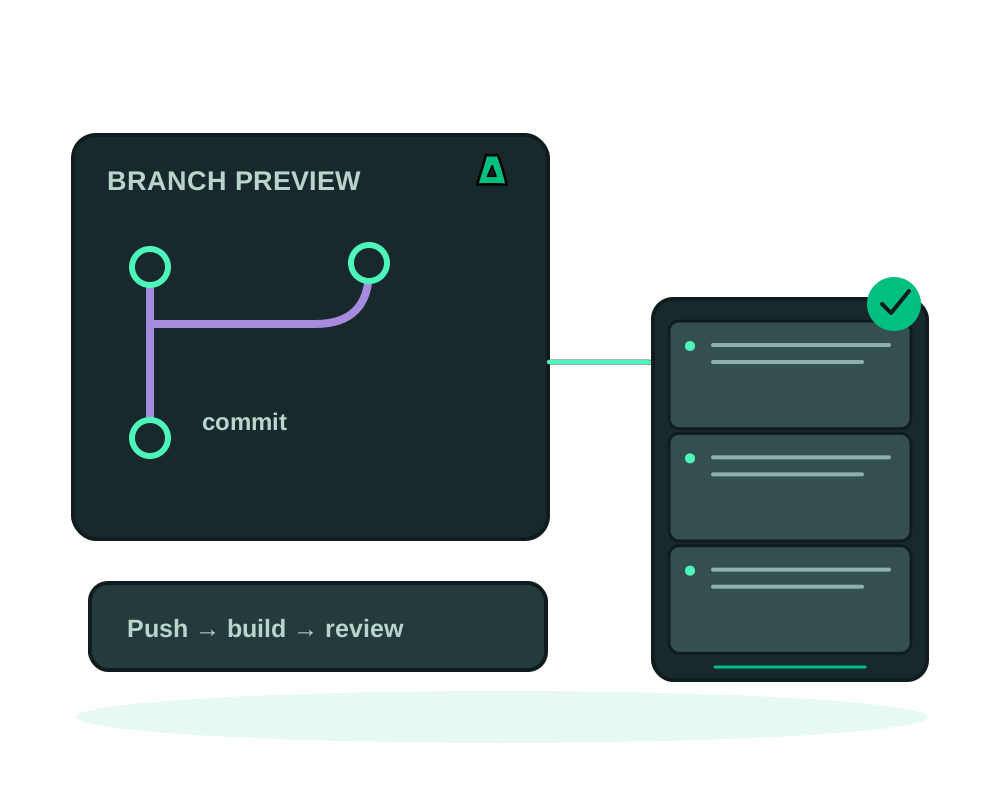
Impreza can create a separate app deployment for a branch pushed to an eligible Git-connected parent deployment. The preview receives a Tor v3 onion address without provisioning a public DNS hostname or requesting a public TLS certificate for that address.
This guide covers branch previews, not a permanent Tor site or a copy of your entire production environment. Start with a disposable test app before enabling the workflow for a project used by customers.
Check the supported setup
Use a custom deployment built from an accessible Git repository, with a working push webhook and an available Impreza Agent. Identify the parent deployment ID and its watched branch. A push to that watched branch follows the parent’s normal deployment flow; eligible other branches can create previews.
New Git previews preserve the parent’s Dockerfile path. Supported private previews use the parent’s current Git credential at clone time without copying it into app variables. The parent must remain in the same account and on the same agent, with the same repository and authentication method. After rotating the parent’s credential, redeploy the preview. Older previews with their own credentials need review; retire and recreate them to adopt the linked parent connection.
When a webhook supplies a commit, agent 0.6.1 or later requests that exact revision for the build. An unavailable revision fails instead of silently building a different commit. See the private Git requirements for your authentication method.
Compose manifest mode is not supported for previews. Tags do not create branch previews. A generic webhook must include a supported branch ref such as refs/heads/feature-demo; a request without that information is not a branch-preview trigger.
Review a pull request or merge request
Supported GitHub pull-request and GitLab merge-request webhooks can now drive the review lifecycle with Agent 0.6.28 or later. An opening event or new commit can create or refresh an eligible preview; closing or merging the review can request retirement without requiring branch deletion. Reopening is a new lifecycle event: inspect the returned preview before sharing its address again.
Use the provider’s supported authenticated webhook configuration and check the event result. A working push webhook alone does not establish that review events are configured. Forked source is untrusted and is subject to the provider and credential checks; do not give a fork production variables or private build credentials to make a refused preview run.
List the previews and read the teardown result after a review closes. An accepted webhook, closed review or requested cleanup is not proof that the container stopped or that every log and data copy was erased. PR/MR teardown removes preview-owned volumes after Agent confirmation; saved S3 backups follow their own retention, and the VPS remains billed. Old onion keys are parked for a 30-day recovery period with best-effort later pruning; reopening creates fresh keys. The PR/MR count and compute budgets can refuse a new preview instead of replacing an existing one. The project view helps locate active previews alongside their parent apps.
Prepare test settings and capacity
Previews run on the same server as their parent and inherit its CPU and memory settings. Reserve capacity for the parent, concurrent previews and builds. A preview count limit is not a guarantee that the VPS has enough resources.
The preview gets its own deployment storage for supported declared volume paths. It does not automatically copy the parent’s stored data. New previews inherit no app variables by default. In My Apps, open the parent’s Advanced card and Preview settings to select safe variable names explicitly. An empty selection means none. Existing previews retain their own configuration and must be reviewed separately.
Do not select production database URLs, payment keys or other secrets for inheritance. Build credentials are not inherited by automatic previews. A private Git connection authorizes cloning source; it does not provide private package credentials for the build.
Use a separate test parent configured with test credentials and non-production dependencies when needed. Review background workers, emails, payments, webhooks and external databases before enabling previews. Separate local storage does not prevent a child from contacting the same external service as its parent.
Configure the parent
Use impreza_git_webhook_status to confirm the push connection and watched branch. Use impreza_list_previews with the parent deployment ID to read its settings and current previews.
To enable a small test configuration, pass the following arguments to impreza_configure_previews, replacing the placeholder ID:
{
  "deployment_id": "dpl_PARENT_REPLACE_ME",
  "enabled": true,
  "ttl_hours": 24,
  "max": 2
}
Read the returned settings. The supported lifetime is 1 to 168 hours, with a default of 24. The maximum concurrent count is 1 to 20, with a default of 5. Supply both numeric settings when changing the configuration so your intended limits are explicit.
Push a branch and collect its address
Push a test branch other than the watched branch. Then call impreza_list_previews with the parent ID and check the matching branch, deployment status, onion address and expiry.
A successful webhook response can contain a note explaining that no preview was created. An event or an accepted deployment request is not proof that the app has finished building. Wait for a running deployment and test the page before sharing the address.
Open the returned address in Tor Browser. Check application login, navigation, assets and the intended change. A normal browser or an external integration without Tor support will not use an onion URL directly.
Further pushes to the same live preview branch redeploy it and extend its expiry. The existing preview keeps its address while it remains alive. A new deployment after retirement should be treated as a new preview with a new address.
Restrict a preview to selected reviewers
The generated onion address avoids a public preview hostname and its associated public certificate request. An onion address alone does not limit access: Tor users who know an ordinary preview address can reach it unless the app or preview has a separate access control.
For a review limited to selected clients, explicitly create the preview with Tor client authorization and add the intended reviewer clients during setup. Access control is installed before the onion service is first published. Automatic previews created by a Git push remain reachable by Tor users, so choose the restricted option explicitly when access should be limited. Store the generated reviewer key safely; it is shown only once. Do not publish the onion URL or reviewer key in public issues or logs, and verify access for the actual preview before sharing sensitive content.
The account and Git provider still hold deployment or repository information. Configured event receivers may receive the branch and onion address. Also check host-port and firewall exposure for your server before making a claim that the app is reachable exclusively through Tor; the absence of a public hostname alone does not establish that.
Close the review and verify cleanup
The TTL is extended after another push to the live preview branch. Expiry is handled by a cleanup process; do not assume teardown occurs at the exact second on the timestamp.
An authenticated branch-deletion push requests retirement. With the supported GitHub PR or GitLab MR workflow, a close or merge event can also request retirement without deleting the branch. Verify that the review-event webhook is configured and read the resulting teardown state. When a new preview would exceed the count limit, the oldest existing preview is selected for retirement.
Turning previews off leaves existing previews running until they expire or are retired. To request early retirement, call impreza_retire_preview with the preview’s deployment ID, not the parent’s. It requires manage access. Check the lifecycle result and confirm the old endpoint no longer serves the app. Do not treat retirement as proof that every data copy or log was erased.
For choosing a server and review workflow, see private preview environments. For diagnostic checks, use the app inspection guide.