















































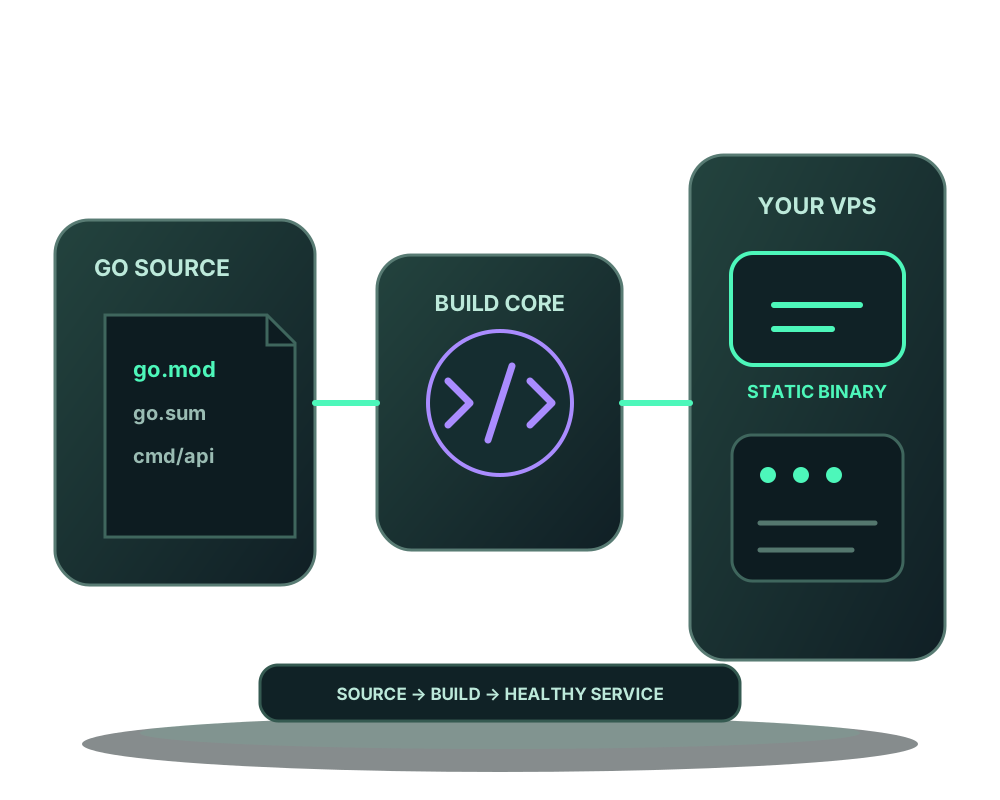
If your Go web app fits a straightforward module build, you can deploy it without maintaining a Dockerfile. Select Impreza’s go_build strategy, supply the source and choose the main package. The generated recipe compiles a static binary and runs it in a non-root runtime.
Use a custom Dockerfile for projects outside the recipe’s limits. A generated build is not a promise that every Go repository will compile unchanged.
Check the module before deploying
The selected project folder needs a regular go.mod. Commit go.sum when the module declares dependencies. The recipe uses Go 1.25 and refuses requirements for a newer toolchain instead of downloading a different compiler.
CGO is disabled. Projects that require C libraries, go.work, vendoring or external replace paths do not fit this recipe. Check those conditions before choosing it; a source inspection can help you review compatibility but does not execute or prove the application.
Select the project and main package
Choose go_build in the custom-app form. Use a Git source or supported local-folder workflow through MCP. The local impreza_deploy_custom interface uses dockerfile mode for generated recipes, but the project does not need to contain a Dockerfile.
Set project_dir to the module folder when the repository contains several projects. Inside it, go_package chooses the main-package directory. The default is a dot for the project root; cmd/server is an example when the executable lives there. Use a relative folder without hidden or parent segments.
For an assistant, start by reviewing the fit:
Check whether my selected Go project fits the generated recipe. Identify its module folder, main package, required toolchain and listening port. Show the proposed settings before deployment.
Match the listening port and readiness endpoint
The target port defaults to 8080 and accepts 1024-65535. The runtime receives it as PORT; the application must listen on that port and an interface reachable inside its container network. Reading the variable does not happen automatically inside your Go code.
Choose healthcheck_path for a working application endpoint; it defaults to /. Prefer a readiness endpoint that exercises the dependencies the application actually needs. A successful process start alone does not prove those dependencies are usable.
Enable require_healthy_start when the deployment should be accepted only after its startup health requirement is met. Check agent compatibility and the saved settings before applying. This does not promise uninterrupted deployment or undo writes made to a database.
Deploy and inspect the result
Review the selected source, server, resource limits, route and runtime settings. Apply the intended deployment and follow its build and startup result. If compilation fails, check the package path, module files, toolchain and dependency restrictions before repeating the same request.
After startup, load a real application route and perform a representative operation. Inspect logs and recent metrics. An accepted request is not the same as a successful build or a healthy application.
Keep application data outside the executable
The generated runtime runs the compiled binary; it is not a copy of every project file. If your app needs templates or static assets, account for them in its build design and verify they are available at runtime. Use covered persistent storage for data that must survive a replacement, and define a backup plan.
For projects that need another toolchain, native libraries or a different runtime layout, use your own Dockerfile. The recipe reference describes the current Go and static-file contracts.