















































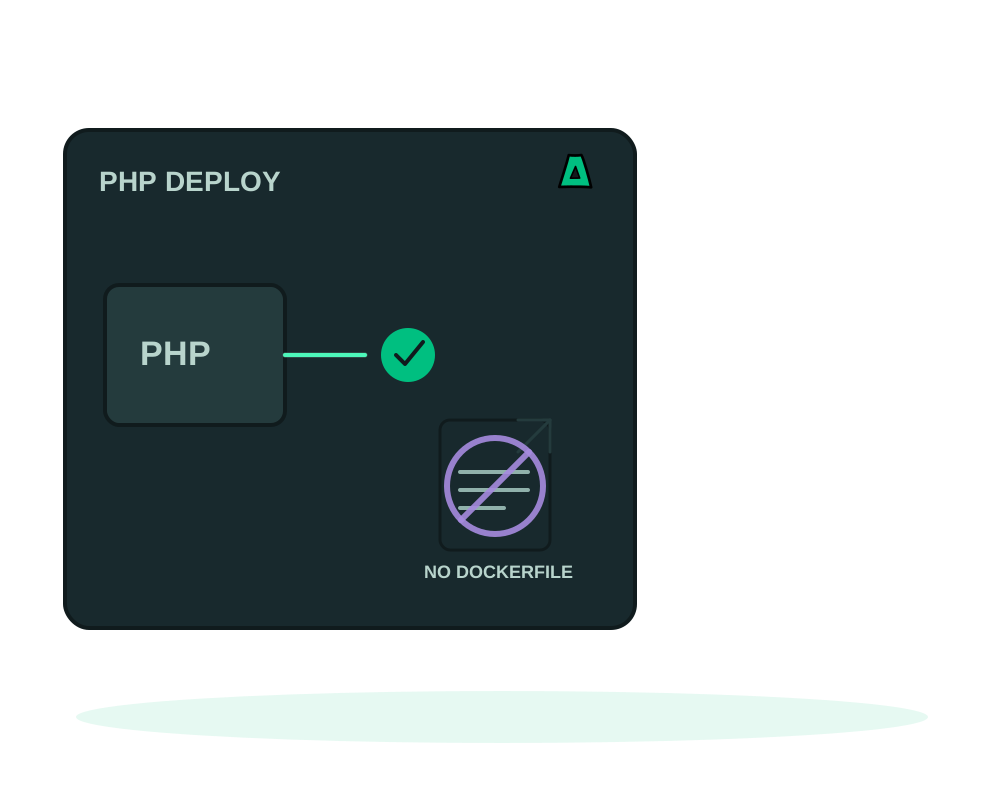
Most PHP projects do not need a container file. If your repository has a composer.json and a matching composer.lock, Impreza can build the image for you: PHP 8.4 with Apache, Composer 2, a non root runtime and the public folder you name. You pick the strategy php_composer and skip the Dockerfile entirely.
This recipe is deliberately narrow. Read the limits before you plan the migration, because they decide whether your project fits today or needs a Dockerfile.
What you get
- PHP 8.4 and Apache built from your lockfile, with Composer 2 and an optimized autoloader
- Your public folder served:
php_document_rootdefaults topublic, the folder holdingindex.php - A front controller fallback, so clean URLs reach
index.phpwithout an.htaccessfile - Non root build and runtime on port 8080 by default
- Optional strict health: the deploy only counts as successful when your path answers 2xx
What the build does, and what it refuses
The build installs exactly what your composer.lock pins, from public HTTPS archives, with plugins and scripts disabled. That is the security trade: no code from a dependency runs during the build, so a compromised package cannot execute in your image while it is being assembled.
The same choice creates the limits. The recipe refuses custom repositories, private credentials, asset build steps, database migrations and .htaccess overrides. If your project needs any of those, write a Dockerfile instead and deploy in dockerfile mode. That is a supported path, not a downgrade.
Two consequences worth planning for:
- Composer scripts do not run. Frameworks that discover packages through a post install script do that work on the first request instead, writing to their own cache folder. Check your framework’s cache directory is writable by the app, which it is when it arrives with your source.
- Migrations are yours to run. The deploy never touches your database. Run migrations from app inspection and maintenance or as a scheduled task after the release is live.
Deploy it
Check the two files
composer.json and composer.lock have to exist and match, in the folder you deploy. If your repository holds several apps, point project_dir at the one you want; that folder needs its own pair of files.
Name your public folder
php_document_root defaults to public. Set it to web, public_html or whatever holds your index.php. It accepts up to 120 characters and five path segments, and rejects hidden folders, parent segments, vendor, node_modules and symlinks. The value is saved when the deployment is created, and previews and redeploys inherit it.
Analyze before you deploy
Send your composer.json to the project analyzer, through your AI agent or the portal, and read what it reports back: framework hints, and findings that would block the build. The analysis is advisory, it does not fetch your repository and it does not authorize the deploy. Send configuration text only, never a .env file.
Create the deployment
From My Apps in Advanced view, the CLI, the REST API or your AI agent, create a custom deployment with build strategy php_composer, your Git URL or uploaded source, the document root and a target port if you want something other than 8080.
Add a health path
Give the app a route that answers 2xx when it is genuinely ready, such as /health, and set it as healthcheck_path. Turn on require_healthy_start to make that check decide whether the deploy succeeded. See recovering from a failed deploy for what happens when it does not answer.
The probe runs against 127.0.0.1 on your target port and requires a 2xx status with no redirect. A PHP app that answers the root path with a 302 to a login screen will fail the check. Point healthcheck_path at a route that returns 200 on its own, and remember that require_healthy_start needs agent 0.6.3 or newer.
The recipe installs from public archives only. A package from a private Packagist or a VCS repository is refused. Vendor the dependency, publish it to a public registry, or move to a Dockerfile build, where you control the credentials yourself.
Directory listings are off, symlinks are not followed, and override files are ignored. Requests that do not match a file fall back to index.php, which is what a front controller framework expects. Server tokens are trimmed so responses do not advertise the build.
After the first release
A release that builds is not a release that works. Open the app, exercise a route that touches the database, and read the runtime health of the containers, which is reported separately from the result of the last operation.
When you redeploy, the saved document root, health path and startup policy come along, so the second deploy is a single action. If a replacement fails, an eligible healthy previous release can be recovered, and your volumes are preserved. That is recovery of the application, not of your data: plan database changes with app backups before you ship a migration.
Start now
Get an offshore VPS with the agent preselected, read the build recipe reference at docs.imprezahost.com, or compare with the other no Dockerfile recipes: Node, Python and static sites.