















































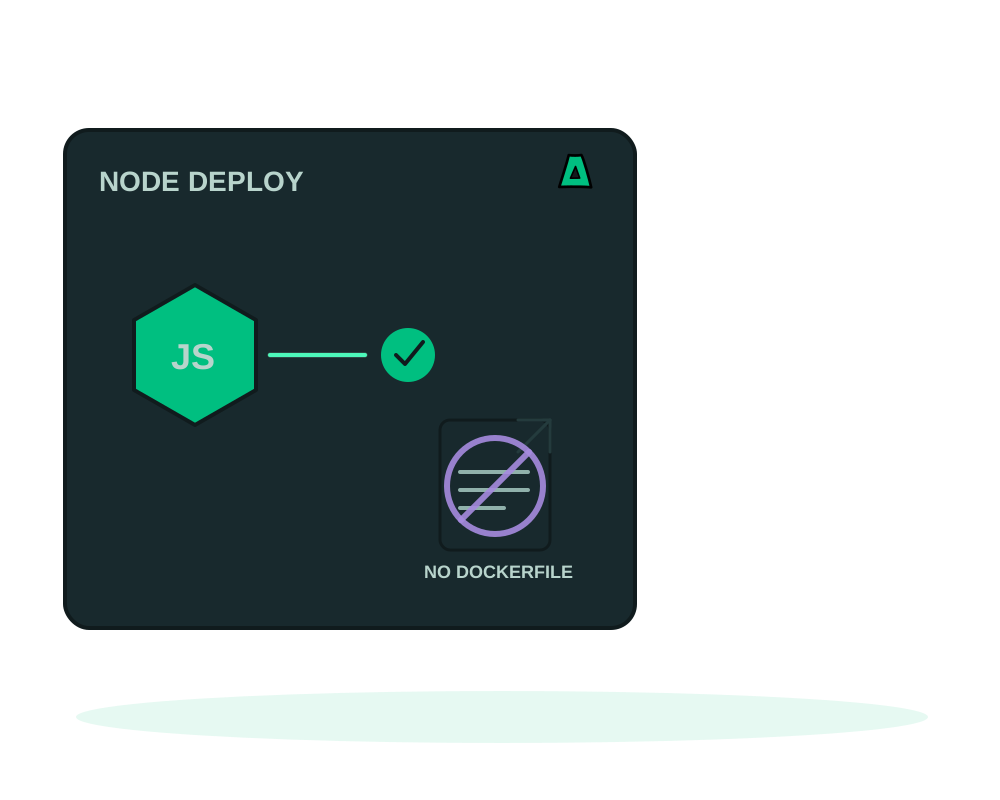
Writing a Dockerfile for an Express or Fastify service is the same twenty lines every time, and getting them wrong is how images end up running as root. Impreza generates that recipe instead. Choose the strategy node_npm, point it at your repository, and the platform builds Node 24 from your lockfile and starts your production script.
What you get
- Node 24 built from
package.jsonandpackage-lock.json, with no container file to maintain - A non root build and runtime, so the process never holds more privilege than it needs
- Your
startscript as the entry point, with the listening port supplied asPORT - Port 3000 by default, changeable when you create the deployment
- Optional strict health: the release only succeeds when your path answers 2xx
What the recipe expects
Three things, and the build fails clearly when one is missing.
A package.json with its lockfile in the folder you deploy. For a repository with several apps, set project_dir to the subfolder; it needs its own package.json and package-lock.json.
A production start script. Not nodemon, not a watcher. The recipe runs what npm start resolves to, so the script is where you decide how the process boots.
A server that listens on PORT. The platform injects the port as an environment variable and routes HTTPS to it. A server hard coded to a different port builds correctly and then answers nothing, which is the most common first failure.
Send your package.json to the project analyzer through the portal or your AI agent. It reports the framework it recognizes, the scripts it found and the findings that would block the build, without fetching your repository or running anything. Send configuration text only, never a .env file.
Deploy it
Confirm the start script and the port
npm start has to launch the production process, and the process has to read process.env.PORT. Fix both in the repository before deploying; they are the two failures that no platform setting can work around.
Create the deployment
From My Apps in Advanced view, the CLI, the REST API or your AI agent, create a custom deployment with build strategy node_npm and your Git URL, private repository or uploaded source. Set project_dir if the app is not at the root.
Separate build values from runtime values
Values your bundler needs at build time go in public_build_vars, restricted to VITE_, NEXT_PUBLIC_ and PUBLIC_ prefixes. Everything the server reads at runtime stays in normal deployment variables. Credentials for a private registry are a third thing, encrypted build secrets, and they are never inherited by previews.
Add a health path
Expose a route that answers 2xx when the service is genuinely ready and set it as healthcheck_path. Add require_healthy_start to make that answer decide whether the deployment succeeded, including on the very first install.
Verify from outside
When the status turns to running, request the app over its real URL, not just the container. Then read the runtime health of the containers, which the platform reports separately from the result of the last operation.
Anything in public_build_vars can appear in the browser bundle and in the image metadata. That is what the prefixes mean. An API key placed there is disclosed to everyone who loads the page, and rotating the deployment does not unpublish a bundle someone already downloaded. Runtime secrets belong in deployment variables.
It builds one standalone project with npm. A shared monorepo root, a pinned pnpm or Yarn release, or a build that needs a private registry each have their own supported option, and a build that needs system packages or a custom base image needs a Dockerfile. Choosing dockerfile mode is a normal outcome, not a failure.
When a deploy goes wrong
With require_healthy_start on, a first install that never turns healthy has its containers removed and its volumes preserved, and a failed replacement can recover an eligible healthy previous release. Requiring health needs agent 0.6.3 or newer.
That is application recovery, not data recovery. The release history restores the image and the configuration, never the database. See recovering from a failed deploy for cancelling, reading progress and rolling back, and app backups for the data side.
Start now
Get an offshore VPS with the agent preselected, connect automatic deploys on git push, or read the other recipes: PHP, Python and static sites.