















































You can create an Impreza hosting account without providing your own email address. Choose the no-email option and use the Account ID issued by the platform. This guide explains sign-in, password recovery and where to review account information.
What the no-email account gives you
- An Account ID for signing in with your password
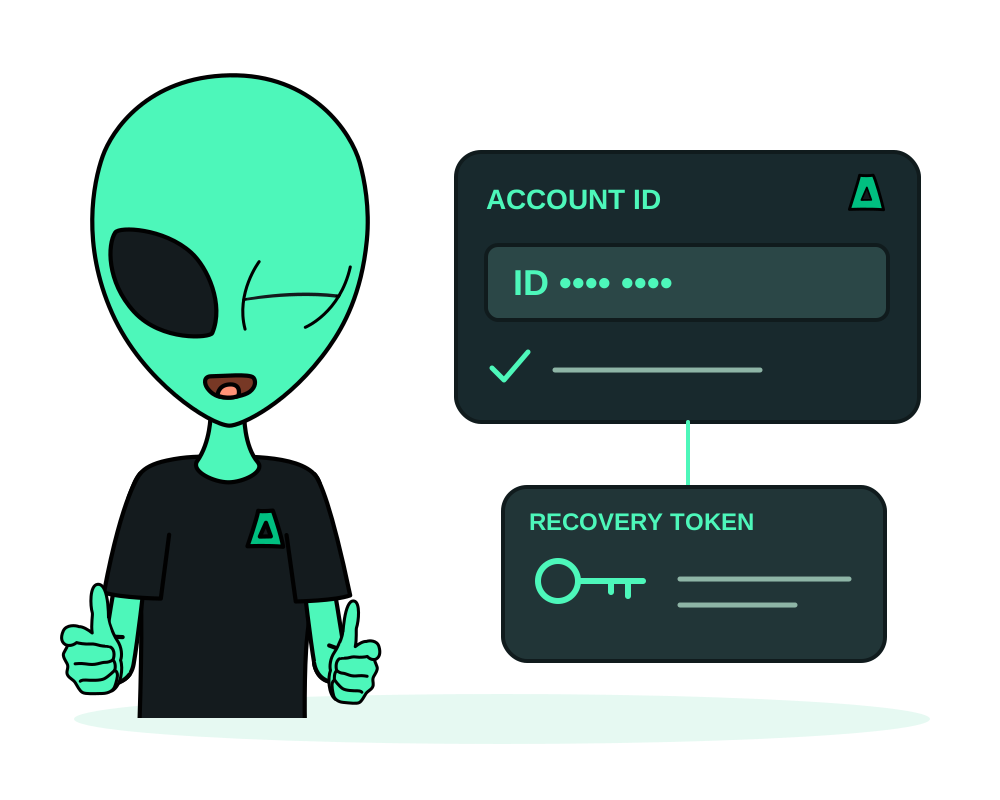
- A one-time recovery code for resetting a forgotten password
- Hosting signup without supplying identity documents or a personal email address
The steps
Choose Use no email
Open the registration page and choose Use no email. Set a strong password and complete the signup. Save the Account ID exactly as the platform displays it.
Save your account card
Store the Account ID and one-time recovery code from your account card securely, for example in a password manager. Keep the code private; it is used for password recovery, not for everyday sign-in.
Sign in and manage the account
Use your Account ID and password to access the client area. Check invoices, support tickets and service information there. Review the supported payment options in the crypto top-up guide. A crypto payment does not by itself guarantee that a transaction cannot be linked to you.
If you forget your password, use the Account ID and one-time recovery code through the account recovery flow. Without a personal mailbox on the account, do not rely on an email reset link. Do not assume support can replace a lost recovery code. Follow the recovery flow’s instructions and securely save any replacement credentials it provides.
Why an email field can still appear
WHMCS requires an email value internally. Impreza’s no-email module substitutes a generated technical value. It is not a mailbox you can access and does not receive password-reset messages for you. No-email signup means you do not need to supply your personal email address.
Review records and optional contact settings
No-email signup does not mean there are no account records. Billing transactions, support interactions and operational information can still exist. Use the account privacy report guide to understand covered categories, retention indicators and the limits of the report. Reading the report does not delete data or recover access to a locked account.
You can choose to provide an email address and review the notification settings available in the portal. An external platform-event receiver is a separate integration for selected events, not a replacement for all billing or support notifications.
Your AI assistant can also use the Impreza account-creation flow. Save the Account ID and recovery information it returns securely; avoid leaving recovery secrets in shared conversations or public logs.
Get started
Create an account, review our privacy policy, then choose an offshore VPS or an offshore dedicated server.