















































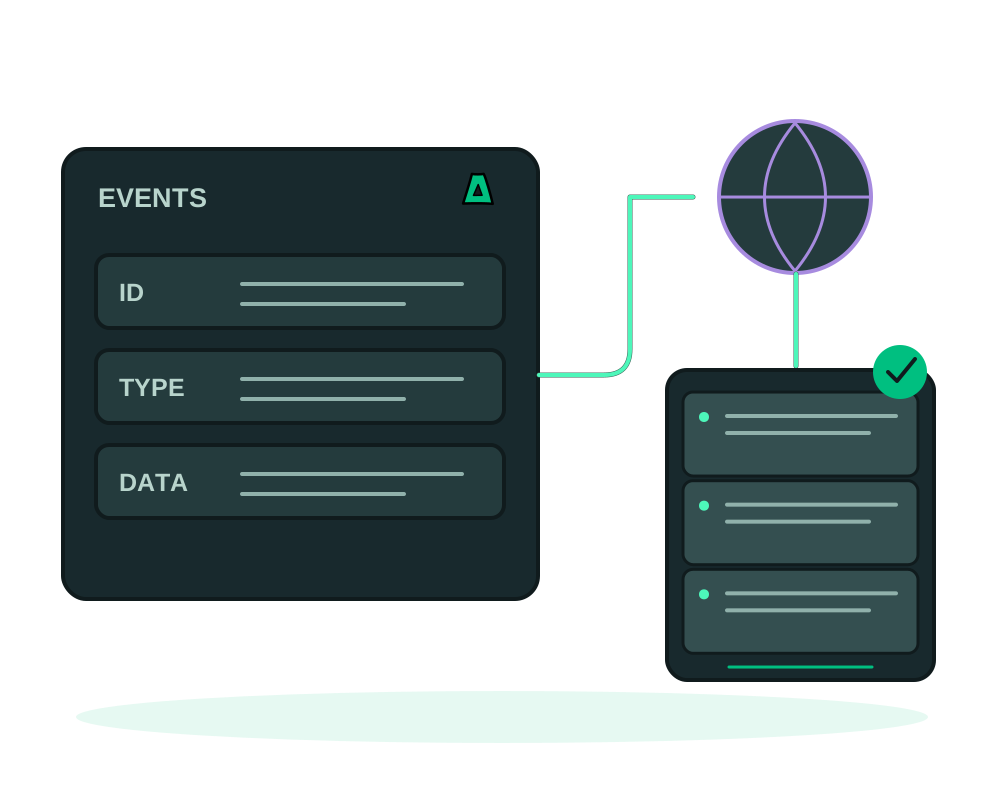
Impreza can send selected account events to a webhook endpoint you control. Use this to update an internal dashboard, queue a follow-up check or connect your own automation to changes in services, domains and deployments.
These are outgoing platform notifications. The Git push webhook works in the other direction: your repository provider sends a request to Impreza to trigger deployment.
Choose the events and receiving system
Start with impreza_list_webhooks to check existing subscriptions. Choose only the event types your receiver needs. Examples in the current catalog include invoice.paid, service.activated, deployment.installed and deployment.failed. Prefix filters such as deployment.* are available, but a broad filter can send more information than a narrowly selected list.
The subscription belongs to the account; it is not a filter for one deployment ID. Resource-confined credentials cannot configure an account-wide subscription. Creating, changing, deleting and rotating subscriptions require manage; reading subscriptions and delivery history requires read.
Choose a public HTTPS endpoint with a valid certificate or a supported onion receiver you control. Local development addresses are not public webhook destinations. Keep credentials out of the URL. Events can contain account or resource identifiers, and preview events can include onion addresses. A third-party receiver may retain what you send it.
Receive events through Tor
Impreza routes onion webhook deliveries through Tor with hostname resolution at the SOCKS proxy. A failed Tor connection remains a failed delivery; the worker does not fall back to a direct connection. Redirects are refused and the response body is discarded. Inspect delivery metadata and your receiver logs to diagnose failures.
An onion address alone does not authenticate a sender. Continue verifying the Impreza signature and deduplicating events. Do not assume that configuring Tor client authorization on your app also provisions a client key in the webhook worker. Test receiver reachability and a signed delivery before relying on it.
See the Tor transport documentation. Publishing an onion app and receiving platform events are separate operations.
Notify your system about application alerts
For an app with supported metrics, define an alert rule first. Rules can monitor down, restart-loop or memory conditions; the platform records their alerts even without an external receiver. Follow metrics and alerts to review the rule and evidence.
To notify an external system, include deployment.alert in the account webhook’s selected events. This is separate from creating the app rule. Read existing subscriptions before adding one, and keep the account-wide scope in mind when your receiver serves multiple deployments.
Verify the signed event, deduplicate its ID and inspect the current app state before taking action. Delivery uses the same bounded retry workflow as other events. A delivered alert is not proof that the receiver repaired the application or that a person acknowledged it.
Create the subscription and store its secret
Use impreza_create_webhook with the endpoint and selected event types. This example shows the argument shape; replace the example address with your own receiver before submitting it:
{
  "url": "https://hooks.example.com/impreza",
  "events": ["deployment.installed", "deployment.failed"],
  "description": "App deployment status receiver"
}
The signing secret is returned once. Store it in the receiver’s secret configuration, without repeating it in a chat or repository. Keep the subscription ID for later inspection. Listing the subscription does not retrieve its secret again.
Creation queues a webhook.test probe for that subscription, even if the selected event list does not include the probe. Check delivery history after configuring the receiver. A probe can reach it before you finish installing the secret, so distinguish initial setup failures from a working verified delivery.
Verify the signature before acting
Impreza sends a JSON body with id, type, created_at and event-specific data. The signature header is X-Impreza-Signature, formatted as sha256= followed by the hexadecimal HMAC-SHA256 of the exact request body bytes, using the subscription secret.
Preserve the raw body for verification before JSON middleware changes its representation. Calculate the expected signature and compare it using a timing-safe comparison. Reject invalid signatures before queuing work. Do not copy GitHub or Stripe signature-header names into an Impreza receiver.
The delivery also includes X-Impreza-Event, X-Impreza-Event-Id and X-Impreza-Delivery-Attempt. After verification, validate the payload shape and handle only recognized event types. Use the signed body’s event ID to prevent duplicate processing. A valid signature alone does not prevent a previously captured valid request from being replayed.
Acknowledge receipt and process safely
Return a 2xx response after validating and durably accepting the event, then perform slow work through your own queue. The platform treats 2xx as a successful delivery. Redirects and error responses do not count as delivery success.
Failed deliveries can be retried with increasing delays, subject to the configured attempt limit. Do not depend on an exact delivery time, delivery order or exactly-once processing. If the receiver completed work but its response was lost, a retry must not repeat that work.
For sensitive actions, use the event as a signal to read current resource state through an authorized API connection. Keep the receiving notification separate from authorization to make a destructive change.
Read event names in context
Different events represent different lifecycle stages. deployment.git_redeployed can mean that a redeploy job was queued; it does not establish that the rebuilt app is serving successfully. Likewise, deployment.preview_ready should not replace checking the preview deployment and opening its address.
Use deployment status, logs and a relevant app check before announcing completion. The inspection guide and Tor preview guide describe those checks.
Do not infer an event exists from an operation name. The current subscription catalog does not list a general scheduled-app-task completion event or an app S3 backup completion event. Continue using the corresponding task or backup history for those operations.
Diagnose, pause and rotate
Call impreza_webhook_deliveries with the subscription ID to inspect up to the latest 100 delivery records, including attempts, response code, errors and delivered status. This is delivery metadata, not a complete receiver log or proof that your business logic finished.
Use impreza_update_webhook with active: false to pause a subscription while repairing its receiver. Pausing keeps its secret and queued deliveries; resuming can allow queued work to be delivered. It does not cancel a request already in flight.
If the secret is lost or needs replacement, coordinate receiver configuration with impreza_rotate_webhook_secret. Rotation invalidates the previous secret immediately and returns the new one once. Do not assume a grace period. Deleting a subscription also removes its associated delivery records; preserve necessary diagnostic findings first.