















































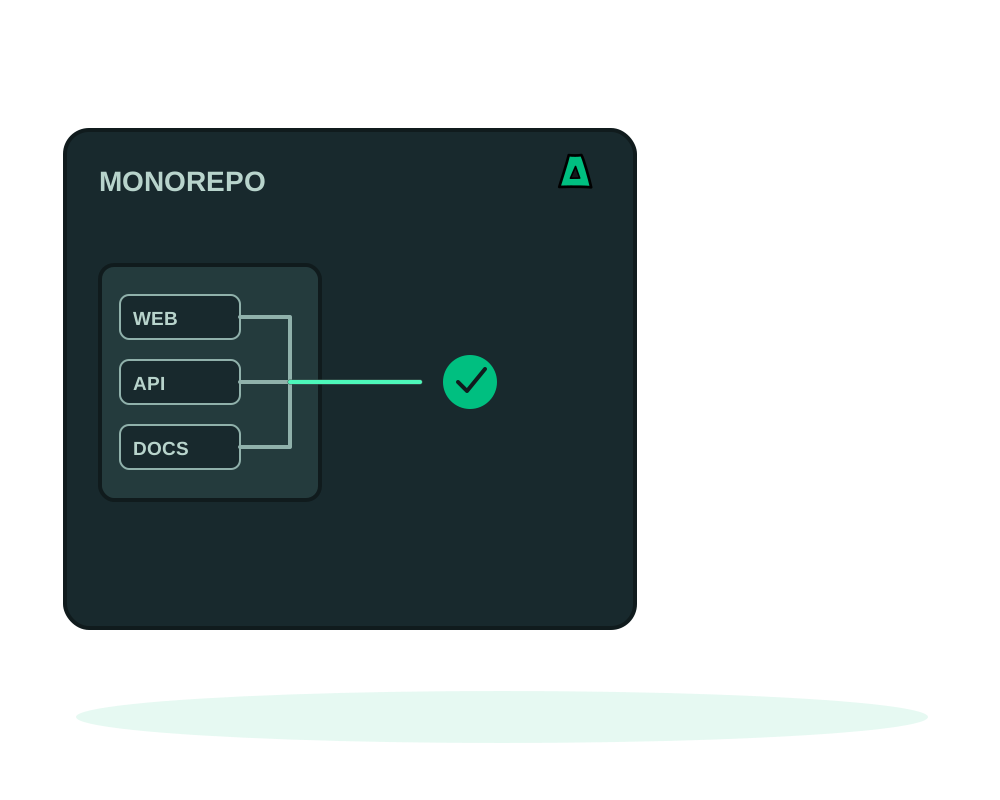
Deploying one app out of a monorepo usually breaks in the same place: the folder has a package.json but no lockfile of its own, and it imports a shared package that lives one directory up. Copying only that folder into an image produces a build that cannot resolve half its imports.
The npm_workspace option exists for exactly that. It keeps the whole npm root in the build, installs from the root lockfile, and starts only the app you selected.
What you get
- The root lockfile, so versions resolve the way they do on your machine
- Shared packages built too, in the order your root declares them
- One app started, with
npm startscoped to the workspace you chose - Sibling packages retained in the server image, because your app imports them
- The selection saved: previews and redeploys inherit the same workspace
How to point at it
Two fields work together. project_dir is the folder holding the root package.json and its matching package-lock.json, usually .. npm_workspace is the package you want online, such as apps/web.
The root has to declare its workspaces as an array of paths. Exact paths and whole segment wildcards like packages/* work. Recursive globs, negation patterns and object declarations are refused, and so is a root that pins a packageManager other than npm. If the folder you name is not covered by a declared pattern, the build option does not appear at all, rather than failing later.
{
  "workspaces": ["packages/*", "apps/web", "apps/admin"]
}
Workspaces build with their scripts in the order the root declares them. That is a list you control, not automatic dependency scheduling: if apps/web imports packages/ui, then packages/* has to come before apps/web in that array. Get it backwards and the app builds against a shared package that has not been generated yet.
Deploy it
Check the root declaration
Confirm the workspace you want is matched by a pattern in the root package.json, and that shared packages are listed before the apps that consume them.
Inspect before you create
Send the project to inspection through the portal or your AI agent. It checks the selected package and the root lockfile without running any code, and tells you if the selection is not declared. A successful inspection is not proof that the project builds.
Create the deployment
Choose node_npm for a server or node_npm_static for a built site, set project_dir to the npm root and npm_workspace to the app. The server starts with npm start --workspace=<your workspace>.
For a static workspace, mind the output path
static_output_dir is relative to the selected workspace, and only that generated site is copied into the web server image. The combined workspace and output path has to fit five segments and 120 characters.
Only workspace scripts run. A root build or start script is ignored, so if your repository relies on a root orchestrator to prepare things, move that work into the workspaces themselves or use a Dockerfile.
If your monorepo uses pnpm or Yarn
Here the honest answer matters more than the feature list. The platform supports pinned pnpm and Yarn for standalone projects only. You cannot combine node_package_manager with npm_workspace, with package workspaces, or with a pnpm-workspace.yaml.
For a standalone project, pin an exact version that also appears in that folder’s package.json, such as [email protected] or [email protected]. Supported families are pnpm 10 to 12 and Yarn 4. Ranges, tags, classic Yarn and manager URLs are rejected. Keep pnpm-lock.yaml or yarn.lock beside the package file; the install is frozen and the lockfile bytes are verified afterwards.
Yarn runs with the node-modules linker, and source .yarnrc, .yarnrc.yml, .yarn and Plug’n’Play files are excluded from the build. Custom plugins, patched dependencies and extra manager configuration need a Dockerfile.
So a pnpm workspace monorepo is a Dockerfile project today. That is worth knowing before you plan the migration rather than after.
A Node server image retains the npm root and the sibling packages, because your app imports them. Treat the repository as something that reaches the server: do not leave unrelated credentials in sibling packages, and keep registry credentials in build secrets rather than in a committed file. Public build variables reach workspace build scripts only and are never a credential channel.
Start now
Get an offshore VPS with the agent preselected, then read the recipe you are deploying: Node server or static site.