















































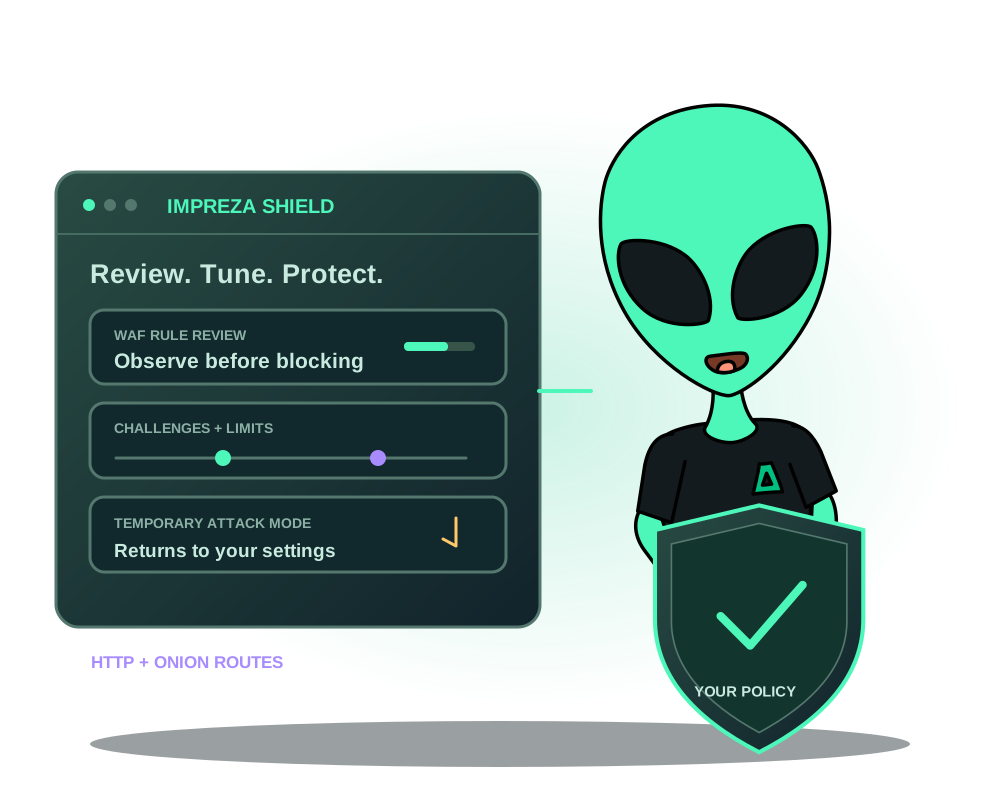
Your login form, public website and API may need different protection. Impreza Shield lets you configure supported web app routes from My Apps, the REST API or the hosted MCP connector. You can ask an authorized AI assistant to review the current settings and request a change, while keeping the permissions and approval policy you chose.
Shield combines a web application firewall, browser proof-of-work challenges and HTTP request limits in the app’s managed proxy. It also protects supported onion routes. It is protection against abusive web requests, not a service that prevents every attack or absorbs a saturated network connection.
1. Check your server and route
The newer rule review and controls require Agent 0.6.27 or later and a supported managed proxy. Existing servers keep their installed version until you explicitly update the Agent. Check the server’s reported capabilities after updating; installing a new Agent does not enable every protection on every existing app.
Open your custom app in My Apps → App settings → Shield. Use Advanced view for the detailed controls, with an account or team role allowed to manage the app. Through MCP, first read the current configuration with impreza_get_shield; use impreza_set_shield for a reviewed change. Local MCP support depends on the installed package version: do not assume its tools match the hosted connector.
2. Start with observation
| Profile | What to expect |
|---|---|
off | Shield protection is disabled. |
standard | The WAF observes requests and never blocks. There is no proof-of-work gate or rate limit in this profile. |
hardened | Adds proof-of-work and request limits. The WAF stays in audit mode until you explicitly activate blocking. |
max | Uses a stricter WAF profile, a harder challenge and tighter default limits. WAF blocking still requires your confirmation. |
New deployments on compatible agents start on standard; existing deployments are not automatically moved to a protected profile. The hardened and max profiles currently have no extra charge; any future pricing change will be announced.
WAF audit mode controls the firewall’s blocking behavior. A proof-of-work gate or rate limit on hardened or max can still affect visitors while the WAF is in audit mode. Test forms, API clients and integrations before relying on a stricter profile.
3. Review detections before blocking
The detailed review shows aggregate WAF counts and the rules that matched. A match is a reason to investigate, not proof that the visitor was malicious. Exercise legitimate actions such as signing in, submitting a form, uploading a file or calling an API.
If a reviewed detection rule creates a false positive, add the smallest supported exclusion for that app and, when appropriate, a path prefix. Only eligible detection rules can be excluded. Changing exclusions returns the WAF to audit and requires a fresh review before you enable enforcement again.
These are aggregate counters rather than request logs containing visitor identities or payloads. They help you tune protection; they do not reconstruct an individual request.
4. Adjust challenges and request limits
With a compatible Agent, you can adjust requests per minute, challenge difficulty and the paths that need proof-of-work. Path entries are text prefixes: /api also matches /apiary; use /api/ when you mean a subtree. An empty path list on hardened or max applies the gate to every path.
Browser proof-of-work requires JavaScript. A webhook sender, command-line client or mobile app may not solve a browser challenge. Choose paths deliberately and test the actual client, not just a browser visit.
For clearnet routes, trusted network sources can bypass challenges and request limits. They do not bypass the WAF, and this IP-based exemption does not apply to onion routes. Keep trusted ranges narrow; do not treat them as authentication for private app data.
5. Use temporary attack mode when needed
Under-attack mode applies proof-of-work across the app’s paths at a stronger difficulty for a chosen 1–24 hour period. It returns to the base settings at its deadline, even if the control plane is unavailable. You can also turn it off early.
It does not silently switch the WAF into blocking mode. Trusted clearnet sources retain their challenge exemption. Check legitimate visitor access and app integrations while the mode is active, then review the counters after it ends.
Protect non-HTTP ports separately
Shield handles web requests through the managed proxy. A PostgreSQL port, RustDesk relay or game service published directly on the server uses a different control: Inbound access. For eligible apps, choose allowed IPv4/IPv6 CIDR ranges for each TCP or UDP port in My Apps, REST or MCP. This is separate from Shield’s trusted-source exemption.
Ports start open. Review and confirm restrictions, then check that the state becomes enforced; pending or failed enforcement is not proof of a protected port. The allowlist filters new external connections and does not replace service passwords, TLS or onion client authorization. It does not cover SSH or shared proxy ports. Follow the inbound access guide for agent requirements, limits and recovery if your own range is excluded.
6. Confirm the result and retain control
After saving, wait for the operation’s result and test the app through the route visitors actually use. A queued change is not proof that the proxy applied it. Keep a record of the previous settings so you can make a reviewed change back if visitors cannot use the app.
Shield’s telemetry avoids storing visitor identity. That does not change the privacy behavior of your application, analytics, upstream services or an external AI provider. Review what you send to your assistant separately.
Use limited delegated access and human approval for selected AI actions when requesting protection changes through an assistant. For private Tor access, follow onion client authorization: Shield challenges do not replace it.
For exact fields and limits, read the Shield reference. For traffic, latency and app health, follow app metrics and alerts.