















































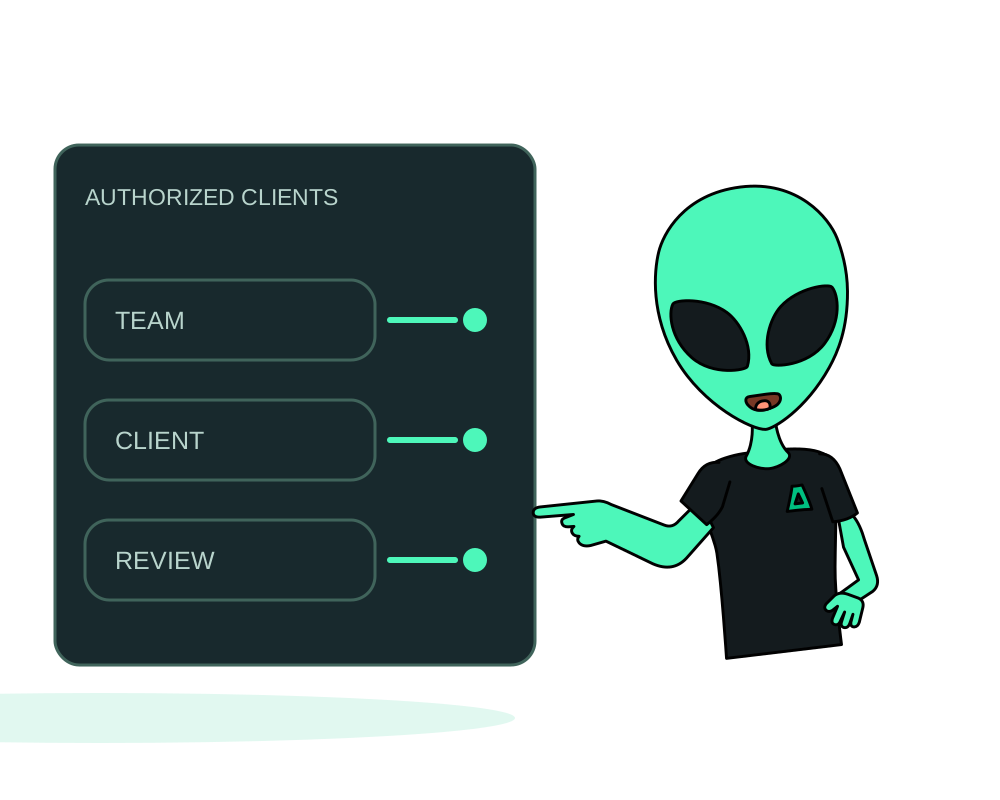
An onion address is not an access policy. Anyone who knows a public onion address can try to reach it. Tor client authorization adds a key requirement before a visitor can discover and connect to the service. Use it for an internal app, a customer workspace or a persistent staging service whose visitors can configure a Tor client.
Prepare the app and the client
Use an eligible Impreza Agent deployment owned by your account, with agent 0.6.19+ advertising onion-auth-v1. Existing agents require an explicit update. The portal, REST API and hosted MCP expose these controls; local MCP requires 0.41.0+. Reading the inventory requires read, while changes require manage or the corresponding portal service permission.
Keep application authentication enabled. Tor client keys control network access; they do not replace user accounts, roles or session management inside your app. Review any separate public hostname or route that could bypass the intended access boundary.
Add one named client
To manage access through Tor, sign in to the customer portal in Tor Browser. In My Apps, open the application’s onion client controls. Submit the public half of a locally generated X25519 key, or request a generated pair. Give the client a recognizable name such as work-laptop. Use a separate key for each client you need to revoke independently.
A generated private key is shown once. Save it securely in that client’s Tor authorization configuration. The service needs the public key; do not put the private key in a repository, shared ticket or another application’s settings. Follow your Tor client’s current instructions for loading the authorization credential.
Through MCP, start with impreza_onion_auth_list, then use impreza_onion_auth_add with either a public key or generated-key mode. Ask your assistant to identify the exact app and account before making a change.
Wait for the policy and test both paths
Adding a client queues an agent command. Check its outcome before treating the policy as active. Authorization changes restart the shared Tor daemon, so onion connections for other apps on the same server may briefly disconnect.
Open the onion address with the configured client. Then test from a separate Tor client with no authorization key: it should not reach the restricted service. Also check that the server’s public HTTP listener does not expose the app just because a visitor knows its onion address. A successful command receipt alone does not replace these access checks.
Revoke carefully
Use the portal or impreza_onion_auth_revoke to remove the intended named client. Hosted MCP requires an additional confirmation tied to the operation. Check the result and repeat the authorized and unauthorized tests.
Revoking the final client makes the service public to Tor visitors again. Removing every key is not a way to disable the service. Review the remaining inventory before revoking access and choose the appropriate service operation if your goal is to take it offline.
If a command reports that recovery is required, retain its ID and contact support. Repeated changes or deleting state files do not establish which policy is active.
Choose the surrounding workflow
Explore private onion app hosting for infrastructure planning. Keep an onion identity recovery plan alongside your app backups. Exact arguments and permissions are in the client authorization reference.