















































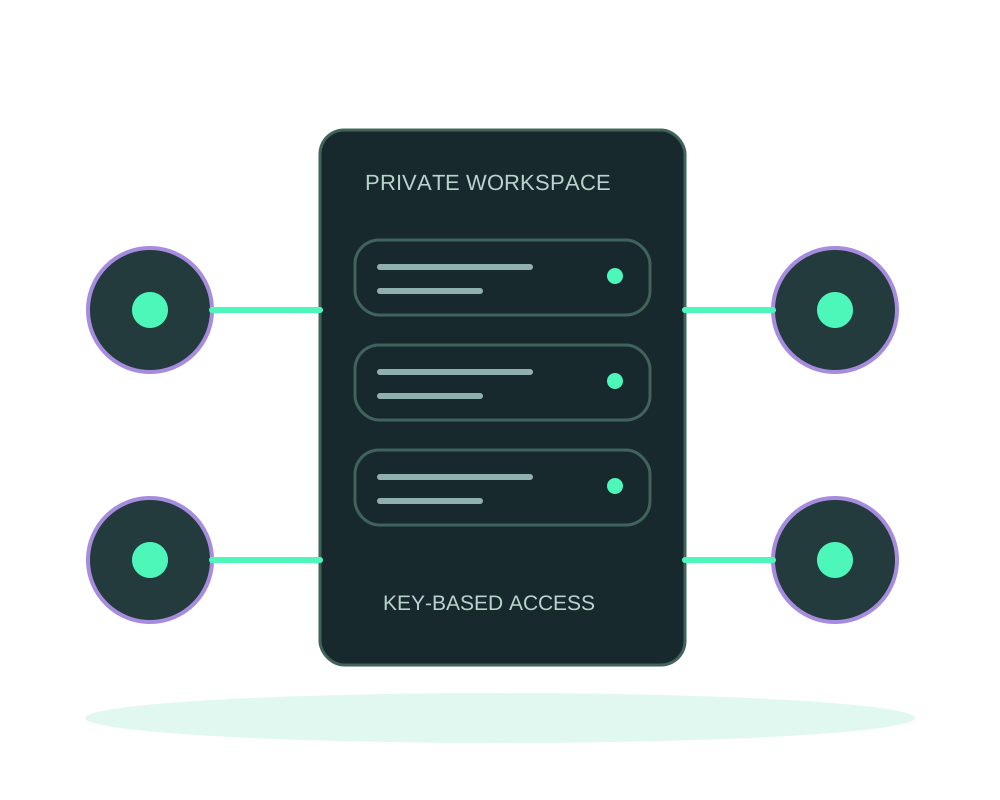
Give your team or approved customers a Tor route to a persistent workspace or internal tool. For eligible apps, client authorization controls which Tor clients can connect. Manage those clients through Impreza and keep application login and roles for what each person can do inside the app.
An address is only the starting point
A public onion address does not restrict visitors by itself. On an eligible Impreza Agent app, Tor client authorization requires an approved key before connecting. Keep application login and roles for the actions a user can perform after reaching the app.
This fits teams able to configure Tor clients and manage access credentials. A public customer website may be better served by an unrestricted onion endpoint. Short-lived Git reviews have a separate preview workflow; do not assume every preview inherits persistent-app controls.
Operate access from the same platform
Add named clients, inspect the authorization inventory and revoke individual keys. A compatible AI assistant can use MCP tools under your account permissions, while the portal and REST API provide other ways to perform supported operations.
Verify command completion and test with both authorized and unauthorized clients. Removing the final client makes the service public to Tor visitors again. Access changes restart the shared Tor daemon and may briefly interrupt other onion connections on that server.
Verify the route before sharing access
With Agent 0.6.37, publication is reported ready after Tor confirms it, giving you a clearer starting point for testing. Then verify the application with a client that has an approved key, and confirm that an unapproved client cannot connect. Keep checking application login and roles separately.
For an HTTPS route or an unrestricted managed onion route, current hosted MCP can request a point-in-time access check from Impreza’s network or its own Tor client. It does not replace the authorized-client test of a private onion service or monitor availability continuously. Follow the publication and verification steps before inviting users.
Choose protection and keep control of identity
Eligible apps support standard, hardened and max protection profiles. Hardened adds stream limits; max requires a Tor build with proof-of-work support. These controls do not replace app authentication, secure code or a WAF, and are not a guarantee against every attack.
Encrypted identity export protects the keys behind your address. App backups protect different data. Keep both recovery plans, and account for one-time export retrieval and persistent address reservations. Rotation changes the public onion address; moving an existing identity requires a separate supported plan.
Combine Tor access with a customer-held disk key
Tor protects a network-access path; root-disk encryption protects different data when the server is off. On a supported Impreza VPS, choose Ubuntu 24.04 (encrypted disk), then perform the documented encryption setup with your own passphrase. Impreza has no recovery key, and you unlock after every boot.
This does not make the running app invisible to the host, replace onion identity backups or add failover for the encrypted server. The current unlock uses direct IPv4 SSH, not Tor. Review the encrypted-disk guide before combining these controls. Do not assume the option applies to every Tor-branded hosting plan or external server.
Match the server to the workload
Use a supported server with the Impreza Agent, version 0.6.19+ and the capabilities required by each operation. Existing servers need an explicit agent update; local MCP requires 0.41.0+. A nondefault profile at deployment also requires the initial-profile capability advertised by the agent.
Choose CPU, memory and storage for your app, database and Tor processes, then test representative traffic. Tor network conditions affect latency. This agent workflow is separate from aaPanel with Tor Manager and Onion Guard; selecting a Tor-branded plan alone does not establish compatibility with every feature described here.
Start with deployment with AI to choose a supported setup. Confirm agent eligibility before ordering or reconfiguring a server. Account ID signup is available without a personal email address; account and billing records can still exist.
Questions before you deploy
Is this anonymous hosting for every application?
Tor changes network access, not what your app records or what users disclose. Review external services, public routes, logs and application configuration. AI providers can receive prompts and tool results when you use an assistant.
Can I preserve my onion address during a move?
Identity export and import are separate from app-data restore. Existing address reservations require coordination with support before moving an already-used identity. Do not promise a seamless transfer or zero downtime.
Can I connect to Impreza itself over Tor?
Yes. Use the MCP over Tor guide for the portal, API, hosted MCP and documentation addresses. A compatible client must route its requests through Tor; publishing an onion app does not configure that connection automatically.
Where should I start?
Follow the client authorization guide, prepare identity recovery, and review requirements and exact operations before changing a live service.