















































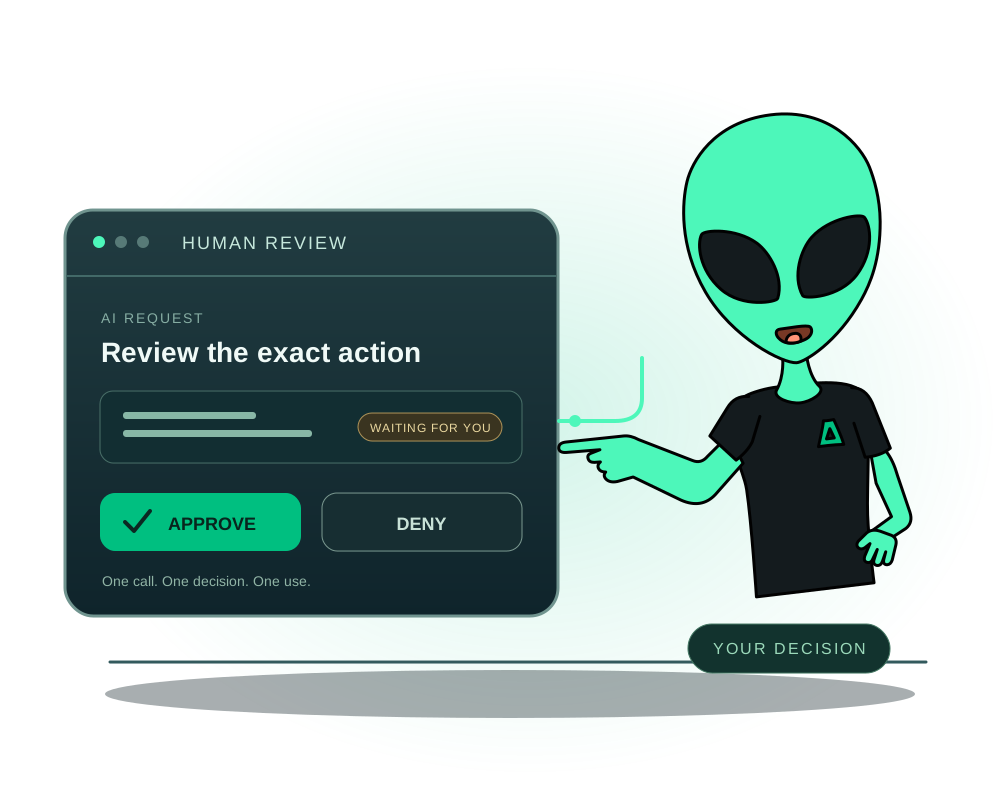
An AI assistant may need permission to manage an application without permission to approve its own deletion. Impreza lets the account owner require human approval for selected operations on a credential. The operation waits for a person to approve or deny the exact request in the client portal.
This control works alongside MCP access, delegated credentials and spending limits. It applies to supported platform operations on an Impreza server or a compatible server you connect from another provider. It does not supervise actions the assistant performs outside that authorized Impreza credential.
Review the record of an important request
The REST API and hosted MCP provide account-scoped records of supported privileged operations. An authorized read can show the actor, operation, target, related plan or approval, timestamps and bounded outcomes, without exposing secrets or command output. The REST API also provides a paginated JSON export. Resource-restricted credentials only see events within their permitted resources.
This records admission and the control plane’s response; acceptance is not proof that the host completed the action. Check the operation result and the app’s state separately. The audit screen in the client area and support in a released local MCP package are separate availability checks; do not assume either from the hosted connector. Consult the audit API contract for access and retention.
Understand which decision you are making
| Control | What it decides |
|---|---|
| OAuth authorization and scopes | Which supported operations a connected client may request. |
| Resource restrictions and credential expiry | Which resources a helper can access and for how long. |
| Spending ceilings and creation quotas | How much the credential can spend or create. |
| Human approval policy | Which allowed operations still need a person’s approval before execution. |
OAuth consent is not approval for every future change. Human approval adds a separate gate; it does not increase a credential’s permissions or bypass a spending ceiling. Start with the OAuth connection guide and delegated access guide if the assistant is not connected yet.
Choose the credential and protected actions
Sign in to the client portal’s Approvals page, under API Management → Approvals. The account owner configures the policy for the intended credential.
You can protect operation classes or individual MCP operations:
- Destructive actions: deletions, app uninstalls, service termination and cancellation.
- Spending actions: orders, upgrades and payments.
- Security actions: credential rotation or revocation, creation of sub-credentials, and export or rotation of an onion service’s key.
- A specific operation: for example, the supported VPS ordering tool when the assistant may prepare an order but should wait for you before placing it.
Choose a request lifetime between 15 and 60 minutes; the default is 30 minutes. The policy is off by default. Existing credentials keep their previous behavior until the owner configures a policy. Check the intended credential rather than assuming a new account-wide rule has protected every assistant.
A child credential inherits the effective approval requirements of its parent chain. It can add requirements, but cannot remove a parent’s requirements. Tightening a parent’s policy also tightens its children.
Let the assistant submit the proposed operation
When the credential requests a protected action, the platform returns approval_required, an approval ID, its expiry and the portal link. The requested action has not run.
For example, after you protect destructive operations, the assistant can request an uninstall of a named app. That request waits for your decision. Ask it to explain the target and keep the app’s data and recovery plan in view:
Prepare the uninstall request for this app and show me what it would remove. Do not treat a pending approval as permission to execute a different operation.
This instruction helps the workflow; the configured credential policy is what enforces the gate. A supported client can read the request status through the API or MCP. If a client cannot complete the approval resubmission flow, use a compatible client instead of removing the policy to make the request pass.
Review and decide in the portal
Open the request in API Management → Approvals. Review the operation, credential and displayed summary. Secret argument values are not stored for display, so the summary cannot reveal them. Deny the request if the target or purpose does not match your intended change.
Only a person with the team’s manage products permission can approve or deny. Read-only members can view the queue; only the account owner changes policies. An API key, MCP tool or child credential cannot approve the request on the assistant’s behalf.
The platform also provides request, denial and expiry webhook events. A webhook notification is not an approval: the decision still belongs to the authenticated person in the portal.
Execute the same call once and verify the outcome
Approval does not automatically run the operation. After approval, the client resubmits the same call with its approval ID. The approval is tied to the normalized arguments and is single-use. Changing the target or arguments, reusing the approval, or submitting after expiry is refused.
Scopes, resource restrictions, spending ceilings and any operation-specific confirmation still apply. For an asynchronous action, follow its job or deployment result and inspect the actual resource state. An approved request is not proof that the eventual job succeeded.
The credential activity extract records the request, human decision, execution and expiry alongside tool activity, without storing secret argument values. Use it to review who decided and what ran.
Keep the workflow proportionate to the task
Give a diagnostic assistant read access when it only needs to inspect status or logs. Add approval gates to the write operations that need your review, and keep a tested app recovery point before changes affecting data.
If the operation changes onion access or identity, also review the onion identity recovery guide. An app backup and an onion identity backup cover different things.
For policy fields, supported reads, webhook events and audit details, use the human approval documentation. The practical goal is simple: your assistant can prepare and request work while you retain the decision over the actions you choose to protect.