















































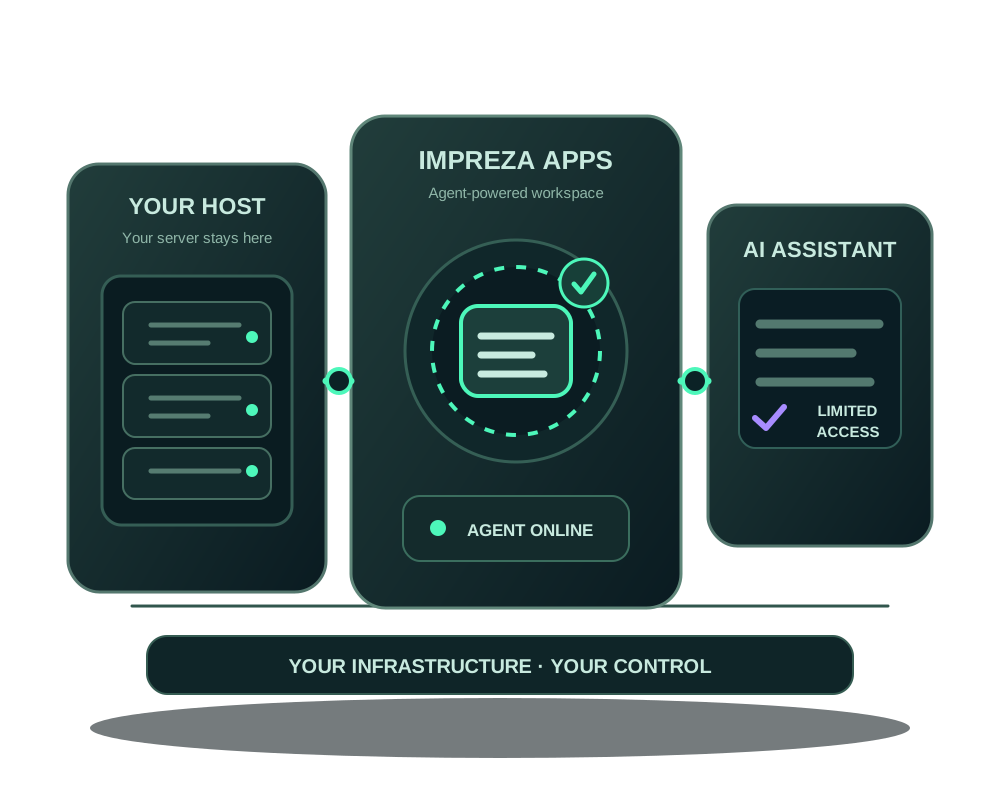
Give your existing server a workspace for apps, privacy controls and AI assistance. Keep your current host, install the Impreza Agent on a compatible Linux machine and confirm that it is online. Use My Apps or an authorized MCP assistant to deploy supported apps and review their operation.
Start with the infrastructure you already own
Sign in to the Impreza portal, open My Apps and choose Bring your own server. The portal provides a short-lived installation command for your server. Run that command on a compatible Linux machine you administer, then confirm that the Agent reports online. Check the current external-server allowance in My Apps before adding a machine.
This connects the machine to the platform; it does not transfer its hosting contract, copy existing applications or migrate data. If you need to move an app between servers, use a separate migration plan and verify the destination before changing traffic.
Follow the server connection guide for prerequisites and the steps in My Apps.
Connect your first external server for free
You can evaluate the platform on one compatible server you already administer, without buying an Impreza VPS or adding account balance. The first external-server slot is free; your current hosting bill, storage and other services remain separate. Check My Apps for your allowance before adding more machines.
Need new infrastructure too? An active Impreza VPS raises your allowance to five external servers in total. Compare VPS configurations for your next project.
An authorized assistant can now prepare the connection through impreza_add_server, available in hosted MCP and local impreza-mcp 0.53.0+. Review the short-lived command, authorize its execution on your server and wait for the Agent to report online. Connecting MCP alone does not install the Agent or import an existing website.
Without a paid service, choose your own domain or a compatible onion-only app rather than a platform-domain hostname. Shield remains available at least in its audit-only standard profile, which observes detections without WAF blocking. Read the AI-assisted server connection steps before running an installer.
Deploy and operate supported apps
With the Agent online, deploy a supported catalog app or compatible custom project and inspect its status, logs and maintenance needs in My Apps. Add scoped AI access when useful, and use the protection, metrics, alerts and S3 app-backup workflows your setup supports. Storage capacity and costs remain separate from the server you bring.
For the broader lifecycle, including backup limitations and recovery checks, see app hosting with backup and migration tools. The external host remains responsible for the underlying machine and its network; the Impreza Agent covers supported platform operations on that machine.
Deploy with a visual assistant on your own server
Keep your existing hardware and use a compatible AI client to prepare a supported app deployment. With MCP Apps, the hosted connector or local impreza-mcp 0.55.1 can show a catalog wizard: choose an app, select your connected server and review the domain and optional Tor-mirror settings offered for that app.
The Agent must be online and your credential must allow the action. This adds a supported app workflow; it does not import existing software or turn the external server into an Impreza-managed VPS. Machine-level power and the original hosting bill remain with your provider. Follow the visual deployment guide before trying a noncritical app.
Keep your connected server current when its IP changes
Your existing provider may give the same server a new public address. The account owner can update that external server’s registered IP in My Apps so the platform’s managed A records follow it. You can keep using the connected-server workflow without treating an address change as an app migration.
Your host still manages the machine’s network, and DNS you manage elsewhere remains your responsibility. Check the completed change, allow for DNS caching and test the app at the new address. This owner-controlled portal or API-key action is separate from MCP. Follow the external-server address steps before changing a live service.
Add an AI assistant without handing over the account
Connect a compatible assistant to the hosted Impreza MCP and authorize the permissions needed for the task. The assistant can inspect and operate supported resources that your account and credential allow. A narrower delegated credential can have a shorter lifetime, selected resource IDs, spending limits and creation quotas. Review the credential’s activity and revoke it when the task ends.
An MCP connection does not by itself install the Agent, make an offline server ready or approve every change. Read how to delegate app access before giving a helper write access.
See the project and understand the server
Group existing apps in Projects and environments to bring deployments, previews, domains and backup policy into one view. With a compatible Agent, inspect supported host facts and their collection time before choosing the next action. An authorized assistant can help read this information without receiving unrestricted administrator access.
Use the inspection guide to turn a symptom into a focused check. The platform adds supported application operations to your existing machine; it does not replace your provider’s hardware service or automatically manage every host process.
Choose the privacy features that fit your app
You can create an account without an email address, keeping an Account ID and one-time recovery code. For compatible applications, the platform also supports publishing an onion service and using Impreza MCP over Tor. These are separate choices: connecting a server does not automatically place its apps or every management connection on Tor.
Tor can change how an app or endpoint is reached. It does not erase records at your server provider, inside the application or at an AI service that receives your prompts. Review your provider’s terms, application logs and any public routes before relying on a privacy claim.
More capability without buying replacement hardware
If your current server already fits the workload, adding a platform layer can be a more practical first step than moving providers. You can evaluate supported app deployments and AI operations on a compatible machine you already know.
| Keep your current server when | Choose new infrastructure when |
|---|---|
| Its resources, location and provider relationship still fit the project | You need another location, more capacity or a different hardware model |
| You want to evaluate My Apps and MCP before moving a live application | You are starting a new project with a server selected for its requirements |
| You can administer the machine and meet the Agent prerequisites | The current machine cannot support the required runtime or platform workflow |
Try a small application before changing a live service
Connect the machine, confirm that the Agent is online and deploy a suitable noncritical application. Review its status and logs in My Apps. Then connect a compatible assistant through OAuth with the permissions needed for that pilot.
The benefit is a repeatable app workflow and a shared operational view. MCP lets the assistant request supported operations through an authorized interface; it does not require giving the assistant your server’s SSH credentials. SSH remains available for administration outside that surface.
Before moving an existing application, inventory its data, external services and public routes. Verify the backup and restore workflow for a compatible app, and keep a separate plan for anything outside its coverage. The connection guide explains eligibility; it does not promise support for every operating system or existing deployment.
Common questions
Do I have to buy another VPS from Impreza?
No. The first external-server slot is free on an account without a paid plan or balance, for a compatible machine you already administer. That does not include the machine from your existing host or unlimited external servers. If you prefer Impreza infrastructure, you can choose a VPS and select hardware, operating system, app and location at checkout.
Will my existing site move automatically?
No. Installing the Agent connects the server to My Apps. Existing app files, databases, domains and credentials require a separate inventory and migration plan. Verify any backup and destination before switching traffic.
Can my assistant manage everything on the server?
Only supported platform operations exposed to the authorized credential. Server administration outside the Impreza Agent’s supported surface stays with you and your host. Give assistants the narrowest access that completes the task.
Is every external server eligible for Tor and backups?
Check the Agent, application, storage and network prerequisites for each feature. Neither Tor publication nor a usable recovery point is created simply by connecting a server.
Ready to use your existing machine? Connect your server to Impreza and verify that the Agent is online before deploying an app.