















































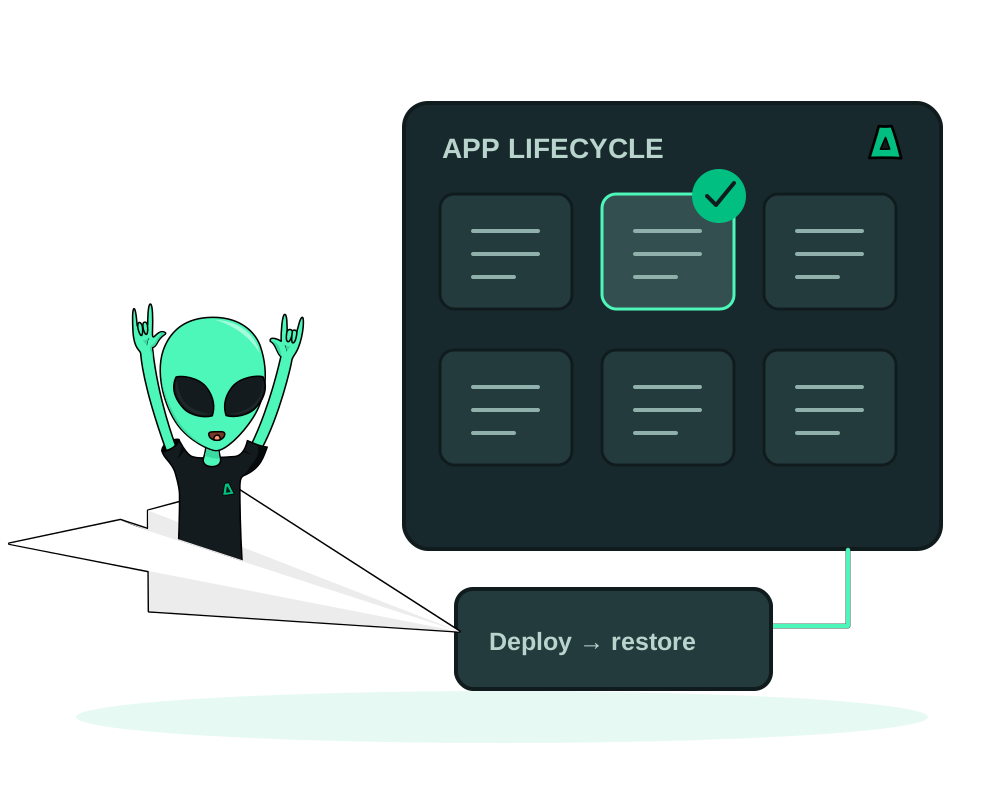
Run supported catalog apps or custom deployments on a server you control. With the Impreza Agent, you can inspect your apps, create backups in the Impreza S3 storage associated with your account and restore into compatible deployments. An authorized AI assistant can help you manage those operations through Impreza MCP.
If the server is already hosted elsewhere, start with bringing your own server to Impreza and verify the Agent before choosing an app workflow. Connecting the machine does not import existing applications or their data.
A hosting workflow beyond installation
Deploy a supported catalog app or bring your Docker image, Dockerfile, Git repository or Compose stack. Check the resources and configuration your workload needs, then follow deployment status. Supported web apps can use automatic HTTPS and optional Tor access. With Agent 0.6.35, the deployment result reports whether the public HTTPS check confirmed the address, with a warning when the route could not be applied. This is a check at deployment time; read it alongside app health before sharing the URL, rather than treating it as continuous monitoring.
Once the app is running, use supported tools to inspect logs and app files, perform maintenance and manage backups. Keep root access to the server and choose what your assistant is allowed to do. You remain responsible for application updates, data consistency and recovery testing.
Choose who can reach an app’s published ports
For supported non-HTTP services, Inbound access lets you allow selected IPv4/IPv6 ranges per published TCP or UDP port through My Apps, REST or MCP. Ports start open. Review the sources, confirm the change and check enforced before relying on it; keep service authentication and TLS in place.
This complements web protection through Shield. It filters new external connections, not SSH, shared proxy ports or local container traffic. Follow the inbound access guide for requirements and recovery. A server connected from another host still needs the compatible agent and firewall capability.
Keep a reviewable configuration history
Export a supported custom app as an impreza.app.v1 configuration document, inspect it and keep a reviewed copy in your repository. Prepare a change, compare its differences and confirm the exact plan before applying it to the existing app. Secret references are resolved against the app’s stored values; review the document before committing it.
Configuration history helps explain a change. It does not create a new deployment, move a domain, change a database binding or migrate data. Use the configuration guide for that reviewed workflow.
Observe the app after a change
Compatible agents report recent container state, CPU, memory, restart counts and estimated volume use. Configure supported down, restart or memory alert rules and inspect their evidence. Recent queries use minute measurements for up to 24 hours; longer reads combine available hourly history retained for up to 90 days. Missing reports remain unknown, and this feature does not provide APM or automatic repairs.
See metrics and alerts before relying on a threshold or connecting external notifications.
Build a recovery plan for the app
App backups target covered deployment data and detected named volumes. They use Impreza S3 associated with your account, with capacity and costs determined by your storage service. Check successful job results and the actual schedule instead of assuming every deployment already has a usable recovery point.
Whole-VPS backups serve a different purpose. External databases, custom storage paths and third-party services also need their own plan. Eligible managed PostgreSQL and MariaDB connections can include a database-native dump with mandatory temporary restore verification. Eligible standalone PostgreSQL, MySQL, MariaDB and MongoDB catalog apps also use a separate logical-export backup with temporary restore verification before upload. Redis, bundled databases and unsupported layouts need their own procedure. Check image eligibility and engine-specific consistency limits in the app backup guide. Files and database dumps do not form one atomic snapshot; test the recovery you intend to use.
Assisted database recovery creates a new database for inspection. It leaves the serving database and app connection unchanged until you plan a separate switch.
Read the app backup and restore guide.
Test recovery in another country
For a reviewed Memos 0.31.0 or Uptime Kuma 2.5.5 app, Protect this app helps prepare a cold standby in another reported country. My Apps guides the setup, and an authorized AI assistant can use the same playbook through hosted MCP or local impreza-mcp 0.50.0+. You confirm standby creation, pairing and the first restore drill separately.
A verified drill gives you the dated copy age and the duration of that restore drill, so you can assess a tested recovery point. It does not purchase a server, switch traffic or promise zero data loss. An external destination can use a compatible Agent on your account; its country is declared by you and remains unverified. Use the guide to prepare and verify jurisdiction failover before depending on the copy.
Keep an eye on your cold copy
After the pair’s first verified sync, the primary app gains alerts for an overdue scheduled sync or a failed finished drill. Review Metrics & alerts in My Apps and configure a webhook separately if notifications should leave the portal. Disable a rule to keep it off; deleting it allows recreation at the next verified sync.
These alerts help you investigate whether the recovery plan needs attention. They do not promote the standby, switch traffic or guarantee recovery. An active drill/cutover or a pair without a sync deadline can keep a condition quiet, so retain the verified sync and drill checks before relying on the copy.
Prepare a move between compatible deployments
Create the destination app on another supported server in your account, restore a completed backup and test it before changing traffic. Catalog copies require the same app; custom copies require compatible deployment sources and modes. Application and database versions still need review.
You control the transition: verify records and files, check credentials and callbacks, then plan DNS or other address changes. This workflow does not provide continuous synchronization or an automatic zero-downtime move. Keep the source deployment record while relying on its backups: integrated restore currently needs that record.
Follow the migration guide for the sequence and checks.
Use the portal or an authorized AI assistant
Create an account without providing an email address and save your Account ID and one-time recovery code. Choose a compatible server and ensure the Impreza Agent is online. Connect a supported AI client through MCP and authorize only the permissions you need.
Your assistant can help inspect the current state, describe the proposed operation and carry out supported changes you authorize. Traditional hosting control panels use a separate workflow; these app tools require the compatible agent environment.
Choose an app visually inside a compatible chat
An AI client with MCP Apps can open the catalog deploy wizard from the hosted connector or local impreza-mcp 0.55.1. Pick a supported app, choose the connected server and review the domain and optional Tor mirror before starting. Your existing permissions and confirmation steps still apply. Use the catalog deployment guide for the workflow; if your client does not render panels, use My Apps or text results.
Retain a human decision over important changes
On a credential with a configured policy, selected AI requests for spending, destructive actions or security changes wait for a person in the client portal. This is off by default and complements scopes, quotas and spending ceilings. See human approval for AI agent actions before delegating an operation that changes important data or services.
For file recovery, Agent 0.6.25 adds staging and verification before the data exchange and keeps the target app stopped while restoration may still be writing. Update existing servers explicitly and follow the app recovery guide; this is not a guarantee of uninterrupted service or an atomic backup of every database and volume.
Keep recovery safeguards current
Agent 0.6.32 makes restore waits survive restarts, restricts further changes when a restore cannot be verified, and cleans up a finished backup job after its result is acknowledged. It also removes retired managed-connection passwords from retained release copies. These safeguards improve the supported workflow; they do not replace recovery testing or an independent backup. Existing servers need you to update the Agent explicitly.
Questions before choosing
Can I restore to any provider?
The integrated workflow restores to compatible deployments managed by Impreza on your account. It is not a promise of one-click export to every hosting provider. An external move requires its own deployment, data and configuration plan.
Can I use any S3 bucket?
This integration uses the Impreza S3 service associated with your account. Arbitrary external bucket configuration is not part of this workflow. Check current storage capacity and pricing separately from the server plan.
Does a backup guarantee that my database will recover?
Recovery depends on the data captured, its consistency and target compatibility. Eligible managed-binding dumps and standalone catalog database exports must pass their own temporary restore verification before backup success. Their formats and restore destinations differ. Inspect representative recovered records and app behavior too: neither a file checksum nor a table count proves your business data is complete.
What should I budget for a move?
Allow for the source and destination servers during testing, backup storage and sufficient destination disk for restored and displaced data. Review your actual service terms and resource needs before starting.
Will I keep the same onion address?
A copy into another app keeps the destination’s own Tor identity. Treat onion identity and public DNS as separate parts of the migration plan.
Choose a compatible VPS, deploy your app and verify your first recovery point before making important changes.