















































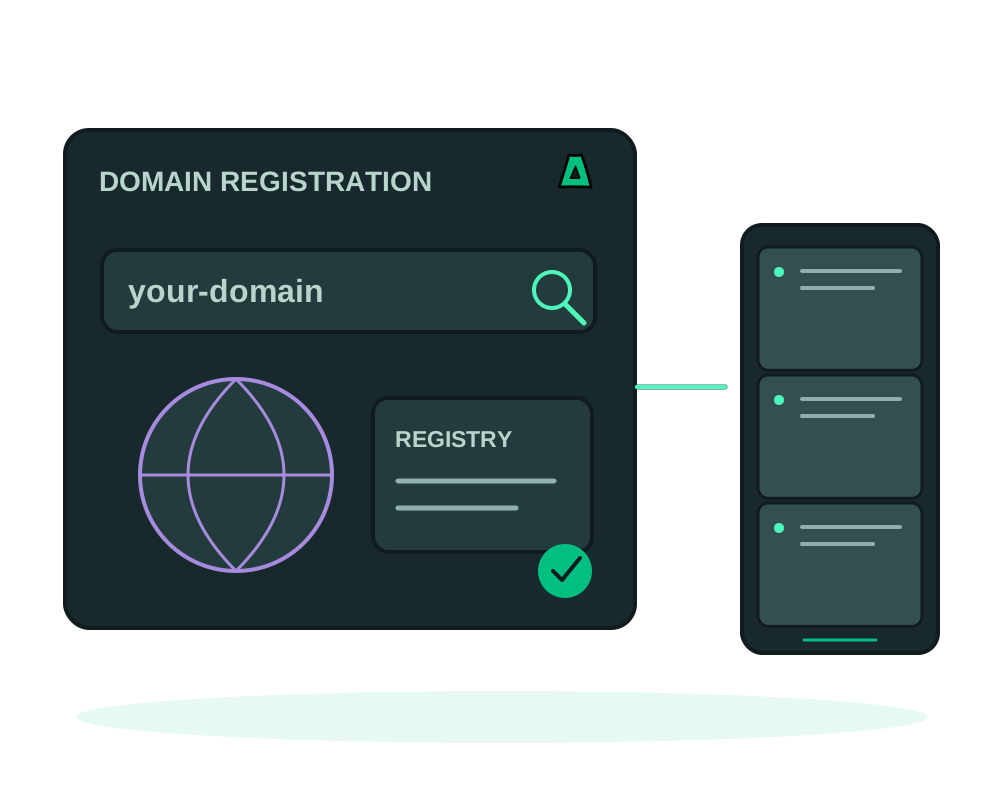
Most registrars tie a domain to your legal name, a card and a verified email. Impreza works the other way around: you can register a domain privately by default. This guide walks through it and is honest about the one place where anonymity has limits.
Two things to keep separate
- A private purchase. Open your account with no KYC, no email if you prefer, and pay in crypto. Nothing ties the transaction to you.
- WHOIS privacy. Registries publish registrant data; for most gTLDs we redact it so your details are not shown.
The steps
Pick your extension
Browse our domains and offshore extensions. Most gTLDs (.com, .net, .org and many more) support WHOIS privacy.
Sign up with no KYC
Create your account without identity documents. You do not even need an email: the platform can issue an Account ID and a one-time recovery code. Keep that token safe.
Pay in crypto
Fund your balance with Bitcoin, Monero, USDT-TRC20 or TRX, then register from that balance. No card, no bank record.
Turn on WHOIS privacy
For most gTLDs, enable WHOIS privacy so your registrant details are not public.
Some country extensions require real data by law. A .com.br needs a valid CPF or CNPJ, and a few ccTLDs mandate local presence. Where an extension requires it, that specific data is the only thing shared, and only with the registry that mandates it.
With the Impreza agent you can check availability and pricing, register the domain and manage DNS from your AI assistant. See the documentation.
Register now
Search your name on the domains page, or explore the privacy-focused offshore extensions.