















































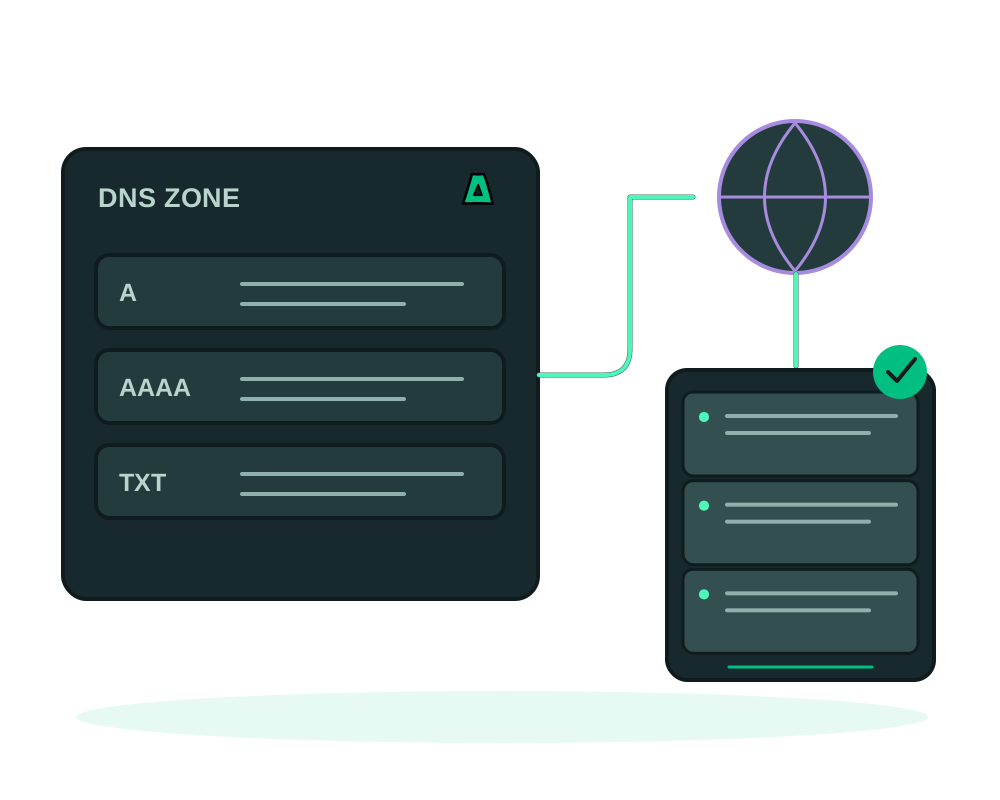
DNS is the part of shipping a site that most often costs an afternoon: log into a panel, hunt for the zone editor, fight the form, wait. With the Impreza MCP your AI assistant reads and edits the zone directly, so pointing a domain at a new server is one sentence in the chat.
What your agent can do
- Read the zone: list every record with host, type, value, TTL and priority
- Add records: A, AAAA, CNAME, MX, TXT, NS, SRV and more
- Edit or delete any existing record
- Repoint nameservers to Impreza DNS or an external provider
Point a domain at your server
Connect the MCP
Add https://mcp.imprezahost.com/mcp as a remote connector in your AI client and click Authorize. Nothing to install and no API key: see connect your AI agent with OAuth.
If you prefer the local server, install it with one command:
npx -y impreza-mcp setup --tool claude-code
Swap the tool name for cursor, continue, zed or codex-cli as needed.
Read the zone first
Ask for the current records before changing anything. You get host, type, value, TTL and priority, which is the fastest way to spot a stale record pointing at a server you retired.
Add or update the record
Ask for what you want in plain language: an A record on the apex pointing at your VPS, a www CNAME, an MX for mail, a TXT for domain verification. Use @ for the apex. TTL defaults to 14400 seconds if you do not specify one.
Repoint nameservers when needed
Moving the whole zone? Set two to four nameservers in one step, either to Impreza DNS or to an external provider you prefer.
Every record you publish is world-readable, and an A record on the apex exposes your server’s real IP address. If the point is to keep the origin private, put a proxy in front and point DNS at the proxy, never at the origin. Old records left behind in the zone are a common way an origin gets found.
Planning to move a service? Drop the TTL to a few minutes a day ahead, migrate, then raise it again. Resolvers will already have let the old value expire, so the cutover is quick instead of a long tail of traffic hitting the old box.
Removing a record is instant and there is no undo, so read the zone first and confirm the exact host and type you mean. Ask your agent to list the records again afterwards to verify the result.
Start now
Register a domain privately at Impreza domains, or read the documentation to connect the MCP and manage the zone from chat.