















































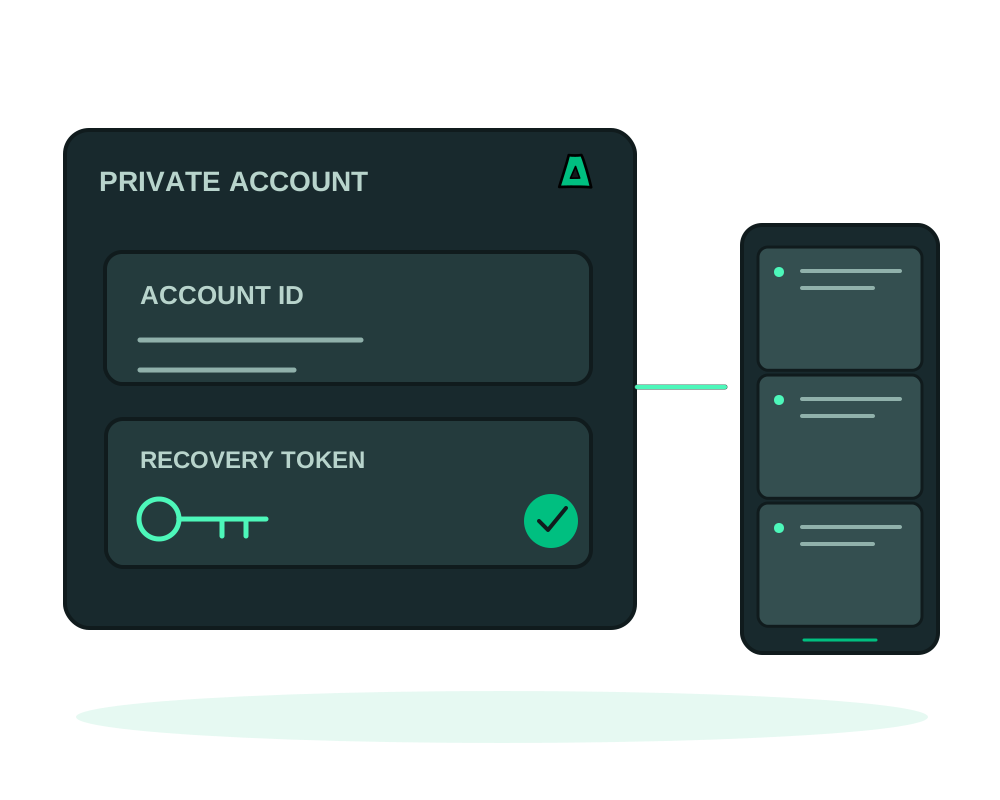
Choose hosting without submitting identity documents or your personal email address at signup. Use an Account ID to manage your services and keep your one-time recovery code safe. No-KYC describes the signup requirements; it does not mean the service has no account, billing or operational records.
What no-KYC means here
- No identity documents for hosting signup. No passport scan or selfie required
- No personal email required. Sign in with your Account ID and password
- Password recovery by code. Securely save the one-time recovery code
- Account transparency. Review covered data categories and retention indicators through the privacy report
How the signup works
Open the account
Choose Use no email and save the Account ID and recovery code. The generated technical email value used internally is not a mailbox you can access. Follow the Account ID signup guide.
Review payment options
Use the supported methods shown in the checkout or top-up flow. The crypto top-up guide explains that process. Payment privacy depends on the method and how it is used; paying in crypto does not guarantee an untraceable transaction.
Order and deploy
Choose an offshore VPS or an offshore dedicated server. To operate supported services through an assistant, follow the OAuth connection guide and authorize the permissions needed for the task.
Understand the records associated with your account
Not submitting identity documents reduces the information you provide. It does not remove transaction records, information you send to support or operational records needed to run the service. Retention depends on the category; do not apply a single log-retention window to every record or backup.
The account privacy report guide explains the measured counts, available dates and retention indicators for covered categories. It is not a complete data export, an independent audit or a scan of the files and logs on your own server. Review the privacy policy alongside the report.
Sign in with your Account ID and password. If you forget the password, use the one-time recovery code. Keep it in a secure place and do not rely on a reset message to the generated technical email value. If you choose to add a personal email, review the portal’s available contact and notification settings.
Domain registration has registrant-data requirements that depend on the extension and registry. Do not assume hosting signup rules apply to a domain order. Review the requirements before registering and read the domain registration guide. WHOIS privacy and the data required to register a domain are separate questions.
No-KYC signup does not change the service terms or the rules for the service you order. Check the product and location before deploying.
Choose a location for your service
Compare resources, connectivity and the relevant location information in the jurisdiction guide. Account signup, product eligibility and the rules governing a particular service are different considerations.
Best no-KYC hosting: check the controls after signup
The best no-KYC hosting for your project gives you a practical way to run the service after creating the account. A short signup is useful; clear access controls, recoverable app data and understandable account records make it useful over time.
| What to check | How Impreza supports the decision |
|---|---|
| Can I reach the platform over Tor? | Review the official onion endpoints and configure a compatible client; an onion app and a Tor management connection are separate choices |
| Can I limit an assistant’s access? | Authorize the supported MCP operations your helper needs, then review or revoke the credential |
| Can I publish an app for a restricted audience? | Eligible Agent apps support Tor client authorization, with application login still controlling actions inside the app |
| Can I recover the project? | Plan app-data backups and onion identity recovery separately |
| Can I understand the account records? | Read the privacy policy and the covered categories in the account privacy report |
For a private team workspace, start with restricted onion app hosting. For an existing VPS at another provider, bring your own server can add supported app and MCP workflows without changing the machine’s location or removing the original host’s records.
Use the MCP over Tor guide and AI access delegation to turn the privacy requirements into concrete configuration choices. No-KYC is one part of that plan, not a substitute for it.
Start now
Open an account or read the privacy policy before choosing your server.