















































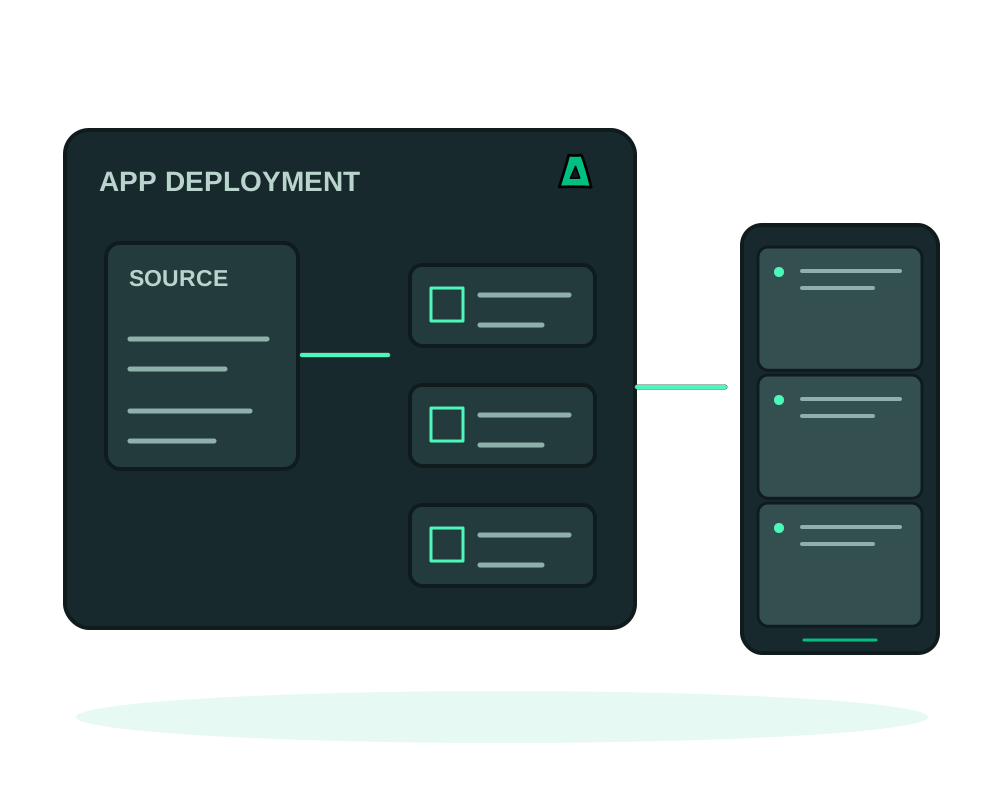
Coolify is a self-hosted platform you install on your own server to manage deployments, a way to get Heroku-style workflow without the Heroku bill. People usually look for an alternative for one of two reasons: they want the same workflow without maintaining the platform itself, or they need a host that does not ask who they are.
We answer both, and the honest answer starts with the fact that these are not the same question.
Two routes, and which one fits
- Keep Coolify, change the host. Install it on an offshore VPS from us. You keep the interface you know, on infrastructure that needs no identity check
- Skip Coolify entirely. Our platform deploys from a Docker image, a Dockerfile, a compose manifest or a git repository, and writes the build recipe itself for Node, Python, PHP and static sites
- Release workflow included: projects and environments such as staging and production, with promotion of the exact image you tested
- Either way: no KYC, no email required, payment in crypto, 30+ offshore locations
- And something Coolify has no equivalent for: deploying from your AI assistant over MCP
If you want our deploy layer instead
Pick a server
Order an offshore VPS with no KYC and pay in crypto. Nothing about the account ties back to you.
Ship your app
Deploy from a public image, a Dockerfile in git, or a full compose manifest, with volumes that survive redeploys and HTTPS handled for you. See deploy a Docker app. Or bring no container file at all and let the platform build it.
Automate it
Connect a git webhook and every push ships automatically: auto-deploy on git push. Or install from the catalog in one click.
What the layer actually does
There are two ways in, and the difference is worth knowing before you plan a move.
From source. Point it at a repository and the build recipe is written for you, pinned to your lockfile and running as a non root user: Node, Python, PHP with Composer and static sites. You can also require the app to answer a health path before a release is allowed to count as successful.
From an image. Deploy a prebuilt image and you get the release workflow people usually install a platform to get. Group existing applications into projects and environments such as staging and production, then promote the exact image digest you already tested from one environment to the other. The destination keeps its own variables, domain, ports, limits and volumes, because only the image moves.
Image mode is also what unlocks a dedicated PostgreSQL connection: one database and one login for that application, delivered as DATABASE_URL inside its private runtime environment, with rotation and removal that keep the data and the ownership intact.
When something goes wrong, recovering from a failed deployment covers reading progress, cancelling while it is still safe, and rolling back to a retained release.
If you want full control of the deployment platform itself, with its own UI, its own database of projects and the freedom to modify it, install Coolify. It is good software and running it on one of our servers is a perfectly sensible setup. The difference is not a feature list: ours is a layer you use, not a platform you administer, patch and back up.
With the Impreza MCP, your AI assistant can order the server, deploy the app, connect the webhook and read the logs from a chat. That is not a feature Coolify or the hosts people usually compare it against offer at all.
Promotion and the PostgreSQL connection both require image mode, so an app built from source through one of the generated recipes does not use them today. And promoting a release can interrupt traffic while it is applied, so plan the moment rather than assuming it is invisible to visitors.
Whichever route you take, the server is yours to patch and back up. A deployment platform holds the credentials for everything it deploys, so treat it as sensitive: keep it updated, restrict who reaches the interface, and test a restore rather than trusting a backup you have never opened.
Start now
Spin up an offshore VPS and use it either way, or read the documentation first.