















































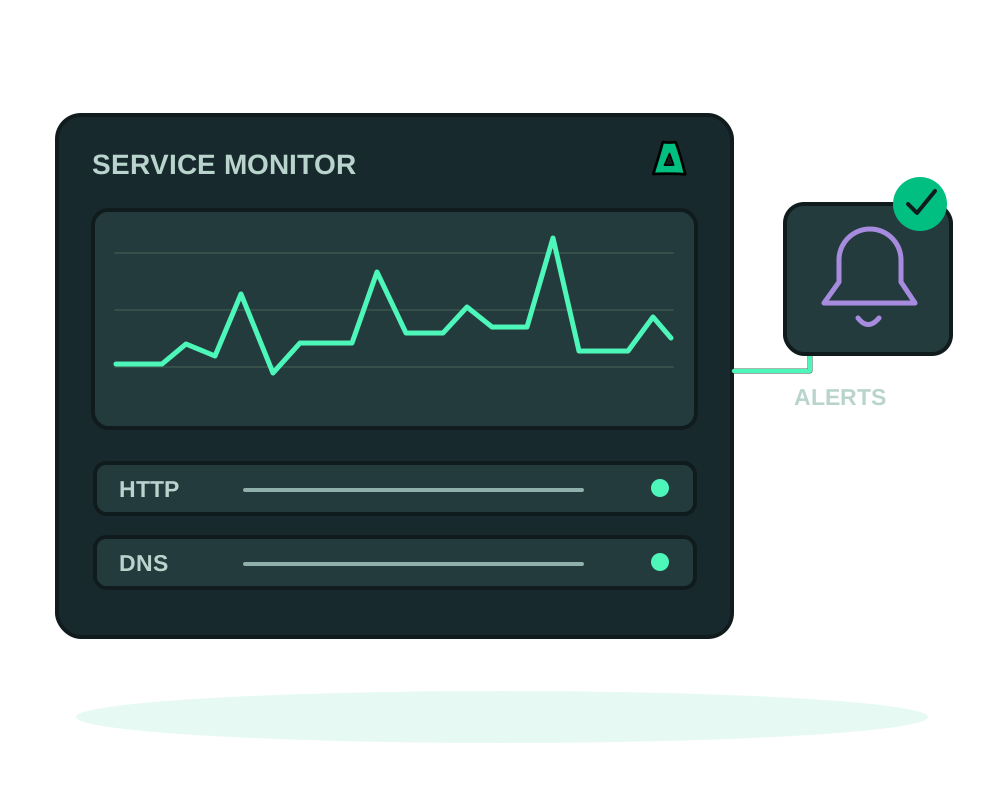
Run Uptime Kuma on a server you control to configure endpoint checks, alerts and status pages. Notification providers receive the alerts you send to them, so review payloads and credentials as part of the setup. Choose capacity and placement based on what you need to monitor.
What you get
- HTTP, TCP, DNS and ping checks with history and response times
- Alerts to 90+ channels, including Slack, Discord, Telegram and email
- Public status pages you can share with users
- Tiny footprint: about 256 MB of memory
Get it running
Use a small VPS, ideally a separate one
Uptime Kuma is one of the lightest apps in the catalog. Put it on a different offshore VPS from the services it watches, otherwise an outage takes the monitoring down with it.
Install it in one click
Install it from the catalog with a hostname such as status.example.com. Status pages are served under that domain. See how one-click installs work.
Add your checks
Add the endpoints that matter, pick the check type, and set intervals that are useful without hammering the target.
Wire up alerts
Connect the notification channels your team actually reads. An alert nobody sees is not monitoring.
Anything you put in a monitor name or a status page can be read by strangers: internal hostnames, IP addresses, customer names, the shape of your infrastructure. Use neutral labels on anything public, and keep the detailed monitors off the shared page.
If your site sits behind a proxy or CDN, a check against the public URL can stay green while the origin is failing. Monitor both so you learn which layer broke.
Notification integrations hold tokens for your chat workspaces. Treat that instance as sensitive, keep it patched, and do not leave its own interface open to the internet.
Keep monitoring available during recovery
Place monitoring outside the failure domain you need to observe where practical. Use app inspection and maintenance for the supported Kuma deployment, and test that an alert actually reaches its configured channel. platform events describe selected Impreza activity; they do not replace Kuma endpoint checks or prove service availability.
Review app backups to Impreza S3 for persistent monitor configuration and history, and protect notification credentials. Use a recovery procedure compatible with the installed Kuma version; do not assume an old export format contains everything needed by a newer version.
During migration between compatible servers, plan which instance sends alerts so parallel monitors do not create duplicate notifications. Check endpoint reachability and public status-page labels on the destination before retiring the source.
Start now
Spin up an offshore VPS and install Uptime Kuma from the catalog, or read the documentation.