















































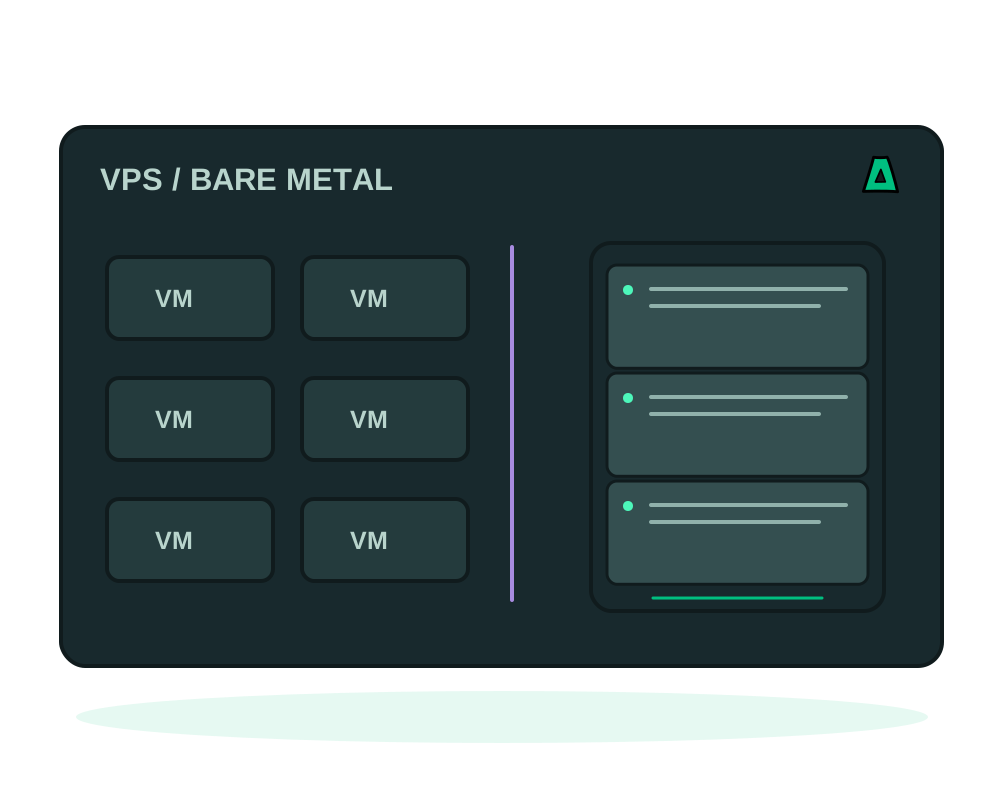
An offshore VPS and a dedicated server can both support no-KYC signup and crypto payment with Impreza. The difference is how physical hardware is shared. That affects capacity, isolation and cost; location and service-specific protections depend on the product you select. Here is how to choose.
Choose an offshore VPS if
- You want to start small and scale as the project grows
- Your workload is a site, an app, a bot or a node with moderate, steady load
- You want the lowest entry price and quick provisioning
- You are fine sharing physical hardware, isolated in your own virtual machine
Choose an offshore dedicated server if
- You need the entire machine: every core, all the RAM, full disk I/O
- Your workload is heavy or spiky: a validator, a big database, media transcoding, high traffic
- You want exclusive physical hardware, without sharing the machine with other customer VMs
- You need custom hardware or specific single-thread performance
How to decide in two minutes
Size the load
Estimate CPU, RAM, storage throughput and network usage at peak. Compare plans that cover those needs with headroom, including recurring cost and provisioning availability.
Weigh isolation
A virtual machine shares physical hardware with other guests while running its own guest operating system. Dedicated hardware gives your workload the physical machine; software, network and access controls still need configuration in either case.
Start where you are, move when you must
Start with the capacity your workload needs and plan how you would move it. Before an upgrade or migration, check destination compatibility, data-transfer requirements and the interruption your application can tolerate.
Supported deployments with the Impreza Agent online can use the documented app workflows. Check the operating system, runtime and deployment method for the selected plan before relying on Docker or Git automation. Start with server deployment with an AI assistant.
A VPS is a practical starting point when its resources cover the workload. Choose dedicated hardware when the application needs the available capacity or physical isolation; confirm current plans before ordering.
Include recovery in the hardware decision
Compare the destination’s storage and runtime as well as CPU and RAM. migration between compatible servers applies to compatible app deployments; it is not a whole-machine conversion from VM to bare metal.
Review app backups to Impreza S3 for covered app data, and protect external databases and mounted storage separately. Keep the source available until the destination passes application checks and the traffic switch is complete.
The same platform, a different hardware decision
A suitable VM and a suitable dedicated server can both participate in supported Impreza app workflows when the Agent and runtime requirements are met. Choose the hardware for the workload, then choose how you want to operate it.
| Project | What should drive the hardware choice |
|---|---|
| A private onion site or small team app | App memory, storage and representative Tor traffic; private access does not itself require bare metal |
| Several compatible catalog or custom apps | Combined CPU, RAM and disk demand, plus the headroom each service needs |
| A sustained database or compute workload | Measured load, disk throughput and the value of exclusive physical resources |
| A server already hosted elsewhere | Compatibility with the Agent and your current location; BYO may avoid an immediate hardware move |
Add AI control without making it the hardware requirement
An authorized MCP assistant can help with supported deployments and inspection on either eligible setup. Delegated permissions and human approval for supported actions control what the helper can request. These features do not turn an undersized server into a larger one or make every plan compatible.
For a Tor-focused project, compare the publication workflows in the Tor hosting choice guide. VM versus dedicated decides physical resource sharing; public versus restricted onion access decides who can reach the service. Keep those choices separate.
Make the call
Browse offshore VPS plans or step up to an offshore dedicated server. Both are no-KYC and payable in crypto.