















































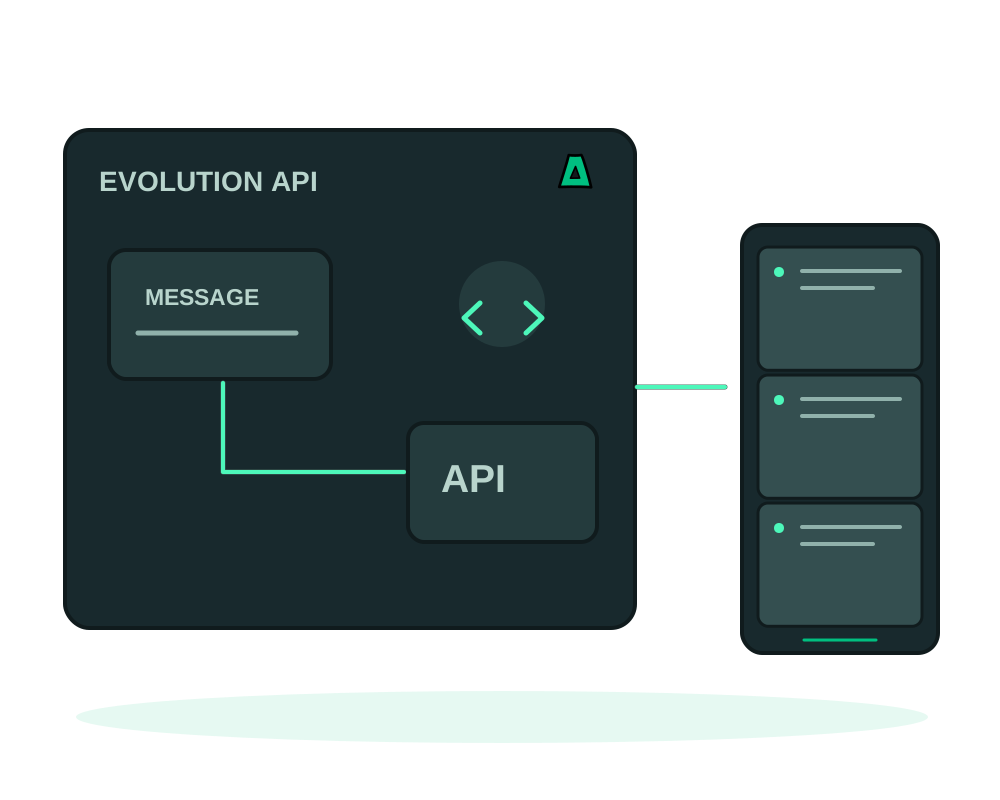
Evolution API provides an API layer you can self-host for messaging integrations such as n8n, chatbots and CRMs. Review the connection mode supported by the installed version and the requirements of the messaging provider. Running the API on your VPS does not remove that provider from the message path.
What you get
- A REST API any language or automation tool can call
- Multi-instance, so several numbers run on one deployment
- Webhook events, media, groups and a Manager UI
- PostgreSQL and Redis bundled, nothing extra to deploy
Get it running
Pick a VPS with about 1 GB free
It bundles a database and a cache, so give it around 1 GB of memory and a few GB of disk on an offshore VPS.
Install it in one click
Install Evolution API from the catalog with a hostname such as wa.example.com. That hostname becomes the server URL used in webhook callbacks and pairing, so pick one you will keep.
Take the global API key out of the panel
The install generates a global API key. Copy it into your password manager, because it is the master credential for the whole deployment.
Pair a number and connect your tools
Create an instance, pair it by QR code, and point your integrations at the HTTPS URL. It slots straight into n8n for workflows.
That one key authenticates every request and creates the per-instance keys. Leaked, it hands over all connected numbers: reading messages and sending as you. Never put it in front-end code, a public repository or a shared document, give each integration its own instance key where you can, and rotate it if you suspect exposure.
This is not the official WhatsApp API. Automating a normal account can get the number restricted or banned, and that decision is not ours or yours to appeal. Use a number you can afford to lose, keep volumes human, and never use it for unsolicited messaging: bulk spam breaks WhatsApp’s rules and our acceptable use policy at the same time.
Your integrations register callback URLs against the hostname you install with. Changing it later means re-pairing and re-registering, so decide on the domain first.
Review where the configured deployment stores message data, contact information and session state. The messaging network and any connected tools still process the data sent to them. Restrict access to the Manager UI, keep the application maintained and include sensitive stored data in your recovery plan.
Maintain instances and test recovery
For a supported deployment with the Impreza Agent online, use app inspection and maintenance to check status and logs without exposing API keys or message content in shared output. Evolution API webhooks are separate from platform events; verify the result in the messaging application itself.
Before relying on app backups to Impreza S3, identify the database, instance data and persistent paths used by your configuration. Review external storage separately and use a consistent database recovery procedure. Restoring files does not guarantee that an external messaging session remains paired.
When planning migration between compatible servers, check the server URL, webhook destinations and connected tools. Keep a test instance available to validate receiving and callbacks before moving production traffic; prevent both hosts from processing the same integration unintentionally.
Start now
Spin up an offshore VPS and install Evolution API from the catalog, or read the documentation.