















































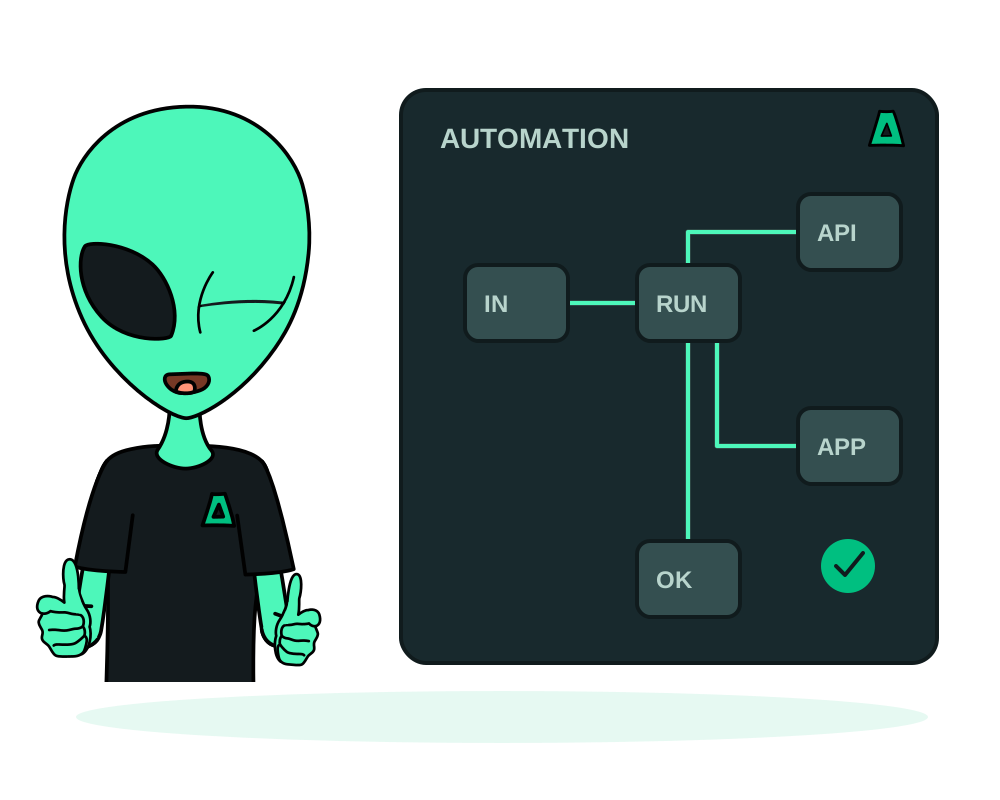
Run n8n workflows on an offshore server you control. Choose the edition and integrations that fit your workload, and account for server capacity, licensing and third-party API charges. No-KYC hosting does not mean that the application or its integrations retain no account records.
Why self-host it
- Server capacity you choose, sized for workflow frequency and concurrent executions
- 400+ integrations plus a visual editor in the browser
- Triggers on a schedule, a webhook or on demand
- Control over stored workflow data, with connected services receiving the payloads you send
Get it running
Pick a VPS with headroom
n8n starts around 512 MB of memory and a few GB of disk, but real workflows grow. Give it room on an offshore VPS, especially if executions handle large payloads.
Install it in one click
Install n8n from the catalog with a hostname such as flows.example.com. That hostname also becomes the base for webhook callbacks and OAuth redirects, so pick the one you intend to keep.
Claim the owner account at install time
Set the admin password as part of the install so the instance comes up already claimed and configured.
Build your first workflow
Open the editor, connect the services you use, and set the trigger. Ship changes to your own code with auto-deploy on git push if a workflow depends on it.
If you install without setting an admin password, the first visit to the URL shows the owner-setup screen. On a public hostname that means whoever loads it first can claim your instance. Set the password during the install, or keep the instance unreachable until you have claimed it yourself.
n8n stores the API keys and tokens for every service it touches, which makes it a high-value target. Keep it patched, restrict who can reach the editor, and never paste production secrets into a workflow you are only testing with. Back it up and verify the restore, since losing the instance means losing those connections.
Upstream services register your webhook URL and keep calling it. Changing the hostname later breaks those registrations, so decide on the domain before you connect integrations.
Recover workflows, credentials and triggers
Use app inspection and maintenance on a supported deployment with the Agent online. Check workflow execution results within n8n itself: a platform event or healthy container does not establish that an integration completed its business task.
Before app backups to Impreza S3, include the persistent database and the matching n8n encryption key in a protected recovery plan. The key is needed for stored encrypted credentials; copying a database without it is not sufficient. Review external databases and storage separately and test a consistent restore.
For migration between compatible servers, validate webhook URLs, OAuth redirects and credentials. Coordinate active triggers so source and destination do not process the same production work twice. Test with non-production connections before resuming normal execution.
Start now
Spin up an offshore VPS and install n8n from the catalog, or read the documentation.