















































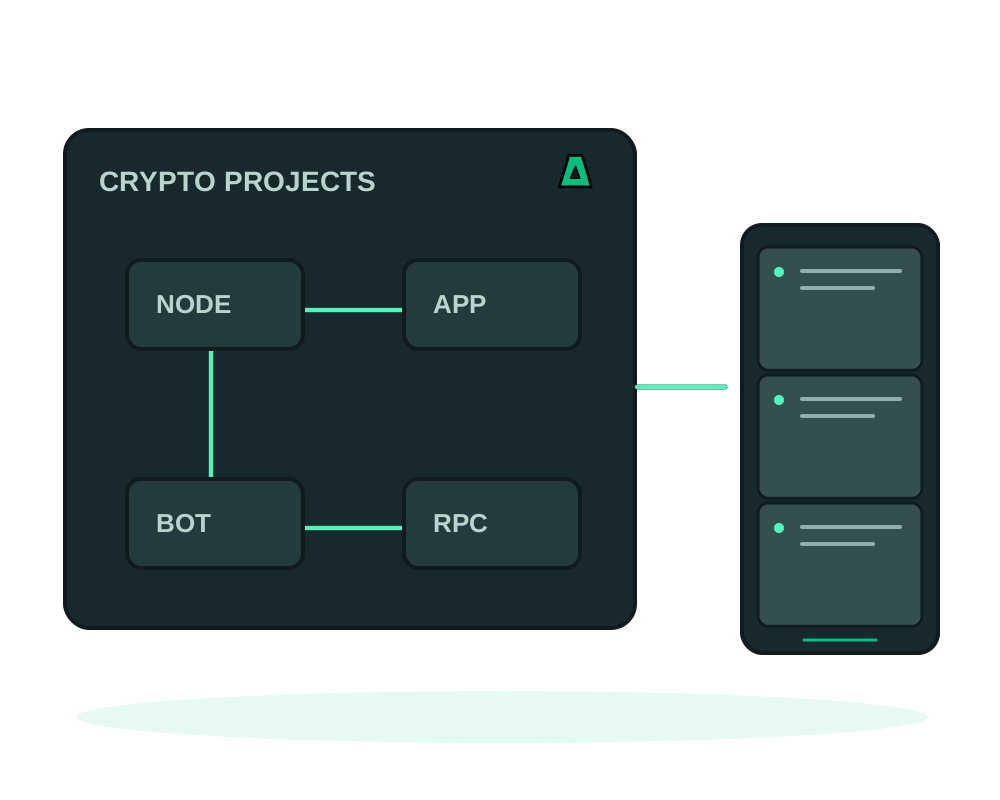
Run nodes, indexers and dApp backends on an offshore VPS with no-KYC signup and crypto payment. You can register without providing a personal email address. Account, billing and operational records can still exist; this is not a guarantee that infrastructure use cannot be linked to you.
Built for nodes, bots and dApps
- Full root access for full nodes, indexers, trading bots or a dApp backend
- Network planning for public RPC services, including access controls and capacity
- Offshore and DMCA ignored, across multiple jurisdictions
- Crypto billing in Bitcoin and Monero, with USDT-TRC20 and TRX available through TronPay for USD invoices
From zero to a running node
Open an account with no KYC
Choose no-email signup, then save the Account ID, password and one-time recovery code. The code is for password recovery, not routine sign-in. Follow the no-email signup guide.
Pick the VPS that fits
Choose an offshore VPS sized for your workload, or step up to a dedicated server for a validator or a heavy indexer.
Deploy your stack
Choose a supported deployment method for your node or backend with the Impreza Agent online. Verify persistent storage, network ports and the application’s update procedure; avoid automatic production updates until you have a tested recovery plan.
A supported Impreza MCP connection can help create your account, prepare a top-up invoice and order a VPS within its permissions. Creating an invoice does not transfer crypto from your wallet; payment and available credit must be checked separately. See the guide to deploying with your AI agent.
Exposing an RPC or a bot webhook? Put it behind DDoS protection and restrict the origin so only your front end reaches it. Never log wallet keys or seed phrases on the box.
Pay using the invoice currency and network
Bitcoin and Monero use the direct Impreza Pay integration. USDT-TRC20 and TRX use TronPay and are offered only for USD invoices. If your invoice is in another currency, choose an available payment method shown for that invoice. Check the wallet amount, network and destination before sending; an account-credit amount is not the number of coins to transfer.
A top-up is credited after settlement and verification of the received amount and invoice currency. Partial payment is not a paid invoice. Late, expired or manually marked payments can require support review; check the existing invoice and account balance before paying again. Follow the crypto top-up guide and keep wallet keys and recovery codes out of support messages.
Plan node data and application recovery
Size storage and transfer for initial synchronization as well as ongoing growth. Separate replaceable chain data from configuration and any sensitive application state; do not treat a generic deployment backup as a complete node recovery procedure.
Use app inspection and maintenance where the deployment is supported, then check the application’s own synchronization and service status. Before migration between compatible servers, validate version compatibility and the destination’s persistent paths. The account privacy report explains covered account records; it is not an audit of data stored by your node.
Start now
Spin up an offshore VPS, or step up to an offshore dedicated server when you need bare metal. Questions first? Read the documentation.