















































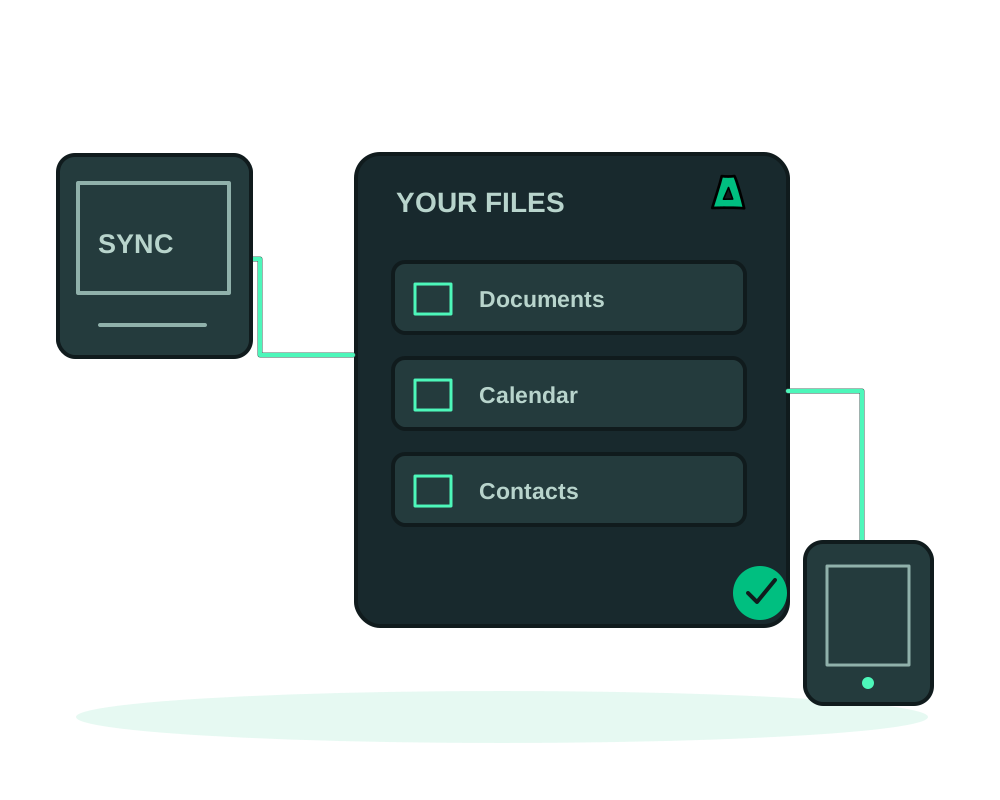
Self-host Nextcloud to control your file sharing, calendars and contacts on a server you administer. Choose an offshore VPS, manage user access and plan capacity and recovery for your data. Impreza accounts can be created without providing an email address; that does not remove the need to secure your Nextcloud instance.
What you get
- Files, calendars, contacts, notes and Talk, plus hundreds of apps
- Desktop and mobile sync clients, with compatibility checked for the devices you use
- Capacity matched to users and enabled apps, including file processing and background jobs
- Offshore, no KYC, crypto billing, with an optional Tor mirror
Get it running
Size the server for your data
Size the server for concurrent users, stored files, previews and enabled apps. Check requirements for your installed version and leave headroom for background work as the library grows.
Install it in one click
Install Nextcloud from the catalog with the hostname you intend to keep. HTTPS is issued automatically. See how one-click installs work.
Set the admin account during the install
Provide the admin user and password as part of the install so the instance comes up already configured, rather than sitting on an open setup wizard.
Connect your devices
Point the desktop and mobile sync clients at your own hostname. Calendars and contacts sync over CalDAV and CardDAV to the apps you already use.
If you install without an admin user and password, the first visit lands on the browser install wizard. On a public hostname that means whoever loads it first can configure your instance and own it. Set both during the install, or keep it unreachable until you have finished setup yourself.
A recovery set should cover Nextcloud’s data, configuration, database and any custom apps or themes you use. Sync clients can propagate unwanted changes, so maintain a separate backup and test recovery. Follow Nextcloud’s maintenance and database-consistency guidance for your installed version.
The Impreza app backup guide explains covered paths and S3 storage; external storage needs its own plan. For a migration, check trusted domains, user access, file downloads and desktop/mobile synchronization before moving traffic. Review background jobs so only the intended instance processes production work.
Nextcloud treats the hostname you install with as its canonical, trusted domain and advertises it to sync clients. Changing it later means reconfiguring clients, so choose the domain before you roll it out to devices.
Nextcloud can publish a Tor v3 .onion address alongside the public hostname. Adding that address does not remove existing public access. If you need access restricted to Tor, review hostname routing, exposed ports and firewall rules, then test access from outside the server. See how to publish a Tor .onion site.
Maintain the instance after installation
For supported catalog deployments, app inspection and the integrated occ command line help investigate application state. Discover the available commands first and collect the completed result. CLI runs require a running deployment and manage permission; plan backups and interruption before maintenance that changes data.
Review background-job scheduling as part of capacity planning. An HTTP call to cron.php is webcron, not native cron. Follow the Nextcloud documentation for your installed version and workload, and check the last successful run in the application rather than relying only on the scheduler’s HTTP status.
Review sharing before inviting the team
Choose which users, groups and public links can access each collection. Review connected apps and external storage separately from server administration. delegated app access controls a platform task; it does not change Nextcloud file-sharing permissions.
Test file upload, download and synchronization on the intended devices before rollout. Keep that functional check alongside the maintenance and recovery procedures above; a healthy deployment alone does not confirm that every client can sync.
Start now
Spin up an offshore VPS and install Nextcloud from the catalog, or read the documentation.