















































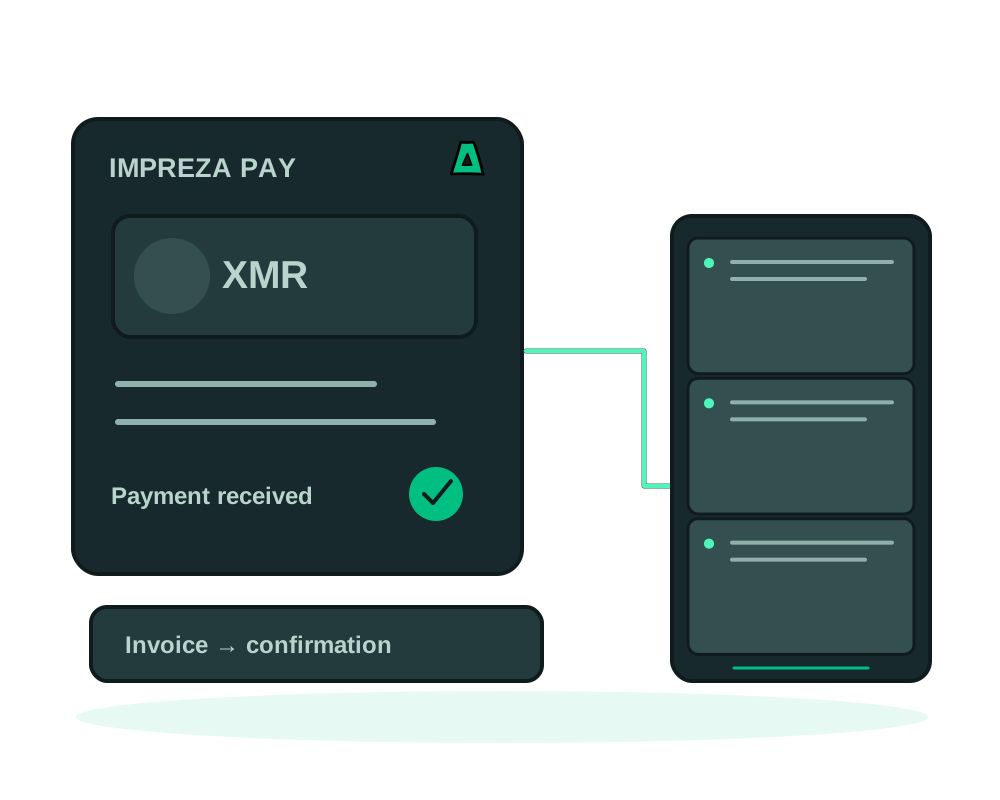
Pay for Impreza hosting in Monero and create an account without providing a personal email address. Monero is designed for transaction privacy, but payment privacy and hosting account records are separate. Review both before choosing how to register and pay.
Why Monero changes the picture
- Monero payment support, with transaction privacy distinct from account privacy
- No KYC, no personal email required, with Account ID and password sign-in
- Crypto-funded hosting balance, with billing records available in the portal
- Your choice of server resources and location. Review the current product, capacity and service-specific protections before ordering
Pay in Monero, step by step
Create a no-email account
Choose the no-email option and securely save your Account ID, password and one-time recovery code. Follow the no-email signup guide.
Top up in XMR
Create a top-up and select Monero from the payment options offered for that invoice. Follow its current instructions and wait for the payment status and available balance to update before ordering; confirmation time can vary.
Order your VPS
Choose an offshore VPS and review the order against your available balance. Server availability, account records and service terms remain relevant whichever payment method you use.
Other supported crypto options include Bitcoin, USDT-TRC20 and TRX. Check the methods and network shown on the current payment page; each invoice’s instructions take precedence over a general summary.
If you forget your password, use your Account ID and one-time recovery code through the account recovery flow. Keep the code private and do not rely on an email reset link for a no-email account.
Choose payment and deployment separately
Paying in Monero does not change the resources or deployment compatibility of the server plan. Follow server deployment with an AI assistant if you want to use a supported assistant workflow; review order details and the permissions you grant.
Use the account privacy report to understand the categories covered by the platform report. It does not inspect every external payment service or erase account records.
Best Monero VPS hosting: look beyond the payment button
The best Monero VPS for your project combines a working XMR payment path with the resources and controls your application needs. Paying for a server should be the beginning of a usable workflow.
Choose the hardware, operating system, app and country offered by the current VPS checkout. Estimate memory, storage and peak load before ordering; the payment method does not change those requirements. For a small private website, begin with a suitable VM. For sustained workloads needing exclusive hardware, compare VPS and dedicated servers before committing.
Once the service is ready, eligible deployments can use My Apps and an authorized MCP assistant. You can keep control of the assistant’s scope, review supported changes and prepare app backups. If your project needs an onion address, the Tor hosting choice guide explains the publication and access options.
Follow the invoice, then verify the service
Use the Monero VPS payment walkthrough for the current top-up and purchase flow. Confirm the invoice status and available balance, review the order, then check the deployed service. Do not send a second payment simply because provisioning is still in progress.
An XMR transaction, the hosting balance and the running application are different stages. Keeping that distinction clear helps you understand both the privacy benefit and what the portal needs to record.
Start now
Fund a balance in Monero and spin up an offshore VPS, or read how account and billing work in our docs.