Choose VPS or dedicated servers by location, resources and workload.

































Explore servers, hosting and tools for your project.




Publishing a private website should not leave you with a collection of disconnected tools to maintain. Your application needs a place to run, a way for people to reach it, protection against abusive requests and a recovery plan when something goes wrong.
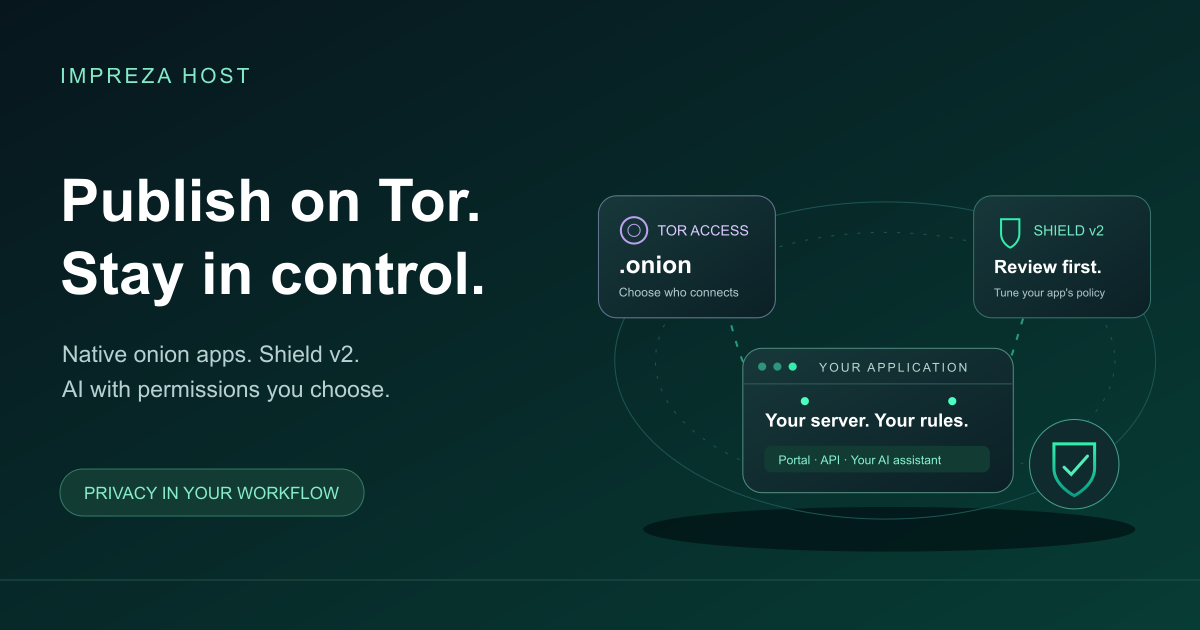
We are bringing those tasks together in Impreza: a platform for deploying and operating supported applications on your own server, with native Tor integration, Impreza Shield v2 and an optional connection to your AI assistant.
Our Tor publishing and access controls are already available. The latest Shield and MCP releases give you more ways to review protection, understand your account and guide everyday operations. Here is what that means for your next project.
An onion service is a website or application reached through the Tor network using a .onion address. It gives visitors a way to connect without an ordinary public website address and helps protect the network location of the service.
With the Impreza Agent on a compatible server, you can publish a supported application with an onion address and manage it from My Apps. That includes custom applications, not just static pages. You choose the exposure your project needs and verify the route people will actually use.
For a private workspace or a restricted preview, you can authorize specific Tor clients. This controls who can discover and connect to the onion service; the application’s own login remains a separate layer. Start with our onion publishing guide or learn about restricting access to authorized clients.
MCP is the connection that lets a compatible AI assistant use Impreza’s tools. Instead of copying commands between a chat and a terminal, you can ask the assistant to inspect your applications, explain a failed deployment or prepare a supported change.
You decide what the connection can access. Limited permissions and human approval for selected operations help you keep control of changes. You can also use the portal directly, without an AI assistant.
The latest release adds an account overview and five guided workflows for common tasks, including publishing from Git, diagnosing a deployment and restoring a backup. These guides help an assistant follow a reviewed process; they do not grant permission to make changes by themselves.
“Review my app’s Tor access and Shield settings. Explain what you recommend and ask me before changing anything.”
That is a useful place to start: understand the current state before taking action. See how Impreza MCP works.
A private address still needs a well-protected application. Impreza Shield protects supported web routes, including onion routes, with a web application firewall, browser challenges and request limits.
Shield v2 makes that protection easier to tune. You can review which detection rules matched, investigate false positives and adjust the paths that receive challenges. You can also change request limits or use temporary under-attack mode, which returns to the base settings when its chosen period ends.
The firewall starts by observing. You review legitimate app behavior before enabling blocking. Stronger profiles can still challenge or limit visitors while the firewall observes, so forms, API clients and webhooks should be tested with the settings you choose.
Shield’s protection counters do not export visitor identities. Your application’s own logs and any external services have their own privacy behavior. Shield handles abusive web requests; it does not promise protection against every attack or a saturated network connection.
The newer controls require a compatible server running Agent 0.6.27 or later. Existing servers need an explicit update. Follow the Shield setup guide.
Reaching an application through Tor, connecting to the management platform through Tor and sending an application’s outbound traffic through Tor are three different choices.
Impreza provides onion addresses for its portal, documentation, API and hosted MCP endpoint. A compatible Tor-capable client is required to use them. Eligible custom applications can also use isolated outbound TCP connections through Tor, with a SOCKS-capable application client. That option does not move image downloads or builds onto Tor.
Using Tor does not make an external AI provider stop receiving the prompts and results you share with it. Choose the information you send and the access you authorize. Our official Tor addresses and privacy guide explain these choices.
You can start with compatible Impreza infrastructure or connect a supported server hosted elsewhere. Installing the Agent adds the supported management capabilities without moving your hosting contract. Existing applications and data are not imported automatically.
Onion identity export can help you plan recovery of an address, while app backups protect the data they cover. These are separate things to prepare and test. Keeping an address does not recover missing application data.
Choose a compatible server, deploy an app, decide who should reach it and review its protection. Add an AI assistant when it helps your workflow.
Open My Apps or explore the platform and connect your assistant.