















































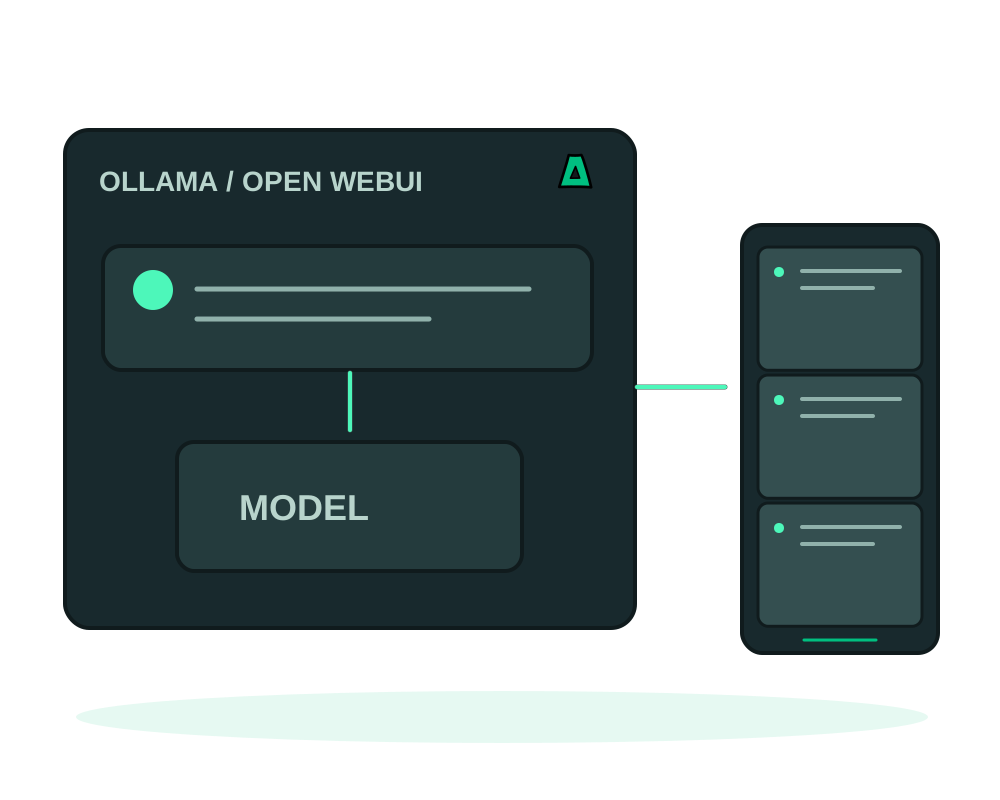
Run models with Ollama on your own server and use Open WebUI as the chat interface. For local inference, keep the selected model endpoint on infrastructure you control. Remote providers, search and connected tools can send prompts or documents elsewhere; review those connections before using sensitive data.
Two pieces that fit together
- Ollama runs the models: Llama, Mistral, Phi, DeepSeek and more
- Open WebUI is the ChatGPT-style front end you actually use
- An OpenAI-compatible API at
/v1, so existing code can point at it - Offshore, no KYC, crypto billing, with model connections and access under your administration
Get it running
Size the server for the model
Size memory, storage and any GPU for the selected model, context and concurrent users. Model weights can be large, and a fixed minimum does not guarantee usable inference. Use a supported catalog deployment with the Impreza Agent online and test the intended workload.
Deploy Ollama
Install Ollama from the catalog. It exposes an OpenAI-compatible API, which is what the front end and your own code will talk to.
Deploy Open WebUI and point it at Ollama
Install Open WebUI and set its backend URL to your Ollama deployment. It also speaks to any other OpenAI-compatible endpoint, so you can mix a local model with a remote one.
Register immediately
Open the interface and create your account right away, because the first user to register becomes the administrator.
Do not expose the local model API without access controls. Keep it reachable only by the intended clients, or place appropriate authentication and network restrictions in front of it. An onion address does not replace authentication and does not automatically close other published ports.
Open WebUI hands administrator rights to whoever registers first. If the URL is public and you have not registered, someone else can claim it. Register the moment it is up, then review who is allowed to sign up.
Local inference gives you control over the model endpoint and stored chat data. Review provider connections, tools, uploads and logging together; selecting a local model does not make every optional integration local.
Without a GPU, expect useful but unhurried responses on smaller models. Size the model to the server rather than the other way around, and test before you build a workflow on top of it.
Maintain models and recover the chat workspace
Use app inspection and maintenance for supported deployment checks, then verify that Open WebUI reaches the intended model endpoint. A running container does not prove that inference is using the selected GPU or local provider.
Plan app backups to Impreza S3 around the chat database, uploads and required configuration. Model weights may be stored separately; identify which can be downloaded again and which custom files need a protected copy. External databases and storage require their own recovery procedure.
For migration between compatible servers, verify endpoint URLs, credentials and available resources on the destination. Test a non-sensitive conversation and an uploaded document before giving the team access.
Start now
Spin up an offshore VPS and install both from the catalog, or read the documentation.