















































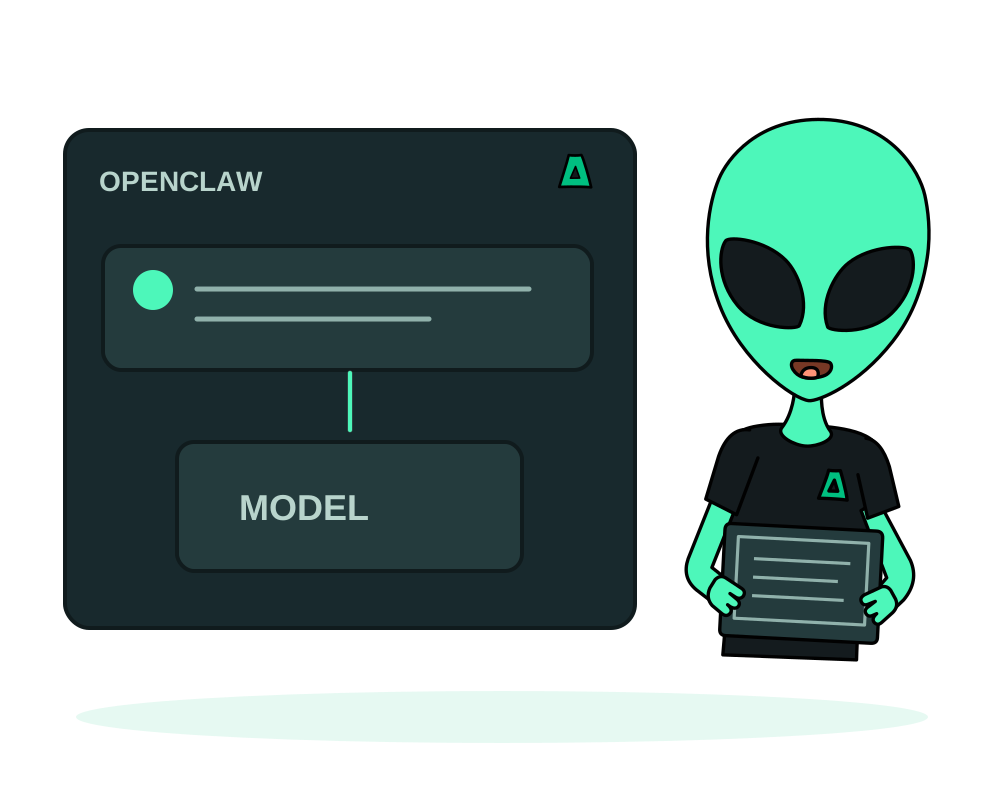
Run an OpenClaw gateway on your own offshore server and connect the messaging channels you choose. You control the gateway deployment; messaging networks, model providers and enabled tools still process the information sent to them.
What you get
- One assistant across channels: WhatsApp, Telegram, Slack, Discord and more
- Self-hosted gateway, with channel and model connections you configure
- Resources matched to your setup, including channels, tools and the selected model backend
- Offshore, no KYC, crypto billing, with an optional Tor address
Get it running
Pick a small VPS
Size the gateway for the installed version and enabled tools. Running a model on the same server adds its own memory and compute requirements; a remote model provider has separate limits and charges.
Install it in one click
Install OpenClaw from the catalog with a hostname for the gateway interface. The certificate is issued automatically. See how one-click installs work.
Store the gateway token
The install generates a gateway token that every API call must present. Copy it into your password manager: on a public hostname, that token is what stands between the internet and your assistant.
Sign in and connect your channels
Log in through the interface, then connect only the messaging channels you actually want the assistant to handle.
The install can optionally take session cookies copied from a logged-in browser to skip first-run onboarding. Those cookies are bearer credentials for that account: anyone who reads them, from the config, a log or a backup, can act as you. Prefer logging in through the interface. If you do use them, treat them as a password, keep them out of repositories and backups, and expect them to expire.
Connected to a messaging account, it can read conversations and send messages under your name. Connect the minimum set of channels, review what the agents are allowed to do, and keep in mind that anyone who compromises the gateway inherits that reach.
Self-hosting gives you control over gateway configuration and stored state. A self-hosted model can keep inference local, while messaging channels and external tools remain separate data recipients.
Restrict access to the gateway and retain authentication. An optional onion address changes how clients reach it, but does not replace channel permissions or automatically close published host ports. See the Tor publishing guide.
Separate assistant permissions from server access
Use delegated app access for a supported platform task with limited resources, actions and duration. That delegation does not define what OpenClaw may read or send through a connected channel; review those permissions within the assistant separately.
Use app inspection and maintenance on supported deployments with the Agent online, and protect gateway tokens from shared logs. Before app backups to Impreza S3, identify persistent configuration and session state, and plan secure credential recovery. A restored gateway does not guarantee that every channel remains paired.
When moving the assistant, avoid leaving two instances processing the same channels unintentionally. Validate one test channel and the selected model connection before restoring normal use.
Start now
Spin up an offshore VPS and install OpenClaw from the catalog, or read the documentation.