















































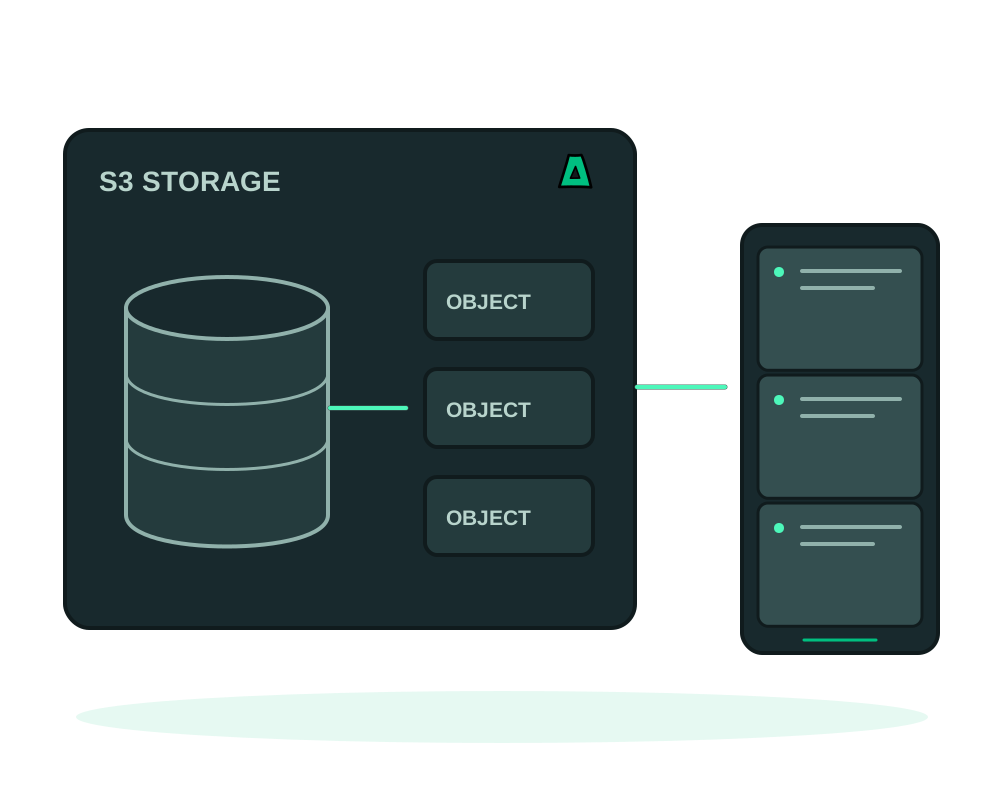
MinIO can provide S3-compatible object storage on a server you administer. If you already run a MinIO deployment, review storage capacity, client access and recovery before relying on it for production buckets.
MinIO is no longer offered for new installations in the Impreza app catalog. Existing deployments remain in place; this change does not remove their buckets or data. Check your existing instance and its recovery plan before maintenance.
The integrated Impreza S3 app backup service is a separate service. It has not been removed by this catalog change.
Review your existing object store
- S3-compatible access, validated against the operations and authentication your clients require
- Capacity planning you control: review server, storage and transfer limits for your workload
- A web console for buckets, users and policies
- Offshore, no KYC, crypto billing
Check an existing deployment
Size storage and throughput
Plan disk capacity, memory, CPU and network throughput for object size and concurrent requests. Allow for growth and for any versioning or recovery copies you intend to retain.
Review the current instance
Check the deployed version, reachable endpoints, data paths and available recovery copies. A new MinIO catalog installation is not available as a replacement. Do not remove the existing instance before you have reviewed and tested an appropriate storage-recovery procedure.
Save the root credentials, then stop using them
Keep the instance’s root credentials in your password manager. Then create a dedicated user and access key per application, scoped to the buckets it actually needs.
Point your tools at it
Configure your S3 client, SDK or backup tool with your endpoint and the scoped key. Verify the S3 operations and authentication options your client needs before moving production data.
The root user has full control of every bucket and policy. Wiring an application, a script or a backup job to it means one leaked config file exposes everything. Create a scoped user per consumer, grant only the buckets and actions it needs, and keep root for administration.
MinIO serves the S3 API and the web console on separate ports. Decide deliberately what is reachable from where: a public console is an authentication surface you may not need, and an unrestricted API endpoint invites credential stuffing. Publish only what has to be public.
A self-hosted MinIO instance can serve as a destination for backup tools that support its S3 interface. Review the tool’s compatibility, encryption options and recovery procedure. Protect bucket access and keep another copy outside the failure domain of this VPS.
The integrated Impreza app backup service uses the Impreza S3 storage associated with your account. Deploying this MinIO app does not automatically make it that service’s backup destination. Moving an object store also requires validating buckets, objects, access policies and client endpoints; do not assume the generic app migration workflow alone covers a complete storage migration.
A single VPS is not a replicated storage cluster. Treat it as primary storage with a copy elsewhere, not as the only copy of anything you cannot lose.
Verify client access after maintenance
For supported deployments with the Impreza Agent online, use app inspection and maintenance, then test a dedicated non-production bucket with the same client configuration your application uses. Verify required operations and confirm that its scoped credentials cannot access unrelated buckets.
Keep object-store users and policies separate from delegated app access. A platform delegation is not an S3 access key and does not replace bucket permissions.
After recovery or an endpoint change, verify expected objects and access policies before moving application traffic. Retain an independent recoverable copy and review the separate storage-migration requirements described above.
Start now
For supported app backups, follow the Impreza S3 backup and restore guide. If you are planning a new object store, review a supported installation source, maintenance and recovery with support before choosing an offshore VPS. This page does not offer a new one-click MinIO installation.