















































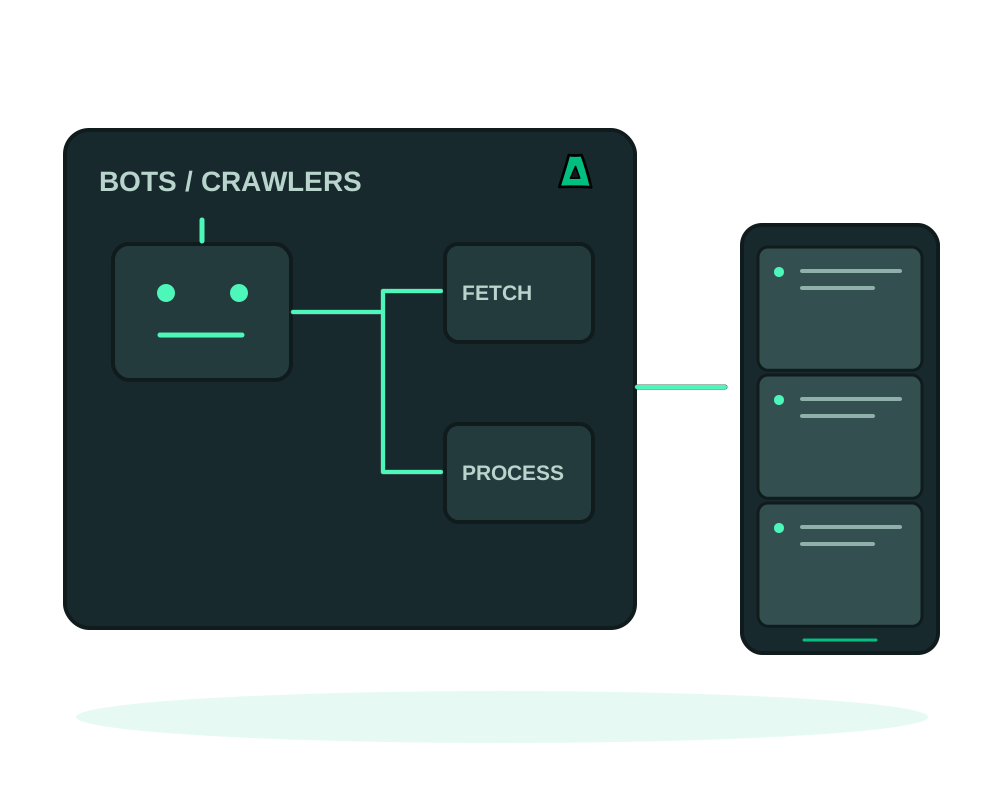
Run your automation with a deployment workflow you can repeat. On a compatible server with the Impreza Agent online, deploy a supported container or Git application and inspect its status from My Apps or an authorized assistant. Size browser processes, queues and storage for the work your bot actually performs.
Built for automation
- Full root to install headless browsers, queues, schedulers and your own runtime
- No KYC and crypto billing, with optional no-email signup
- Plan network capacity and availability for long-running workers
- Scale on demand: add VPS instances for parallel workers, remove them when the job is done
From script to running fleet
Deploy your worker
For a supported deployment with the Impreza Agent online, choose the documented Docker or Git workflow for your worker. Account for browser processes, queues and runtime dependencies when sizing it.
Automate the deploys
Connect a git webhook so every push ships the new version automatically. See auto-deploy on git push.
Scale out for parallel work
Add workers when the available plan and workload justify it. Coordinate the queue and resource limits, and check service cancellation and billing rules separately; finishing a job does not automatically end a server subscription.
With the Impreza MCP your assistant can order, deploy and redeploy VPS workers on demand. See the guide.
Respect each target site’s terms and robots rules, rate-limit your crawlers, and do not use the servers for intrusion, credential stuffing or spam. Abuse gets the account suspended under our acceptable use policy.
Schedule work and verify completed jobs
Use scheduled app tasks only where the documented execution model fits the job. A scheduled command runs in a separate container, not automatically inside the worker’s filesystem. Use the application’s own queue or scheduler where that is the better fit.
Use app inspection and maintenance on supported deployments, then verify completed jobs in the application. Make retries safe for the task and coordinate workers so the same item is not processed unintentionally twice. Protect persistent queue state and outputs through an appropriate recovery procedure.
Start now
Spin up an offshore VPS for your first worker, or read the documentation to wire up auto-deploy and scaling.