















































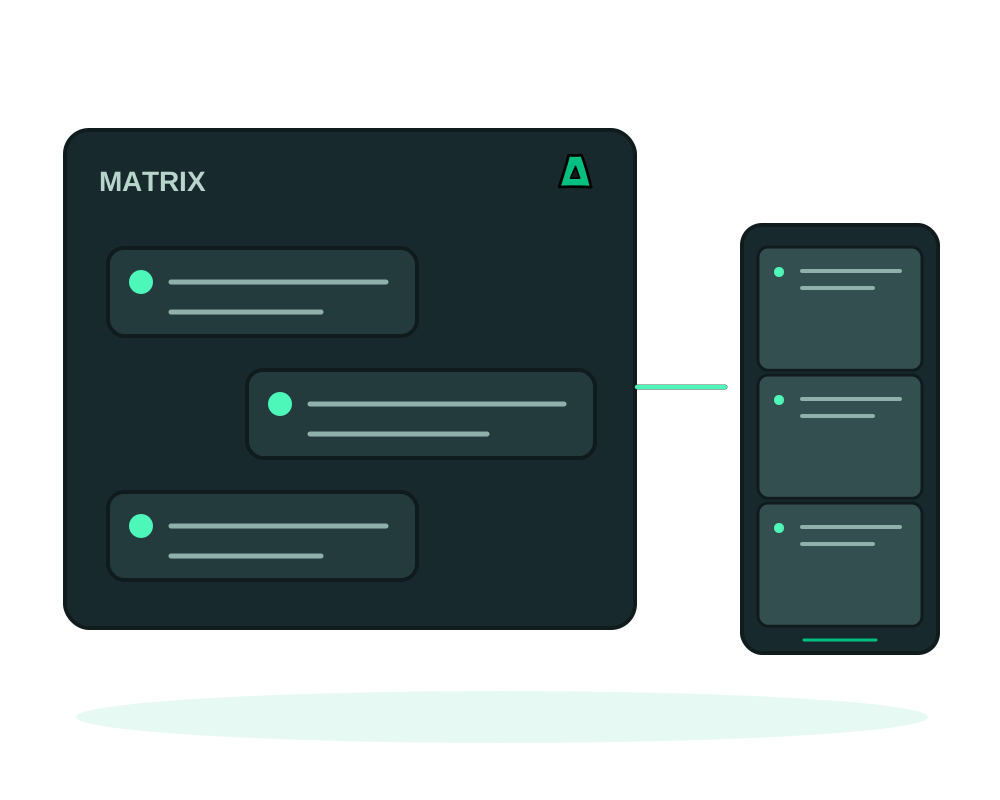
Run a Matrix homeserver on your own offshore VPS and choose its registration, federation and retention settings. No-KYC hosting does not imply absence of account records. Federated conversations and clients can hold data outside your server; assess that sharing as part of your deployment.
What you get
- End-to-end encryption for encrypted rooms, with key handling performed by participating clients
Get it running
Choose the server name carefully
Your domain becomes part of every user handle, as in @you:example.com. This is effectively permanent: changing it later means rebuilding the homeserver and reissuing every account. Decide before you install.
Install it in one click
Install Matrix from the catalog with that hostname. HTTPS is issued for you. See how one-click installs work.
Create your accounts
Register the accounts you need and connect with any Matrix client. Point people at your homeserver instead of a public one.
Decide how open it should be
A homeserver for a small group and a homeserver open to the public are very different services. Keep registration closed unless you intend to run a community.
Unlike most settings, the Matrix server name cannot be changed after the fact without starting over. Use a domain you own and intend to keep, not a temporary subdomain.
In encrypted rooms, participating clients encrypt message content. The homeserver still handles metadata, and federation shares data with other homeservers involved in the room. Keeping a room on one homeserver does not guarantee that clients, integrations or backups leave no other copies. Verify room encryption and client key recovery separately.
Synapse can report usage statistics upstream. On our install it defaults to off, which is the right default for a privacy-first deployment. Turn it on only if you want to support the project.
The catalog install uses a SQLite backend, which is right for a personal or small-team homeserver. A busy public server with heavy federation is a different workload: plan for more memory and a proper database.
Recover the homeserver and preserve its identity
Use app inspection and maintenance for supported deployment checks, then test client login and any federation you intentionally enable. Preserve the server name when moving the same homeserver; a new host is not a reason to issue new Matrix identities.
Before using app backups to Impreza S3, map the database, media, configuration and server signing keys into the recovery plan. Review excluded or external storage, use a database-consistent method and protect key material separately. Server recovery does not replace the client-side keys needed to read encrypted room history.
Follow migration between compatible servers for the platform move and verify the homeserver-specific steps before switching traffic. Keep production writes controlled during the cutover and confirm that clients reach the recovered instance.
Choose the recipe and plan your updates
The Impreza catalog offers an updated Matrix/Synapse recipe for new installations. A catalog update does not upgrade an existing app or convert its data. Review the version available in My Apps, back up the app’s covered data and follow the application’s supported upgrade path before changing an installed instance. Confirm the restored or upgraded app’s important functions before moving users to it.
For the installation flow and version shown at deploy time, use the app catalog guide.
Start now
Spin up an offshore VPS and install Matrix from the catalog, or read the documentation.